

Published by BytesAgain · May 2026
AI Content Automation: Which Skill Actually Powers Your Workflow?
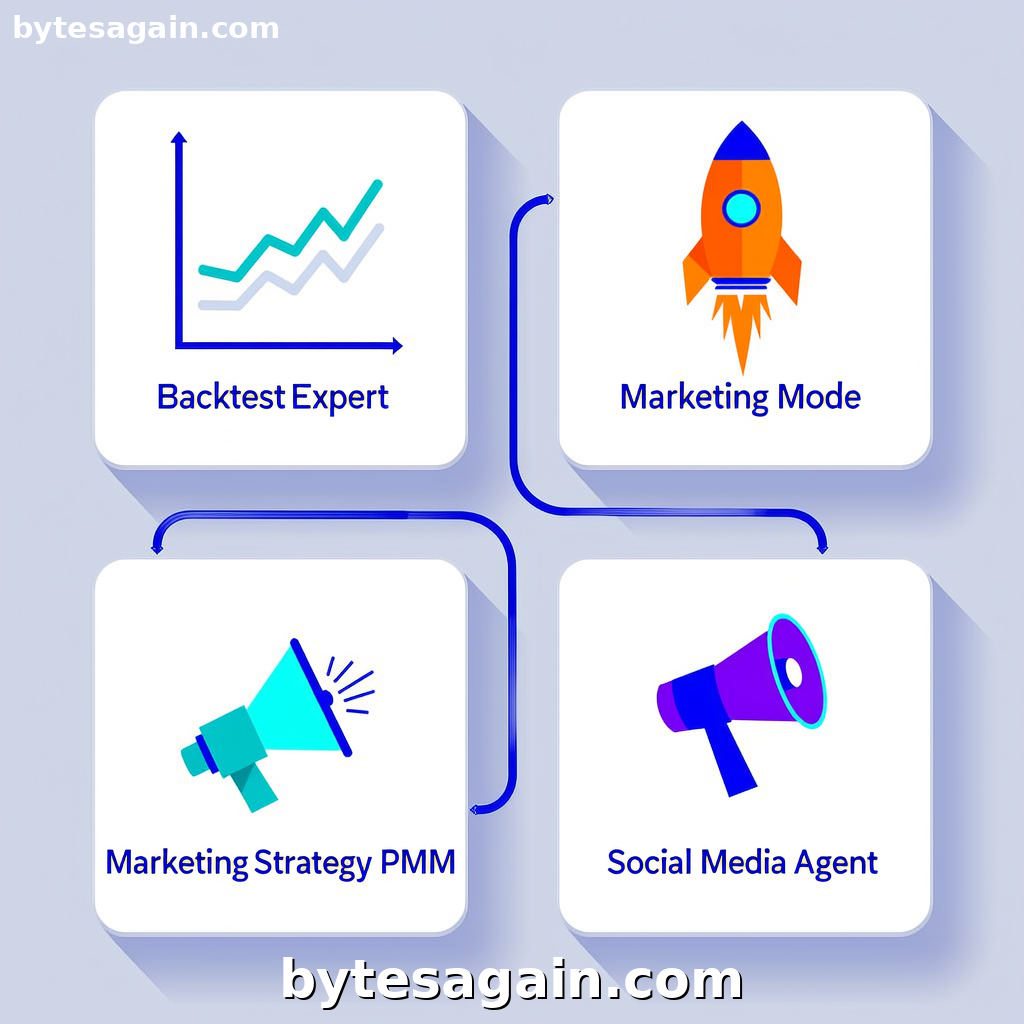
Content creation is rarely the bottleneck—it's the planning, strategy, distribution, and iteration around the content that eats your time. When you want to automate content production with an AI agent, you need the right skill for the job. Not every agent handles the full pipeline. Some are built for strategy, others for execution, and one is frankly in the wrong room. This article compares four distinct skills available on the Explore the Automate content creation workflow use case page, so you can pick the right tool for your specific content automation needs.
The Four Contenders
Backtest Expert (backtest-expert) is a specialized skill for quantitative traders. It provides expert guidance on systematic backtesting of trading strategies. If you need to stress-test a market hypothesis, validate a new algorithm, or "beat an idea to death" with historical data, this is your skill. It has zero content creation capabilities—but it does generate reports and data narratives.
Marketing Mode (marketing-mode) is the heavy lifter. It bundles 23 marketing skills into one agent: strategy, psychology, copywriting, SEO, conversion optimization, and paid growth. This is a generalist powerhouse for anyone who needs end-to-end marketing content.
Marketing Strategy PMM (marketing-strategy-pmm) focuses on product marketing: positioning, go-to-market strategy, competitive intelligence, and product launches. It's narrower than Marketing Mode but deeper in product-specific content.
Social Media Agent (social-media-agent) is built for autonomous X/Twitter management. It posts content, tracks engagement, generates threads, and builds an audience—all using native OpenClaw tools.
Side-by-Side Comparison
What Each Skill Actually Does
- Backtest Expert produces data-driven reports, trading strategy documentation, and performance summaries. It's analytical, not creative.
- Marketing Mode produces blog posts, email sequences, landing page copy, ad creatives, SEO briefs, and full campaign strategies.
- Marketing Strategy PMM produces product positioning docs, competitive battle cards, launch playbooks, and messaging frameworks.
- Social Media Agent produces tweets, threads, replies, and engagement tracking. It's real-time and platform-specific.
When to Use Which
- Use Backtest Expert when your content workflow starts with data. For example, you run a financial newsletter and need to turn backtest results into a readable market commentary. It automates the insight generation part of content.
- Use Marketing Mode when you need a full content pipeline from strategy to publication. It handles research, drafting, SEO optimization, and conversion-focused copy. Best for solo creators, small marketing teams, or anyone who wears many hats.
- Use Marketing Strategy PMM when you're launching a product or entering a new market. It automates competitive analysis and positioning documents that feed into your broader content calendar.
- Use Social Media Agent when your content output is primarily on X/Twitter and you need daily, consistent posting without manual effort.
Where They Overlap
All four skills can generate text, but the type of text differs wildly. Marketing Mode and Marketing Strategy PMM overlap in strategy and positioning, but Marketing Mode is broader while PMM is deeper. Social Media Agent and Marketing Mode both handle content creation, but Social Media Agent is locked to one platform. Backtest Expert is the odd one out—it generates content from data, not from creative briefs.
Real Scenario: Launching a Fintech Newsletter
Imagine you're building a weekly newsletter called "The Quant Marketer" that explains trading strategies to retail investors. Each issue needs three things: a data-driven market analysis, a product marketing angle, and social media promotion.
Here's how each skill fits:
- Backtest Expert generates the core insight. You feed it a trading strategy, and it produces a backtest report with performance metrics, risk analysis, and a narrative summary. This becomes the newsletter's main article.
- Marketing Strategy PMM takes that analysis and frames it for your audience. It creates positioning: "Why this strategy works for retail traders right now." It writes the intro, the value proposition, and the call-to-action.
- Marketing Mode then repackages everything into SEO-optimized blog posts, email versions, and ad copy for promoting the newsletter.
- Social Media Agent posts teaser threads on X, replies to comments, and tracks engagement to see which topics resonate.
In this workflow, you'd use all four—but for different stages. If you could only pick one, Marketing Mode would cover the most ground, but you'd lose the specialized data analysis from Backtest Expert and the platform-specific automation from Social Media Agent.
Actionable advice: For a content automation workflow, start with the skill that matches your input type. If your input is data, use Backtest Expert. If your input is a product or strategy, use Marketing Strategy PMM. If your input is a general topic or goal, use Marketing Mode. The Social Media Agent is best used as a distribution layer after the content is created.
Which Skill for Which User Type
The Solo Creator — You write, edit, publish, and promote everything yourself. Your best bet is Marketing Mode. It replaces multiple tools and handles everything from strategy to copy. Combine it with Social Media Agent if you're active on X.
The Product Marketer — You work on launches, positioning, and competitive analysis. Marketing Strategy PMM gives you depth where you need it. Use Marketing Mode for the broader content calendar.
The Data-Driven Publisher — You run a newsletter or blog based on quantitative analysis. Backtest Expert is your primary skill for generating insights. Use Marketing Mode to turn those insights into polished content.
The Social-First Brand — Your content lives on X/Twitter. Social Media Agent handles daily posting, engagement, and growth. Pair it with Marketing Mode for long-form content that you repurpose into threads.
The Trading Strategy Developer — Honestly, you're probably on the wrong use-case page. Backtest Expert is here because it generates reports that could be content, but it's primarily a research tool. Use it alongside Marketing Mode if you publish trading content.
Final Recommendation
No single skill covers the entire content automation pipeline. The smartest approach is to combine skills based on your workflow stage:
- Insight generation: Backtest Expert (if data-driven) or Marketing Strategy PMM (if product-driven)
- Content production: Marketing Mode (general) or Social Media Agent (X-specific)
- Distribution: Social Media Agent (for X) plus manual publishing elsewhere
If you must choose one skill to automate the broadest content creation workflow, pick Marketing Mode. It's the closest thing to an all-in-one content automation agent. But if your content is specialized—data-heavy, product-focused, or platform-specific—the specialized skill will outperform the generalist.
Start by identifying where your content bottleneck actually is. Is it generating ideas? Drafting copy? Publishing daily? Then pick the skill that solves that bottleneck first. You can always add more skills later as your workflow expands.
Find more AI agent skills at BytesAgain.