

Published by BytesAgain · May 2026
AI App Development Agent Skills Compared: Pick the Right Tool for Your Workflow
Building an AI agent that can write, review, and integrate full-stack application code is one of the most exciting challenges in modern software development. You want an agent that can automate the tedious parts of coding while maintaining quality and consistency. But which skill do you actually need to make that happen?
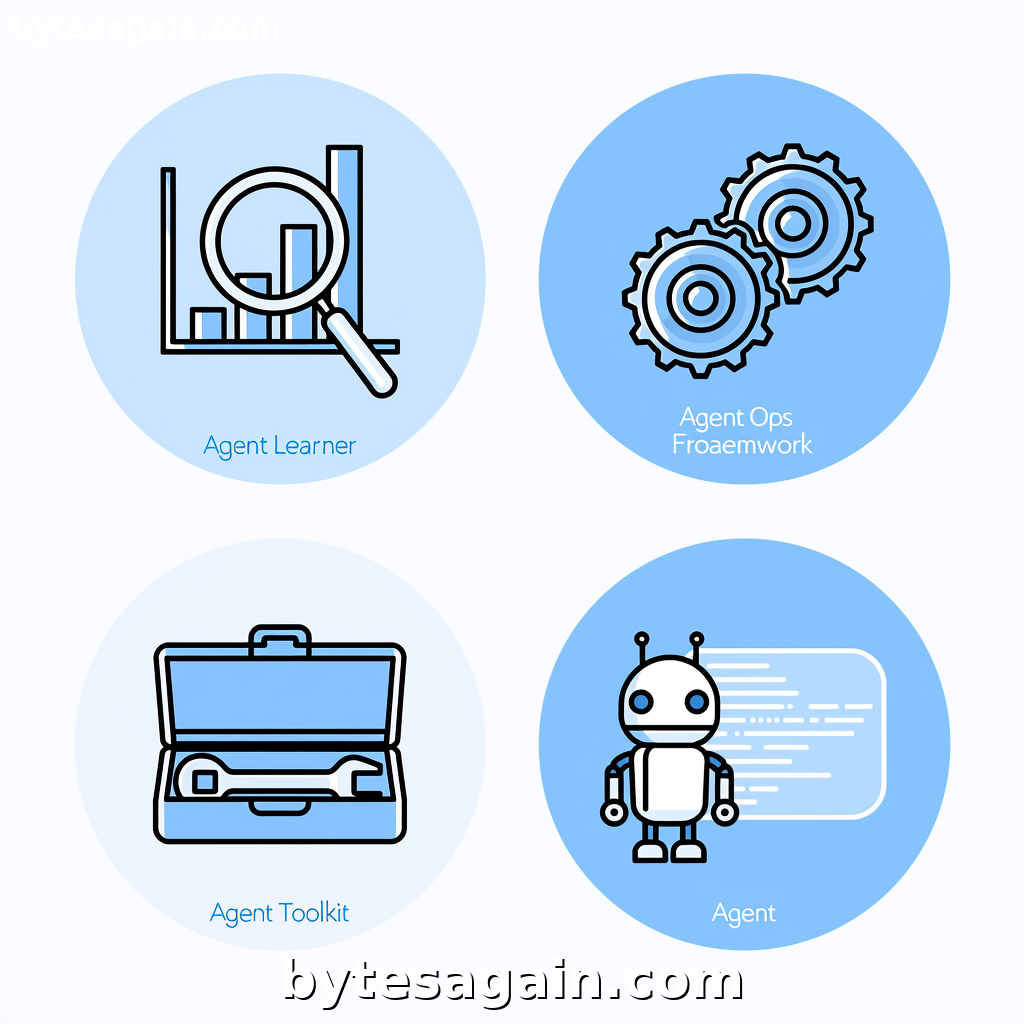
The Explore the AI App Development Agent use case brings together four distinct skills: Agent Learner, Agent Ops Framework, Agent Toolkit, and Developer Agent. Each one approaches the problem from a different angle. Some focus on how you configure your agent's behavior, others on how you structure its reasoning, and one even coordinates directly with existing developer tools like Cursor to manage your entire workflow.
This article breaks down each skill, compares their strengths side by side, and helps you decide which one to use depending on your role and goals.
The Four Skills at a Glance
Before we compare, here is a quick overview of what each skill does and where it shines.
Agent Learner is built for experimentation and tuning. Its main job is to help you benchmark and compare agent prompts, evaluation results, and configuration strategies. If you are trying to figure out which prompt makes your code generator produce cleaner output, or whether a different evaluation method catches more bugs, Agent Learner gives you the framework to run those comparisons systematically.
Agent Ops Framework is a reference and operational guide for building complex agent systems. It covers multi-agent architectures, ReAct and chain-of-thought reasoning patterns, tool-use conventions, and prompt injection defense. This skill is less about running experiments and more about designing the underlying structure of your agent so it can reason correctly and safely.
Agent Toolkit focuses on the practical side of tool integration. It helps you configure and benchmark the external tools your agent uses — things like code interpreters, API connectors, or file system access. When you need to set up agent workflows, compare which tool performs best for a given task, or evaluate how your agent interacts with its environment, Agent Toolkit is the right choice.
Developer Agent is the most hands-on of the four. It orchestrates software development by coordinating with Cursor Agent, managing git workflows, and ensuring quality delivery. This skill is designed for developers who want an agent that actively participates in the coding process — writing code, creating pull requests, running tests, and integrating feedback.
Side-by-Side Comparison
Each skill serves a different layer of the AI app development stack. Here is how they compare across key dimensions.
Purpose and Focus
- Agent Learner is about measurement and iteration. It is the skill you use when you want to know if your changes actually improve your agent's output.
- Agent Ops Framework is about architecture and safety. It is the skill you consult when designing how your agent thinks and how multiple agents work together.
- Agent Toolkit is about tooling and workflow. It is the skill you rely on when your agent needs to interact with external systems and you need to pick the right integration.
- Developer Agent is about execution and delivery. It is the skill you use when you want an agent that actively builds software alongside you.
Best For Evaluating Existing Agents
- Agent Learner excels here. It provides structured ways to compare prompts and evaluation results side by side.
- Agent Toolkit also supports evaluation, but more from the perspective of tool performance rather than prompt quality.
- Agent Ops Framework and Developer Agent are less focused on evaluation — they assume you already know what you want to build.
Best For Designing New Agent Systems
- Agent Ops Framework is the clear winner for design. It gives you patterns for reasoning, multi-agent coordination, and security.
- Agent Learner can help during the design phase if you want to prototype and test different configurations quickly.
- Agent Toolkit helps you design the tool layer once you have the architecture figured out.
- Developer Agent is more about using an existing design to produce code.
Best For Hands-On Development
- Developer Agent is the most practical for daily coding. It integrates with Cursor, handles git, and focuses on shipping quality code.
- Agent Toolkit comes second because it helps you set up the tools your agent will use during development.
- Agent Learner and Agent Ops Framework are more strategic — they are better suited for planning and tuning phases.
Real Example: Building a Code Review Agent
Imagine you are building an AI agent that automatically reviews pull requests in a TypeScript project. You want it to check for type errors, enforce style rules, and suggest improvements.
Here is how each skill would help you approach this.
With Agent Learner, you would start by running a series of experiments. You might test three different prompt templates for the code review task, each with a slightly different instruction set. The skill lets you compare the review outputs side by side, measure how many actual bugs each prompt catches, and decide which version performs best before you deploy.
With Agent Ops Framework, you would focus on the reasoning architecture. You might design a chain-of-thought pattern where the agent first reads the diff, then identifies changed functions, then checks for common error patterns, and finally writes a summary. The framework also helps you think about how to handle multiple agents — for example, one agent that reviews code and another that checks for security vulnerabilities.
With Agent Toolkit, you would configure the tools your review agent needs. This includes setting up access to the git repository, connecting to a TypeScript compiler for type checking, and integrating with a linting tool. You would benchmark which tool configurations give the fastest and most accurate results.
With Developer Agent, you would actually build the review agent and integrate it into your workflow. The skill coordinates with Cursor to write the review logic, manages the git hooks that trigger reviews on new pull requests, and ensures the agent runs tests before posting its feedback.
Actionable advice: Start with Agent Learner if you are still discovering what works. Switch to Agent Ops Framework once you need a stable architecture. Use Agent Toolkit to wire up your tools, and bring in Developer Agent when you are ready to ship. Trying to jump straight to Developer Agent without the earlier steps often leads to brittle agents that fail in unexpected ways.
Which Skill for Which User Type
For the solo developer building a personal coding assistant You will get the most value from Developer Agent. It handles the full development lifecycle and integrates with tools you already use. Pair it with Agent Toolkit if you need to add custom tools like database access or API clients.
For the AI engineer tuning prompts and evaluations Start with Agent Learner. It is purpose-built for comparing configurations and measuring performance. Once you find a winning prompt, use Agent Ops Framework to harden the architecture before going to production.
For the team lead designing a multi-agent system Your primary skill is Agent Ops Framework. It gives you the patterns and safety guidelines you need to coordinate multiple agents without chaos. Supplement with Agent Learner to validate each agent's performance independently.
For the platform engineer building agent infrastructure Focus on Agent Toolkit. Your job is to provide reliable tools that other agents and developers can use. Benchmarking tool performance and configuring integration patterns is exactly what this skill does best.
Final Recommendation
No single skill covers everything. The best approach is to use them in layers.
Start with Agent Learner to experiment and find the right prompts and evaluation methods. Use Agent Ops Framework to design a robust architecture that handles reasoning, multi-agent coordination, and security. Apply Agent Toolkit to configure and benchmark the tools your agent needs. Finally, deploy with Developer Agent to manage the actual development workflow and deliver quality code.
If you can only pick one, choose based on your primary role. Developers building agents for daily use should start with Developer Agent. Engineers focused on agent performance and safety should start with Agent Learner or Agent Ops Framework. Platform and infrastructure teams should begin with Agent Toolkit.
The Explore the AI App Development Agent use case page has more details on how these skills work together. Each skill page also includes concrete examples and configuration guides to help you get started quickly.
Find more AI agent skills at BytesAgain.