

Which AI Skill Builds the Best Automation Testing Agent? A Side-by-Side Comparison
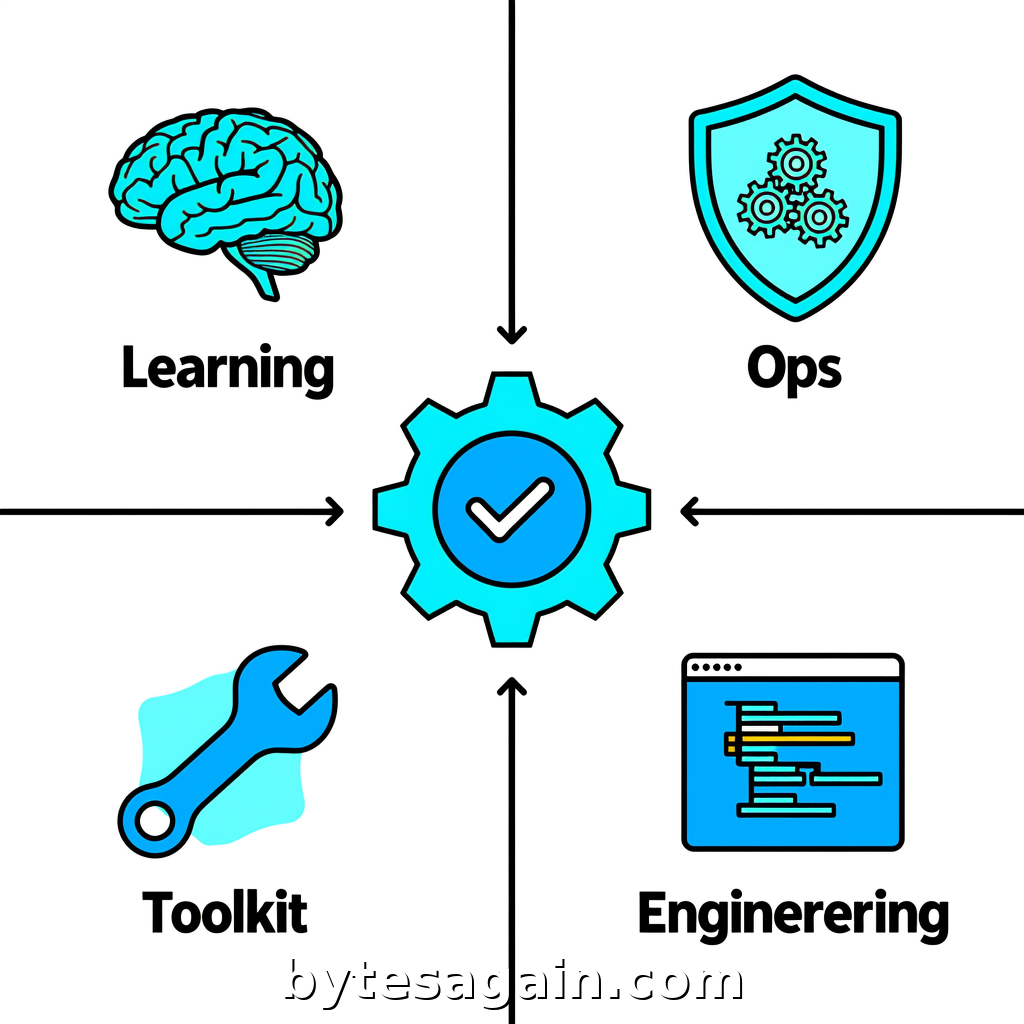
Published by BytesAgain · May 2026
Testing is the bottleneck no one talks about. Your development team ships code fast, but every release brings a manual regression grind. An AI automation testing agent changes this: it can intelligently generate, maintain, and analyze end-to-end test suites for web, mobile, and API workflows. But building that agent requires the right skill set.
On the BytesAgain marketplace, four skills stand out for this use case. Each approaches automation testing from a different angle — some focus on the agent's learning loop, others on orchestration, tooling, or development workflow. Choosing the wrong one means wasted effort. Choosing the right one means an agent that actually maintains itself.
Let's break down each skill, compare their strengths, and help you decide which one fits your testing scenario.
The Four Skills at a Glance
Agent Learner
The Agent Learner skill is built for iteration. It helps you benchmark and compare agent prompts and evaluation results. If you're tuning how your testing agent writes test cases or evaluates their quality, this skill gives you the feedback loop to improve systematically.
Strengths: Prompt optimization, A/B testing of agent behavior, evaluation metrics.
Agent Ops Framework
The Agent Ops Framework is the reference manual for building reliable multi-agent systems. It covers architectures like ReAct and chain-of-thought, tool-use conventions, and prompt injection defense. For testing agents that need to coordinate multiple tools or agents, this skill provides the structural foundation.
Strengths: Multi-agent design, safety patterns, operational reliability.
Agent Toolkit
The Agent Toolkit focuses on configuring and benchmarking the tools your agent uses. In a testing context, that means connecting your agent to browsers, mobile emulators, API clients, and test runners. It's the skill to pick when you need to compare different tool integrations or set up agent workflows from scratch.
Strengths: Tool integration, workflow setup, performance benchmarking.
Developer Agent
The Developer Agent orchestrates the full software development lifecycle. It coordinates with Cursor Agent, manages git workflows, and ensures quality delivery. For testing agents that need to integrate into CI/CD pipelines, generate code, and commit test suites, this skill is the operations backbone.
Strengths: Git workflow management, CI/CD integration, development orchestration.
Side-by-Side Comparison
What Each Skill Does Best
Agent Learner excels when your testing agent needs to get smarter over time. If you're running hundreds of test scenarios and want to know which prompt produces the fewest false positives, this skill gives you the measurement framework. It's less about building the agent and more about refining it.
Agent Ops Framework is your choice when reliability matters most. Testing agents that interact with live systems risk breaking things. This skill teaches you how to design agents that handle errors gracefully, avoid prompt injection, and use chain-of-thought reasoning to debug failures autonomously.
Agent Toolkit is the practical builder's skill. It helps you wire up the actual tools — Selenium, Playwright, Postman, Appium — and compare their performance. If your goal is to get a working testing agent in days rather than weeks, start here.
Developer Agent is for teams that want the testing agent to live inside their existing development workflow. It manages branches, creates pull requests with test code, and ensures that every feature ships with automated tests. It's the most opinionated skill, assuming you're already using Cursor Agent and git.
When to Use Each
Use Agent Learner when you already have a testing agent running but its test quality is inconsistent. You need to tune prompts, compare evaluation results, and prove that changes actually improve coverage.
Use Agent Ops Framework when your testing agent must operate without supervision. If it needs to run overnight, handle flaky tests, or coordinate multiple sub-agents (one for UI, one for API, one for reporting), this skill prevents cascading failures.
Use Agent Toolkit when you're building from scratch. You need to connect your agent to browsers, APIs, and mobile devices, and you want to benchmark which tool combination gives the fastest execution.
Use Developer Agent when your testing agent is part of a larger software delivery pipeline. You want tests generated automatically from pull requests, committed to the repo, and run in CI without manual intervention.
Real Scenario: Building a Regression Testing Agent for a SaaS Product
Imagine you're the QA lead at a mid-sized SaaS company. Your team runs 2,000 API tests and 500 UI tests per release. Tests are flaky, maintenance is manual, and releases are slipping.
You decide to build an AI automation testing agent. Here's how each skill applies:
Start with Agent Toolkit to wire up your existing test runners. Connect your agent to Playwright for UI and Postman collections for APIs. Benchmark execution times and flakiness rates across tool configurations.
Add Agent Ops Framework to design the agent's decision logic. When a test fails, does it retry? Does it fall back to a different browser? Does it flag the failure for human review? This skill gives you the architectural patterns to answer these questions.
Use Agent Learner once the agent is running. Run A/B tests on different prompt strategies for test generation. Compare how well the agent handles edge cases. Tune until false positives drop below 5%.
Integrate Developer Agent to close the loop. When your development team merges a new feature, the testing agent automatically generates test cases, runs them, and commits any fixes to a new branch. The developer reviews and merges.
The result: a self-improving testing agent that reduces manual effort by 80% and catches regressions before they reach production.
Which Skill for Which User Type
For the solo developer or small team: Start with Agent Toolkit. It gives you the fastest path to a working testing agent. You can add the other skills as your needs grow.
For the QA engineer focused on test quality: Agent Learner is your primary tool. You'll spend most of your time tuning prompts and evaluating results. The other skills support this work but aren't your daily driver.
For the platform or infrastructure engineer: Agent Ops Framework is essential. You need to design a reliable system that can run unattended. The other skills are important, but without solid operations, your agent will fail at scale.
For the engineering manager or team lead: Developer Agent aligns best with your goals. You need tests that ship automatically with every feature. This skill integrates testing into your existing development workflow without requiring a separate QA pipeline.
Actionable advice: Don't try to master all four skills at once. Pick the one that solves your biggest pain point today. For most teams, that's Agent Toolkit — it gets you from zero to a working testing agent fastest. Once that's stable, layer on Agent Learner for quality tuning, then Agent Ops Framework for reliability.
Final Recommendation
The AI Automation Testing Agent use case benefits from all four skills, but not equally. If you're building a testing agent for the first time, start with Agent Toolkit and Agent Ops Framework in parallel. The Toolkit gives you the tools; the Framework gives you the architecture.
If your testing agent already exists but underperforms, invest in Agent Learner to optimize prompts and evaluation. If your agent needs to ship tests as part of a development workflow, add Developer Agent last.
No single skill is a silver bullet. The best testing agents combine tool integration, operational reliability, continuous learning, and development workflow automation. Choose the skill that fills your biggest gap, then expand from there.
Find more AI agent skills at BytesAgain.