

Budgetly vs. Smart Lights vs. Data Skill: Which AI Agent Skill Powers Your Budget Planning?
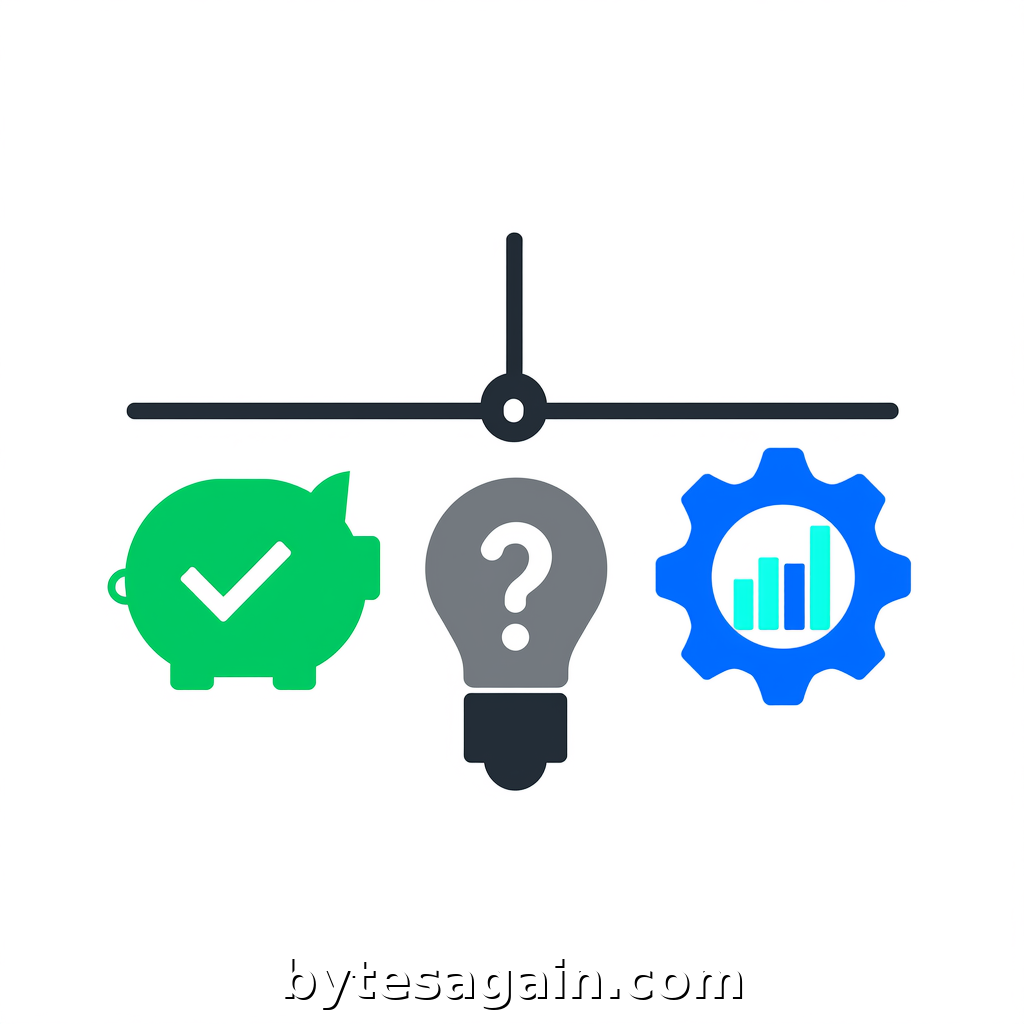
Managing a budget—whether for your household or a small business—often feels like juggling spreadsheets, receipts, and mental math. The Smart Budget Planning Assistant use case on BytesAgain is designed to solve exactly that: an AI agent that helps users create, track, and optimize budgets without the headache. But not every skill in this use case is built for the same job. Some are purpose-built for expense tracking, while others handle system-level data work or serve as documentation references.
In this comparison, we’ll break down three skills available for this agent: Budgetly, Smart Lights, and a specialized system-data-intelligence-skill. We’ll look at what each does best, where they fall short, and which one you should choose based on your actual budgeting needs. If you want to automate your financial planning, picking the right skill is the first step.
The Three Skills at a Glance
Budgetly is the obvious starting point for any budget-focused agent. Its core function is to set category budgets, log expenses, and visualize spending limits. Think of it as your personal finance dashboard: you define categories like groceries, subscriptions, or utilities, then track every dollar against those limits. Budgetly is lightweight, focused, and ready to handle day-to-day expense management.
Smart Lights might sound unrelated—and it is, for direct budgeting. This skill is a reference tool for developers working with Smart Lights hardware. It covers introductions, quickstart guides, patterns, and best practices. In the context of a budget planner, Smart Lights is not a direct tool for tracking money. Instead, it serves as a documentation lookup for any IoT or automation scenarios that might overlap with your financial workflows (e.g., automating lights based on spending triggers). For most users, this skill is a niche addition.
system-data-intelligence-skill takes a completely different approach. It’s designed for direct operating system application and deep data analysis. Its forced trigger scenarios include reading or writing Excel, WPS, Word, TXT, Markdown, and RTZ files, extracting data from any application, and performing trend analysis, anomaly detection, and predictions. This skill is a powerhouse for users who need to process budget data from spreadsheets, generate reports, or run predictive models on spending patterns.
Side-by-Side Comparison
Core Purpose
- Budgetly: Budget creation, expense logging, and spending visualization.
- Smart Lights: Developer documentation for Smart Lights hardware and patterns.
- system-data-intelligence-skill: System-level data manipulation, file I/O, and advanced analysis.
Best Use Case
- Budgetly: Tracking grocery costs, monitoring monthly subscriptions, forecasting spend against fixed limits.
- Smart Lights: Referencing Smart Lights APIs or implementation patterns during development.
- system-data-intelligence-skill: Reading a multi-tab Excel budget, extracting data from a bank statement PDF, or running a monthly trend analysis on expense categories.
Strengths
- Budgetly: Simple, intuitive, and purpose-built for budget tasks. No setup required—just define categories and log expenses.
- Smart Lights: Excellent for developers who need quick access to Smart Lights documentation. Saves time searching for patterns.
- system-data-intelligence-skill: Extremely powerful for data-heavy workflows. Can handle any file format, perform deep analysis, and even predict future spending.
Weaknesses
- Budgetly: Limited to budget-specific operations. Cannot read complex file formats or perform advanced data analysis.
- Smart Lights: Irrelevant for most budget planning scenarios unless you’re integrating IoT hardware.
- system-data-intelligence-skill: Overkill for simple expense logging. Requires more specific prompts and may trigger unintended file operations if not carefully instructed.
User Type
- Budgetly: Casual users, small business owners, or anyone who wants a straightforward budget tracker.
- Smart Lights: Developers building IoT integrations alongside their budget agent.
- system-data-intelligence-skill: Power users, data analysts, or anyone managing large financial datasets.
Real-World Scenario: Three Users, Three Choices
Let’s imagine three different people using the Smart Budget Planning Assistant.
Maria runs a freelance design business. She needs to track her monthly expenses: software subscriptions, client lunch meetings, and home office supplies. She wants to see a simple visual of how much she has left in each category. For Maria, Budgetly is the perfect fit. She can set up categories, log expenses as they happen, and check her spending limits at a glance. No file manipulation, no complex analysis—just straightforward budget management.
David is a developer who also manages his household budget. He uses Smart Lights to automate his home office lighting based on his work schedule. He wants his budget agent to also look up Smart Lights documentation when he’s tweaking automation rules. For David, combining Budgetly for expense tracking with Smart Lights as a reference tool makes sense. The two skills don’t overlap, but they serve different needs within the same agent.
Priya runs a small retail business. She keeps her finances in a multi-sheet Excel workbook with sales data, expense reports, and inventory costs. She needs her budget agent to read that workbook, extract monthly totals, identify spending anomalies, and project next quarter’s costs. Budgetly alone won’t do this—it can’t read Excel files. Instead, system-data-intelligence-skill is her go-to. She can prompt the agent to open her budget workbook, run a trend analysis on operational expenses, and flag any unusual spikes. The skill handles the heavy lifting of data extraction and analysis.
Actionable advice: Start with Budgetly for simple expense tracking. If your budget data lives in spreadsheets or requires analysis, upgrade to the system-data-intelligence-skill. Smart Lights is only useful if you’re also automating physical devices.
Which Skill Should You Choose?
For the everyday budgeter: Pick Budgetly. It’s designed exactly for this use case and requires no extra setup. You’ll get category budgets, expense logs, and spending visualizations without complexity.
For the data-driven planner: Choose system-data-intelligence-skill. If you work with Excel, Word, or TXT files, or need to run deep analysis on your spending, this skill unlocks capabilities that Budgetly cannot match.
For the developer or IoT enthusiast: Add Smart Lights as a supplementary skill. Use it alongside Budgetly if you need documentation for hardware automation. But don’t rely on it for budget tasks—it’s a reference tool, not a financial tracker.
For the power user: Combine Budgetly and system-data-intelligence-skill. Use Budgetly for daily expense logging and quick visual checks. Use the data skill for monthly deep dives, file-based imports, and predictive forecasting. This gives you the best of both worlds: simplicity for routine tasks and power for analysis.
Final Thoughts
The Smart Budget Planning Assistant use case on BytesAgain offers a range of skills that cater to different budgeting styles. No single skill fits everyone. By understanding what each skill does best, you can build an AI agent that matches your actual workflow—whether that’s simple category tracking, complex data analysis, or a hybrid approach.
Start by identifying your primary need: are you logging expenses manually, or are you working with files and data? That answer will point you to the right skill. And remember, you can always add more skills later as your budgeting needs grow.
Find more AI agent skills at BytesAgain.
Published by BytesAgain · May 2026