

Published by BytesAgain · May 2026
Arya Model Router vs. Browsh vs. Data Cog: Which AI Agent Skill Gets Your SaaS Shipped?
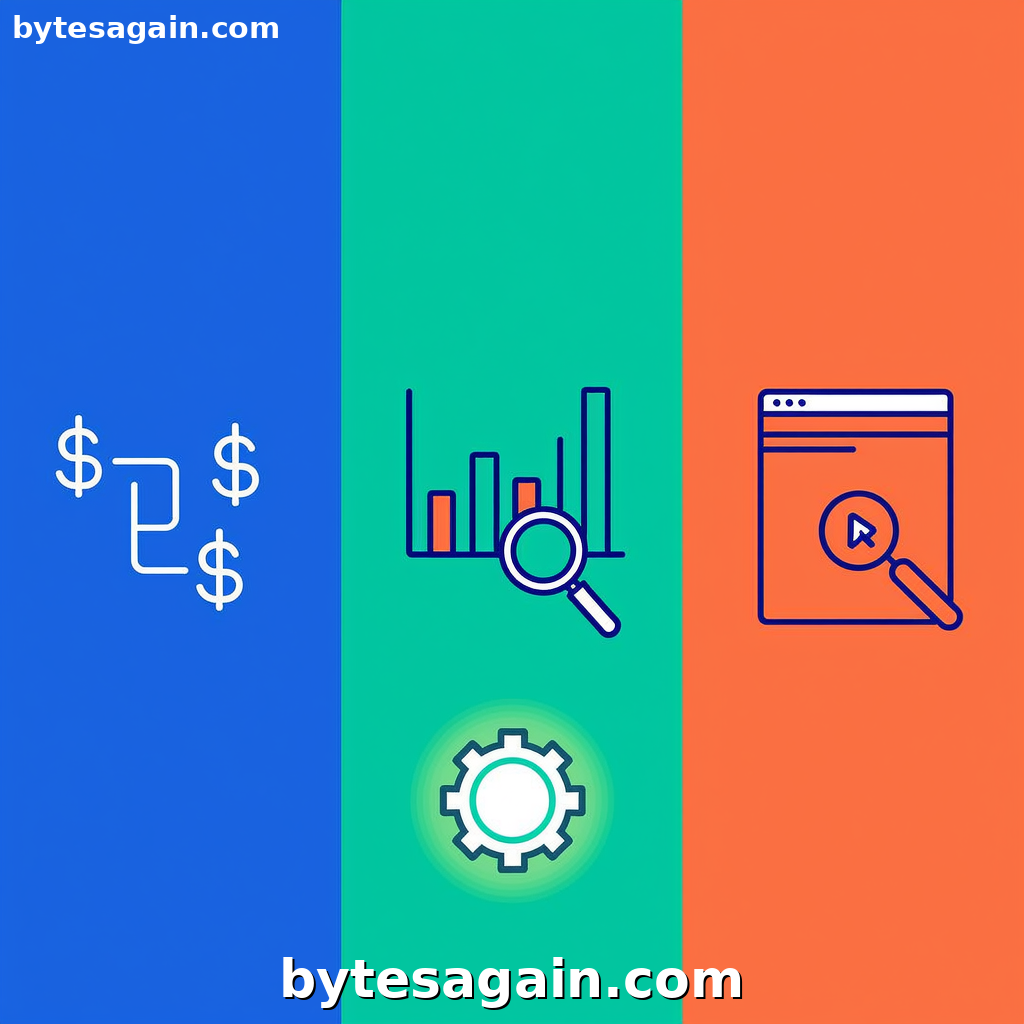
Building a SaaS product from scratch is a tightrope walk. You need to keep infrastructure costs low, make sure you're building features people actually want, and deploy a frontend that doesn't break. Without the right AI agent skills, teams often over-engineer their AI calls, guess at market demand, and ship UIs with layout bugs that frustrate users.
The Explore the SaaS Builder use case bundles three specific skills to help you automate these critical tasks. But which one should you prioritize? This comparison breaks down Arya Model Router, Browsh, and Data Cog to show you when each tool is the right choice for your SaaS workflow.
What Each Skill Does (and Why It Matters)
Arya Model Router is an intelligent traffic cop for your LLM calls. It automatically routes tasks to the cheapest adequate model—using a low-cost model for generating documentation, a default model for user-facing chat, and a pro model for complex API spec generation. It can also delegate sub-tasks to specialized agents and produce a briefing before executing, saving tokens on every request.
Browsh is a text-based browser that renders web pages in your terminal using headless Firefox. It gives you a pure-text, interactive view of a web page without a graphical interface. For SaaS builders, this means you can automate checks on staging UIs, verify that layout elements are present, and catch visual regressions before they reach production.
Data Cog is an AI data analysis and visualization engine. It handles data cleaning, exploratory analysis, hypothesis testing, and statistical reporting. For a SaaS team, this translates to analyzing user behavior data, running pricing survey analysis, or evaluating A/B test results—all without a dedicated data science team.
Side-by-Side Comparison: Which Skill for Which Problem?
Cost Optimization vs. Validation vs. Testing
Arya Model Router focuses on cost-efficient AI infrastructure. If your SaaS relies on multiple LLM calls per user session—for summarization, code generation, or content creation—this skill prevents runaway API bills. It excels in production environments where every token counts.
Data Cog focuses on market-fit validation. Before you build a feature, you need to know if users care. This skill processes survey responses, usage logs, and pricing experiments to give you data-backed answers. It shines during the discovery and validation phases of product development.
Browsh focuses on frontend quality assurance. After you deploy a new UI component or update a layout, you need to verify it renders correctly. Browsh automates this by loading pages in headless mode and checking for expected text, links, or structure. It is most valuable during the deployment and QA phases.
When to Use Each Skill
Use Arya Model Router when you are building an AI-native SaaS that makes multiple LLM calls per transaction. For example, a code assistant tool that generates documentation, writes tests, and explains errors. Without routing, you would pay pro-model rates for every simple task. With routing, cheap models handle 70% of the workload.
Use Data Cog when you have raw data but no clear answers. For instance, after launching a beta feature, you export user engagement logs and want to know which user segment shows the highest retention. Data Cog cleans the data, runs a cohort analysis, and produces a visual report—all within your agent workflow.
Use Browsh when you need to catch frontend regressions automatically. Imagine you update a pricing page template. You want to confirm that the "Enterprise" tier still displays on mobile viewports and that the CTA button is clickable. Browsh can load the page, check for the text "Enterprise," and report back if something is missing or broken.
Real Scenario: Building a SaaS Analytics Dashboard
Let's walk through a concrete example. You are building a SaaS product that helps e-commerce stores track customer lifetime value. You have three tasks to automate:
Task 1: Generate an API specification for your data export endpoint. You need a detailed OpenAPI spec that covers authentication, pagination, and error handling. This is a complex, high-stakes task that requires precision. You route this to Arya Model Router with a pro-model preference. The router also checks the existing codebase via a sub-agent before generating the spec, ensuring consistency.
Task 2: Analyze feedback from 500 beta users who tried your dashboard. You have a CSV file with ratings, open-ended comments, and feature requests. You hand this to Data Cog, which cleans duplicates, categorizes comments, and runs a sentiment analysis. It produces a summary: "Users love the real-time data but find the export feature confusing." You now know what to fix next.
Task 3: Verify that the new "Export to PDF" button appears on the staging server. You deploy a UI update that adds this button. Before pushing to production, you run Browsh against the staging URL. It loads the page and checks for the string "Export to PDF" within the dashboard container. If the button is missing due to a CSS conflict, Browsh flags it instantly.
Actionable advice: Start with Data Cog during the validation phase to confirm your feature idea. Switch to Arya Model Router in production to control costs. Use Browsh as a pre-deployment gate to catch layout issues before they reach users.
Recommendation: Which Skill for Which User Type
For the solo founder bootstrapping a SaaS: Prioritize Arya Model Router. Your margin is thin, and every API call matters. This skill lets you use cheap models for most tasks while keeping pro models in reserve for critical operations. It directly reduces your monthly infrastructure bill.
For the product manager validating a new feature: Reach for Data Cog first. You have hypotheses, but you need data to confirm them. Whether it's analyzing pricing survey results or user behavior logs, Data Cog turns messy data into actionable insights without requiring a data scientist.
For the frontend developer shipping updates: Browsh is your safety net. After every deployment, automate a Browsh check on your staging environment. It catches regressions that visual diff tools might miss, especially when you need to verify specific text content or structural elements.
For the full-stack team building an AI-powered SaaS: Combine Arya Model Router and Browsh as your core stack. The router manages AI costs, and Browsh validates the UI. Add Data Cog when you need to make product decisions based on user data.
Final Verdict
No single skill covers the entire SaaS building lifecycle. The smartest approach is to use each where it fits best:
- Arya Model Router for cost-efficient AI orchestration.
- Data Cog for market validation and data-driven decisions.
- Browsh for automated frontend quality checks.
When you integrate these skills into your agent workflow, you reduce waste, make better product decisions, and ship with more confidence. The SaaS Builder use case on BytesAgain bundles all three—giving you a ready-made setup.
Find more AI agent skills at BytesAgain.