

Published by BytesAgain · May 2026
Earnings Report Analyzer: Which AI Agent Skill Actually Extracts the Right Numbers?
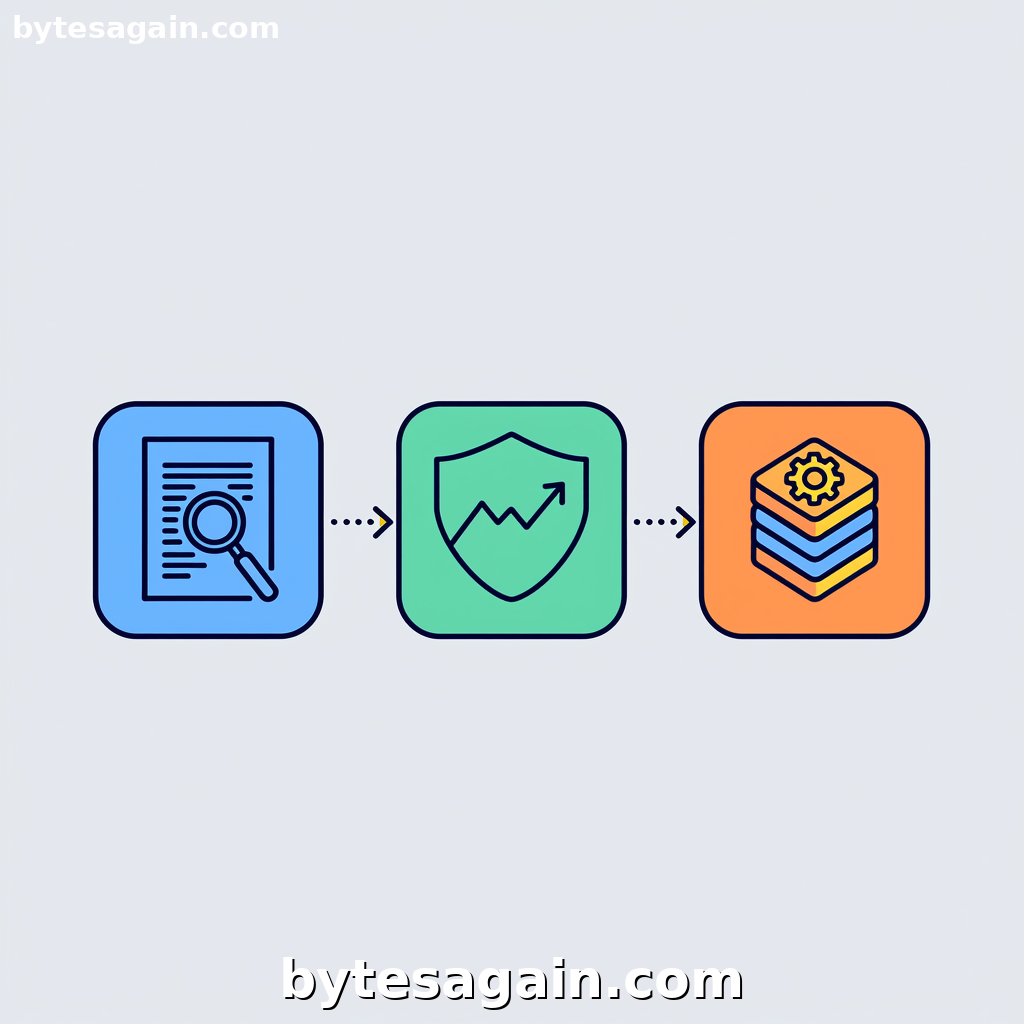
Every quarter, financial analysts face the same bottleneck: a stack of 50-page PDF earnings reports, each packed with revenue tables, margin disclosures, and management commentary. The manual process of extracting key metrics, cross-referencing analyst expectations, and formatting comparisons consumes hours that could go toward actual decision-making. That is exactly what the Earnings Report Analyzer use case is built to automate.
But here is the challenge: which AI agent skill do you actually need to make this work? BytesAgain offers three distinct skills that can handle parts of this workflow, and choosing the wrong one means either missing critical data or over-engineering a simple task. This article breaks down the three skills — Data Analysis, Fundamental Stock Analysis, and the system-focused system-data-intelligence-skill — so you can match the right skill to your specific earnings analysis workflow.
The Three Skills at a Glance
Before comparing them head-to-head, here is what each skill does and where it excels.
Data Analysis is the broadest of the three. It is designed for data analysis and visualization — querying databases, generating reports, automating spreadsheets, and turning raw data into actionable insights. If your earnings workflow involves pulling numbers from a structured source (like a CSV or a database) and then formatting them into charts or comparison tables, this skill is your workhorse. It handles the "clean and present" stage of the pipeline.
Fundamental Stock Analysis is specialized for equity valuation. It uses a structured scoring playbook that evaluates quality, balance-sheet safety, cash flow, valuation, and sector adjustments. This skill does not just read numbers — it interprets them against a financial framework. If you need to compare a company's reported metrics against peer rankings or calculate a fair-value score, this is the skill that adds analytical depth beyond raw extraction.
system-data-intelligence-skill is the outlier. It is built for direct operating system interaction and deep data analysis, with forced trigger scenarios around file manipulation — reading, writing, or extracting data from Excel, WPS, Word, TXT, Markdown, and RTZ files. This skill is ideal when your earnings data lives in unstructured file formats or when you need to automate the opening, parsing, and re-saving of documents directly on your machine.
Side-by-Side Comparison: Where Each Skill Wins
Data extraction from raw files
If your earnings report arrives as a PDF or a Word document, the system-data-intelligence-skill is the only one that can natively open and extract text from those file types. Data Analysis and Fundamental Stock Analysis assume structured data inputs. When you need to grab revenue figures from a scanned quarterly filing, the system skill handles the file-level manipulation.
Number crunching and visualization
Once the data is extracted, Data Analysis takes the lead. It can query the extracted metrics, build comparison tables against analyst expectations, and generate visual reports. If your goal is to produce a clean dashboard showing EPS vs. consensus, revenue growth rates, and margin trends, this skill handles the transformation.
Financial interpretation and scoring
Fundamental Stock Analysis is the only skill that adds a judgment layer. It does not just show that revenue grew 12% — it scores that growth against sector peers, evaluates whether the balance sheet is safe, and adjusts for valuation. For an Earnings Report Analyzer use case, this skill is essential if you want the agent to flag whether the report signals a buy, hold, or sell signal based on a structured playbook.
File format flexibility
The system-data-intelligence-skill is the clear winner for multi-format workflows. It is forced-triggered when you mention Excel, WPS, Word, TXT, or Markdown files. If your pipeline involves pulling data from a .docx quarterly filing, cross-referencing it with a .xlsx analyst expectations sheet, and outputting a .md summary, this skill handles the plumbing.
Real Example: A User Scenario
Imagine you are a financial analyst named Priya. You have just received three files:
- A PDF of Company X's Q3 earnings release
- An Excel spreadsheet with consensus analyst estimates for 20 companies
- A Word document containing the CEO's prepared remarks
Priya needs to extract Company X's actual revenue, EPS, and operating margin from the PDF, compare those numbers against the analyst estimates in the Excel file, and then produce a one-page summary with a peer ranking score.
The optimal skill combination:
Priya starts with the system-data-intelligence-skill because she explicitly mentions reading a PDF, an Excel file, and a Word document. This skill opens each file, extracts the raw text and numerical data, and structures it into a usable format. Without this skill, neither of the other two skills can access the data locked inside those files.
Next, she passes the structured data to Data Analysis. This skill takes the extracted revenue and EPS values, queries them against the analyst expectations from the Excel sheet, and generates a comparison table showing actual vs. estimated figures with percentage variances. It also creates a visual chart of margin trends over the last four quarters.
Finally, she feeds the same data into Fundamental Stock Analysis. This skill runs Company X through the scoring playbook — evaluating quality metrics, cash flow strength, and valuation relative to peers. It outputs a score from 0 to 100 and flags whether the earnings report materially changes the company's investment thesis.
The result: Priya gets a complete analysis — extraction, comparison, and financial scoring — without manually copying a single number.
Recommendation: Which Skill for Which User Type
For the solo investor or small-team analyst: Start with Data Analysis. It handles the most common workflow — taking structured earnings data and turning it into a comparison report. Pair it with Fundamental Stock Analysis if you need scoring and peer ranking. You can skip the system skill if your data already arrives in clean CSV or database format.
For the power user dealing with messy file formats: Lead with system-data-intelligence-skill. If your earnings reports come as scanned PDFs, password-protected Excel sheets, or Word docs with embedded tables, this skill is non-negotiable. Add the other two skills downstream for analysis and visualization.
For the quantitative analyst or fund manager: Use all three in sequence. The system skill for data ingestion, Data Analysis for comparison tables, and Fundamental Stock Analysis for scoring. This combination covers the full pipeline from raw file to investment decision.
Actionable advice: Before choosing a skill, audit your data sources. If your earnings reports arrive as structured data feeds (APIs, databases, clean CSV), Data Analysis is your primary tool. If they arrive as attachments in email — PDFs, Word docs, Excel sheets — the system-data-intelligence-skill must be your first step. Never skip the data ingestion layer.
Final Thoughts
The Earnings Report Analyzer use case is powerful precisely because it can be customized to your workflow. Whether you need a simple comparison table or a full fundamental score, BytesAgain's skills let you assemble the right toolchain without writing custom code.
- Data Analysis for visualization and reporting
- Fundamental Stock Analysis for scoring and peer ranking
- system-data-intelligence-skill for file extraction and system-level automation
Start with one skill, test it against your next earnings season workflow, and add the others as your analysis deepens.
Find more AI agent skills at BytesAgain.