

Which Email AI Agent Skill Actually Moves Your Inbox? A Head-to-Head Comparison
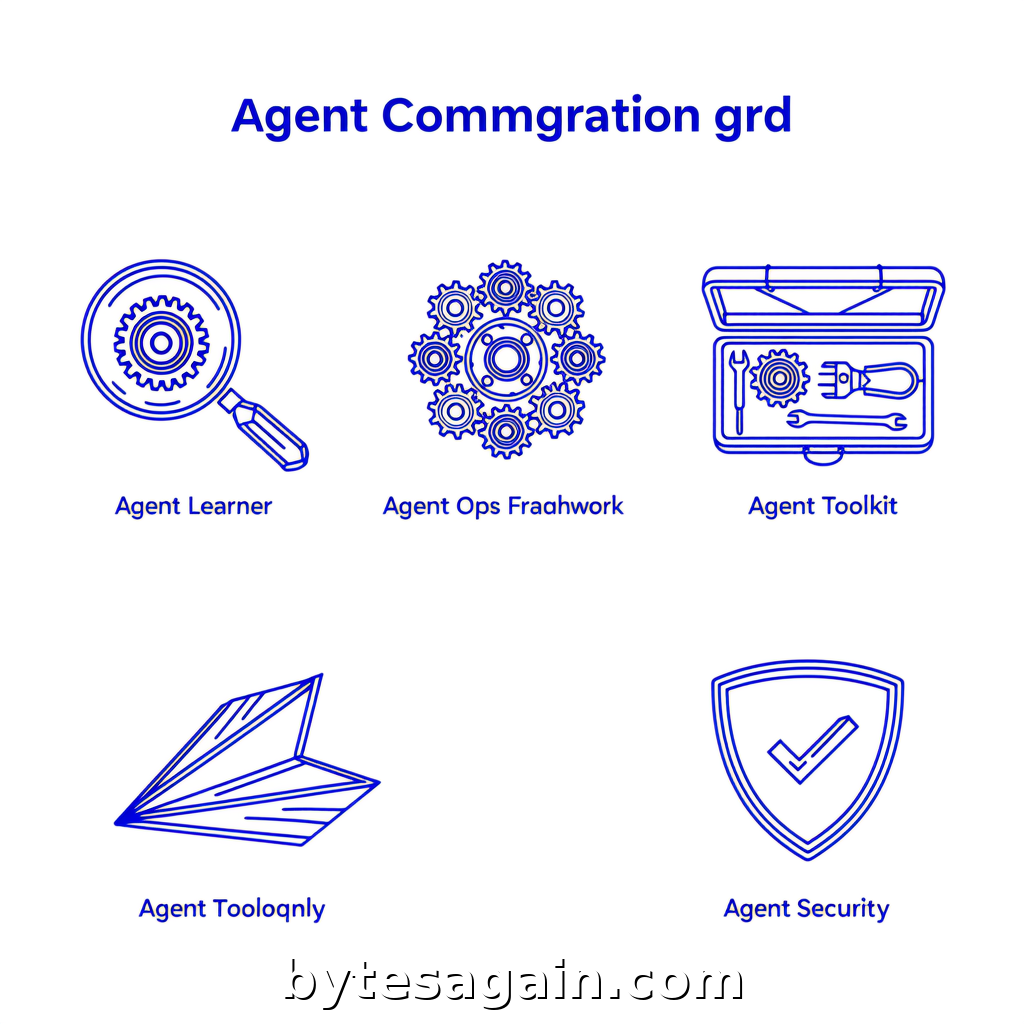
An AI agent that drafts, prioritizes, categorizes, and follows up on professional email communication can save hours each week. But building that agent requires the right skill — and with five options on the table, choosing poorly means wasted time, wrong outputs, or a system that breaks under real email volume.
This article compares every skill in the Email AI Agent use case, showing you exactly when to use each one. Whether you need to automate cold outreach, tune your agent’s prompt strategy, or integrate with a CRM, you’ll know which skill fits before you start.
The Five Skills at a Glance
Each skill serves a distinct role in the email AI agent workflow. Here’s what they do:
Agent Learner — Benchmarks and compares agent prompts and evaluation results. Use this when you need to tune how your email agent writes subject lines, decides priority, or categorizes messages. It helps you measure which prompt configuration produces the best response quality.
Agent Ops Framework — A reference for multi-agent architectures, ReAct and chain-of-thought patterns, tool-use conventions, and prompt injection defense. If your email agent needs to decide when to escalate to a human or pull data from a calendar, this skill structures that logic.
Agent Toolkit — Configures and benchmarks agent tools and integration patterns. Use this when setting up workflows, comparing API connectors, or evaluating how your email agent interacts with external services like Slack, Notion, or a CRM.
Developer Agent — Orchestrates software development by coordinating with Cursor Agent, managing git workflows, and ensuring quality delivery. This skill is for implementing the email agent’s backend — not for tuning prompts or writing templates, but for building the infrastructure that runs the agent.
Email Template — A library of email templates for welcome messages, newsletters, transactional emails, cold outreach, follow-ups, and payment reminders. Use this when you need high-quality, proven copy that your agent can adapt and send.
Side-by-Side Comparison
Each skill excels in a different phase of building and running an email AI agent. Here’s how they compare across the most important dimensions.
Core Function
- Agent Learner is for experimentation and iteration. You run A/B tests on prompts, compare evaluation scores, and decide which prompt strategy gets more replies.
- Agent Ops Framework is for architecture. You design how the agent thinks — does it use chain-of-thought to decide urgency? Does it call a tool to check if the recipient is on vacation?
- Agent Toolkit is for integration. You connect your email agent to external tools — CRM, calendar, document store — and benchmark which API pattern works fastest.
- Developer Agent is for implementation. You write the code that runs the agent, manage version control, and deploy updates.
- Email Template is for content. You provide the copy that the agent sends, covering every common email scenario.
When to Use Each
- Agent Learner is best when your agent’s replies feel off — too formal, too vague, or missing context. Run benchmarks to find the prompt that matches your voice.
- Agent Ops Framework is best when your agent needs to make decisions: “Should I reply now, schedule a follow-up, or escalate to a human?” The framework gives you the decision patterns.
- Agent Toolkit is best when your agent needs to check a customer’s subscription status, look up a support ticket, or log an email to your CRM. Compare tools before committing to an integration.
- Developer Agent is best when you are building the email agent from scratch or adding new features. It coordinates the development workflow so you ship faster.
- Email Template is best when you need proven copy for common email types — welcome, follow-up, payment reminder — and want your agent to adapt them rather than write from zero.
Strengths and Limitations
- Agent Learner gives you data-driven confidence in your prompts. The limitation is that it does not help with architecture or content — it only measures what you already built.
- Agent Ops Framework gives you a battle-tested structure for agent reasoning. The limitation is that it is a reference, not a plug-and-play library — you must adapt the patterns to your stack.
- Agent Toolkit gives you integration benchmarks and configuration patterns. The limitation is that it assumes you already know which tools you need — it does not discover tools for you.
- Developer Agent gives you a disciplined development process. The limitation is that it does not help with prompt tuning, email copy, or agent reasoning — it is strictly for coding and deployment.
- Email Template gives you ready-to-use copy. The limitation is that templates need customization — sending a generic template without personalization hurts deliverability and response rates.
Real Example: Sarah’s Cold Outreach Problem
Sarah runs a B2B SaaS company. She wants an email AI agent that drafts personalized cold outreach, follows up automatically, and logs all activity to her CRM.
She starts with Email Template to get a library of cold outreach templates that work. Her agent adapts these templates by inserting the prospect’s name, company, and pain point.
Next, she uses Agent Ops Framework to design the decision logic: when should the agent send a follow-up? When should it stop? The framework gives her a chain-of-thought pattern that evaluates reply likelihood before sending a third email.
She then connects Agent Toolkit to benchmark the CRM integration. She tests two API patterns — one uses webhooks, the other uses direct API calls — and picks the faster one.
After two weeks, reply rates are good, but not great. She uses Agent Learner to A/B test two prompt strategies: one that writes short, direct emails and one that writes longer, value-first emails. The benchmark shows the short version gets 40% more replies.
She does not need Developer Agent because she uses a low-code agent builder. If she were building custom infrastructure, Developer Agent would be her first stop.
Actionable advice: Start with Email Template for copy and Agent Ops Framework for logic. Add Agent Learner only after you have a working agent — tuning a broken system is wasted effort. Agent Toolkit is the glue that makes everything talk to each other.
Which Skill for Which User Type
Solo founder or freelancer — Start with Email Template and Agent Ops Framework. You need proven copy and a simple decision structure. Agent Learner is optional — only use it if your open rates drop below industry average.
Small team with a technical lead — Add Agent Toolkit and Agent Learner. Your team can integrate with existing tools and run A/B tests on prompts. Skip Developer Agent unless you are building a custom agent from scratch.
Enterprise team or agency — Use all five. Developer Agent ensures clean deployment and version control across multiple email agents. Agent Ops Framework handles compliance rules and escalation paths. Agent Learner runs continuous improvement cycles.
Non-technical user — Stick with Email Template and Agent Ops Framework. Most low-code agent builders handle the integration and development parts. Use Agent Learner only if your platform supports prompt comparisons.
Final Recommendation
If you are building an email AI agent for the first time, focus on Email Template and Agent Ops Framework. These two skills cover what matters most: good copy and sound decision logic. Once the agent works, add Agent Toolkit to connect your tools and Agent Learner to optimize performance. Save Developer Agent for when you need to build custom infrastructure or scale across multiple agents.
The right skill depends on where your email agent currently fails. No replies? Check your templates. Wrong tone? Tune your prompts. Broken integrations? Benchmark your tools. Confused logic? Fix your architecture.
Find more AI agent skills at BytesAgain.
Published by BytesAgain · May 2026