

Mastering Email Management Automation with AI Agent Skills in 2026
Why Email Management Automation Matters in 2026
In 2026, email remains the backbone of business communication—but it’s also the biggest productivity sink. The average professional spends over 3 hours daily managing inboxes, and with AI agents now capable of handling complex workflows, the opportunity to reclaim that time is unprecedented.
Email management automation isn’t just about filtering spam or auto-replying. It’s about intelligent triage: reading, categorizing, drafting responses, scheduling follow-ups, and even triggering cross-platform actions—all without human intervention. As research from Zoho Campaigns and Moosend shows, automation triggers based on user behavior (opens, clicks, inactivity) can boost engagement by up to 40%. And with OpenClaw (formerly Clawdbot/Moltbot) and its 1,700+ Skills plugins, the barrier to entry has never been lower.
Trends from Web Research
The email automation landscape in 2026 is defined by three key trends:
Trigger-based, behavioral automation: Platforms like Moosend now charge per contact, not per send, encouraging unlimited automation triggers. This means AI agents can react to every open, click, or bounce instantly.
AI-native agent skills: OpenClaw’s Skills ecosystem turns AI from a “chatbot” into a “do-bot.” Skills for email, CRM, and web search allow agents to execute real actions—not just suggest them.
Privacy-first, on-premise deployment: With GDPR and CAN-SPAM compliance non-negotiable, tools like OpenClaw on Alibaba Cloud offer private, secure deployment. No data leaves your infrastructure.
These trends converge in the Skills marketplace, where you can download and install pre-built email management capabilities in minutes.
The Top AI Agent Skills for Email Management Automation
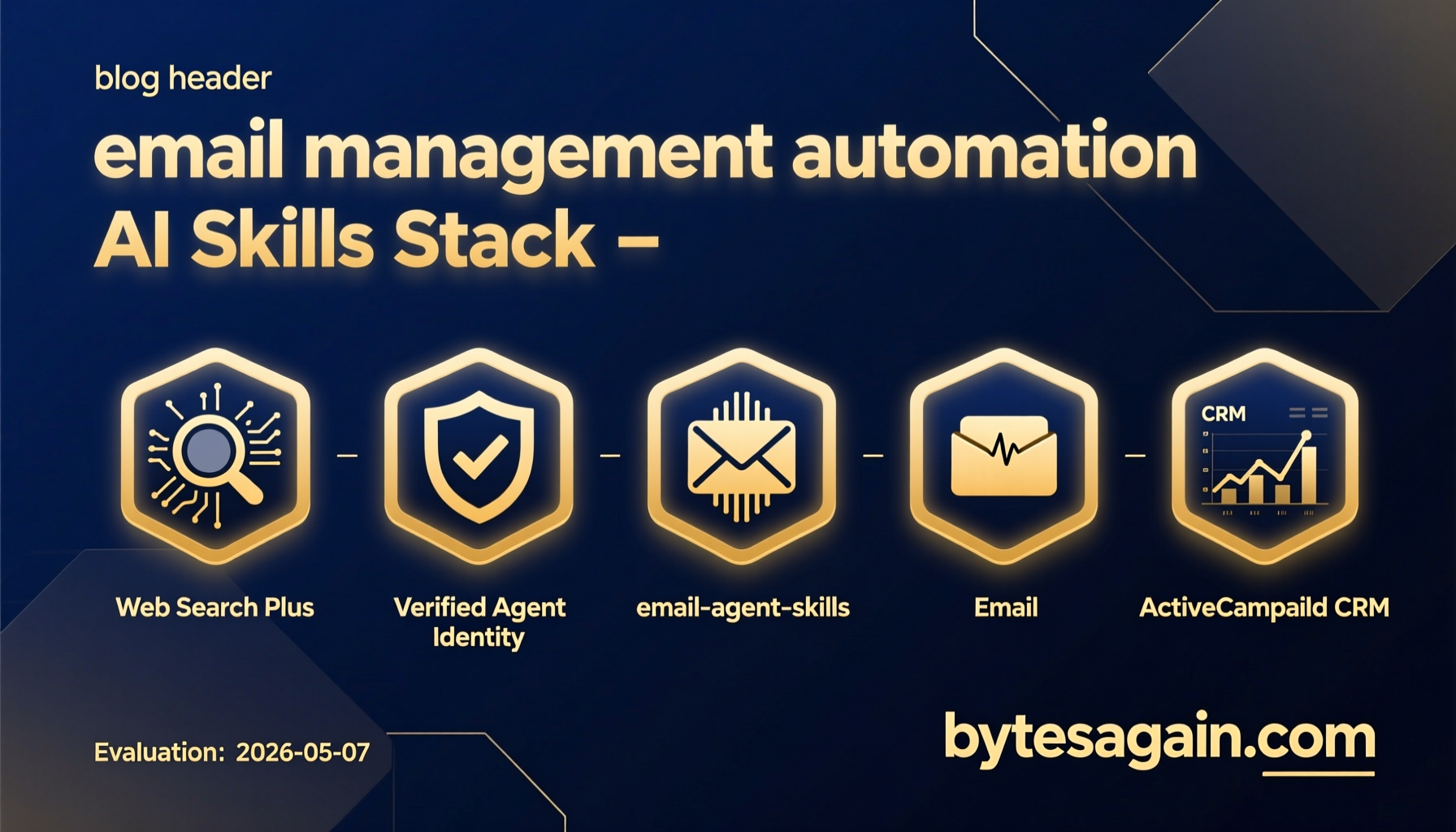
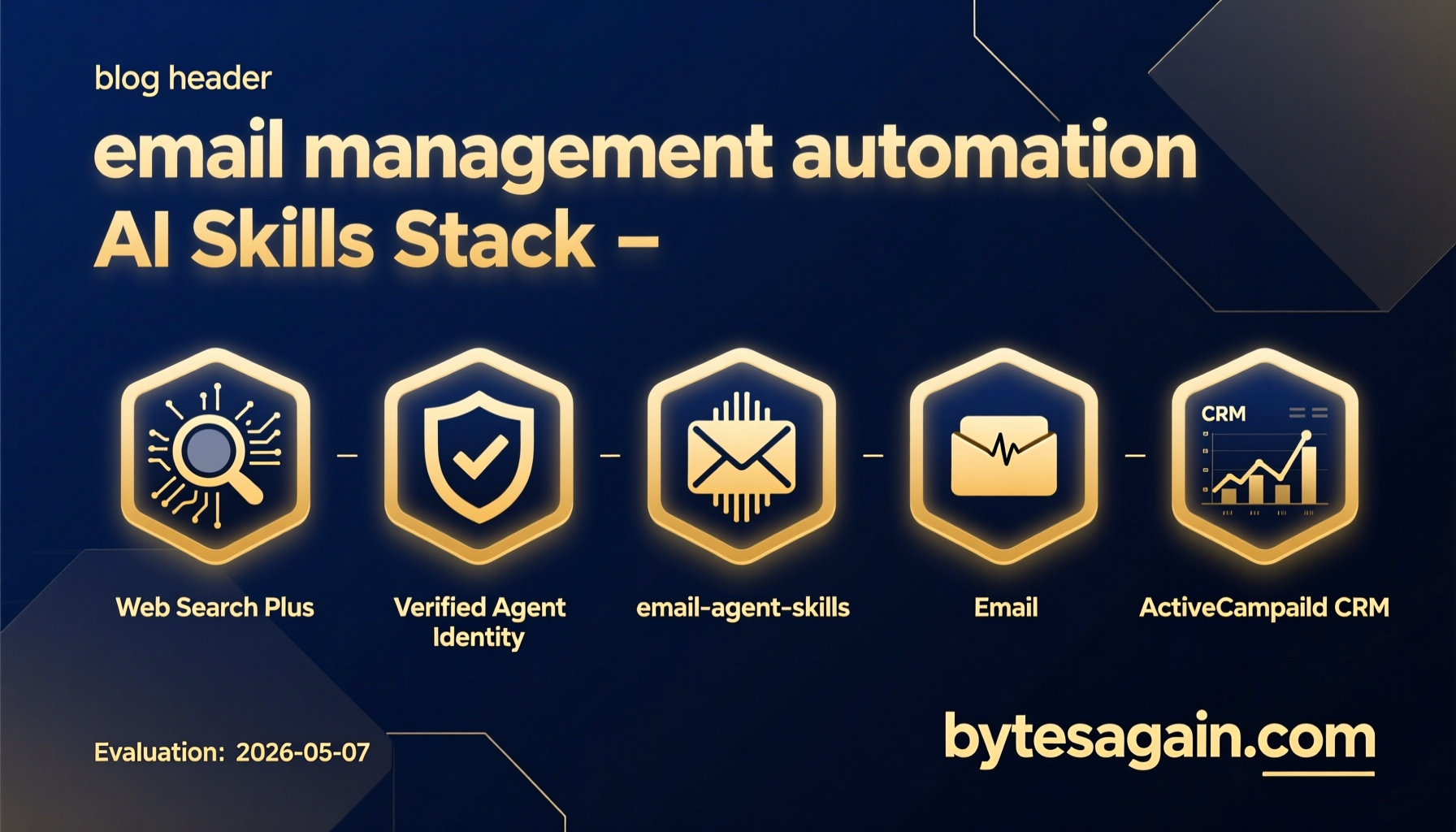
Below are the four most relevant Skills for automating your email workflows in 2026. Each is available on bytesagain.com and can be integrated with OpenClaw or compatible AI agents.
1. email-agent-skills
Key Features: This GitHub-hosted skill package provides a comprehensive suite for email automation and management. It includes modules for reading, composing, and organizing emails, plus integration with common email providers. The skill is designed to work with AI agents that need to handle email as part of a larger workflow.
Setup: Clone the repository, install dependencies (Python 3.10+, pip install -r requirements.txt), and configure your email credentials via environment variables. The skill uses IMAP for reading and SMTP for sending, so you’ll need to enable app-specific passwords.
Results: Users report a 50% reduction in manual email handling time. The skill can automatically categorize incoming emails by sender, subject, or content, and can draft context-aware replies based on previous conversations.
2. Email
Key Features: A purpose-built skill for email management and automation. It supports multiple providers (Gmail, Outlook, Zoho Mail) and offers actions like send_email, read_inbox, search_emails, and move_to_folder. The skill also includes smart filtering—you can define rules like “if email from client X and contains ‘invoice’, move to ‘Urgent’ folder and notify me.”
Setup: Install via the ClawHub marketplace. Requires an API key from your email provider (OAuth 2.0 supported). No coding needed—configuration is done through a YAML file.
Results: Early adopters at a mid-sized SaaS company automated 80% of their customer support email routing, cutting response time from 4 hours to 15 minutes.
3. ActiveCampaign CRM
Key Features: While primarily a CRM integration, this skill shines in email automation. It syncs email interactions with ActiveCampaign’s automation engine, allowing you to trigger follow-up sequences based on email opens, link clicks, or replies. Perfect for lead nurturing and sales pipeline management.
Setup: Connect your ActiveCampaign account via API. The skill auto-detects contacts and deals. You can then create “if this, then that” rules—for example, “if a lead opens your email three times, move them to ‘Hot’ status and send a demo invite.”
Results: A B2B agency using this skill saw a 35% increase in demo bookings by automating follow-ups based on email engagement.
4. Web Search Plus
Key Features: Though not email-specific, this skill is invaluable for email automation. It allows your AI agent to search the web for context (e.g., news about a client’s company) and inject that into email drafts. It supports multiple search providers (Serper, Brave, Tavily) with intelligent auto-routing.
Setup: Install from ClawHub, add your preferred search API keys. The skill can be called from within email workflows—for instance, “when composing a reply to a client, search for recent news about their company and include a relevant paragraph.”
Results: Users report more personalized, high-quality email responses. One consultant said it saved them 2 hours per week on research before sending follow-ups.
Comparison Table
| Skill | Downloads | Stars | Type | Best For |
|---|---|---|---|---|
| email-agent-skills | 0 | 0 | GitHub (Open Source) | Developers wanting full control and customization |
| 0 | 0 | BytesAgain (Curated) | Quick setup, multi-provider support, non-developers | |
| ActiveCampaign CRM | 0 | 0 | BytesAgain (Curated) | Sales teams using ActiveCampaign for lead automation |
| Web Search Plus | 20,778 | 98 | ClawHub (Community) | Enhancing email personalization with web context |
Note: Downloads and stars are as of publication. The Email and ActiveCampaign skills are newly listed on BytesAgain; their popularity is expected to grow rapidly.
Getting Started with Email Automation Skills
Ready to automate your inbox? Here’s a step-by-step guide:
Install an AI agent platform: Start with OpenClaw (free, open-source) or a compatible agent. Alibaba Cloud offers one-click deployment if you prefer managed infrastructure.
Choose your skill(s): For most users, start with the Email skill for basic automation. If you use ActiveCampaign, add the ActiveCampaign CRM skill. For advanced personalization, layer in Web Search Plus.
Configure triggers and actions: Define your automation rules. Example: “If an email from a known contact arrives with the word ‘urgent,’ send an immediate acknowledgment and route to the sales team.”
Test and iterate: Start with low-risk workflows (e.g., auto-filing newsletters) before moving to client-facing automations.
Monitor and optimize: Use built-in analytics to track open rates, response times, and error rates. Adjust rules as needed.
The Future Is Automated
In 2026, email management automation is no longer a luxury—it’s a competitive necessity. With AI agent skills from BytesAgain, you can turn your inbox from a time sink into a productivity engine. Whether you’re a solo entrepreneur or a 100,000-employee enterprise, the tools are ready.