

AI Agent Skills for Financial Reporting Automation in 2026
Why Financial Reporting Automation Matters in 2026
The financial reporting landscape has undergone a seismic shift. By 2026, the era of manual spreadsheet wrangling and month-end fire drills is officially over. According to industry research, 76% of global executives admitted in 2023 that their finance digital transformation was “far behind schedule,” and Chinese enterprises saw a staggering 70% failure rate in such projects (China Academy of Information and Communications Technology, Enterprise Digital Transformation White Paper). The root cause wasn't technology—it was rigid processes, outdated reporting tools, and fragmented data flows.
Now, with the full rollout of China's Golden Tax Phase IV (金税四期) and the near-universal adoption of electronic invoices (by mid-2025, over 610 million taxpayers used digital invoices, accounting for >90% of all invoice value), the old model of manual data entry and post-hoc reconciliation is dead. Financial reporting must be automated, intelligent, and integrated to meet real-time regulatory demands and support strategic decision-making.
The 2026 financial reporting tool market is defined by three core trends:
- Automation: Systems automatically capture business data and generate reports without repetitive manual labor.
- Intelligence: Built-in analytics, anomaly alerts, and trend forecasting to support decision-making.
- Integration: Seamless connection with ERP, CRM, OA, and other enterprise systems for true “business-finance-tax” convergence.
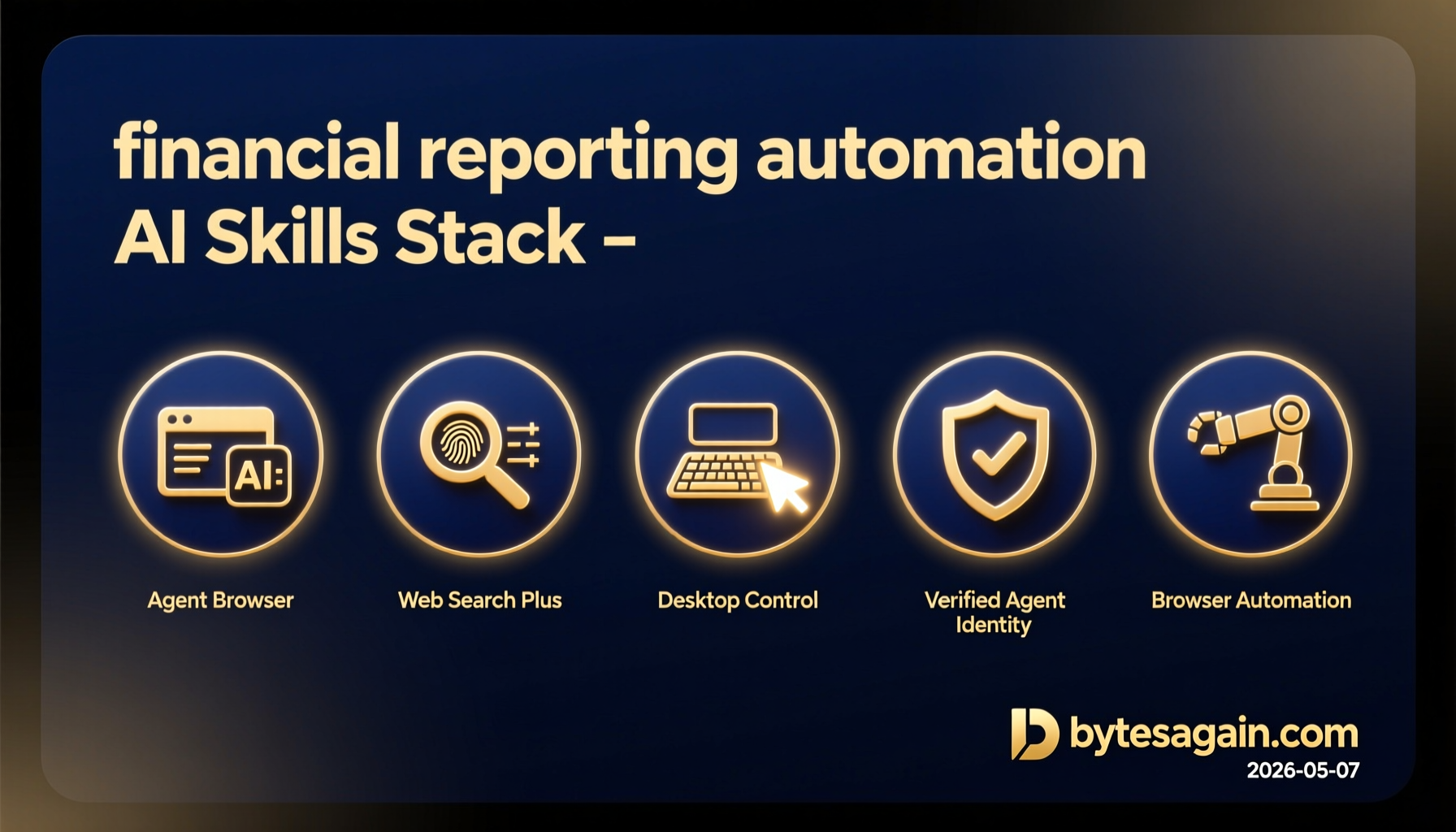
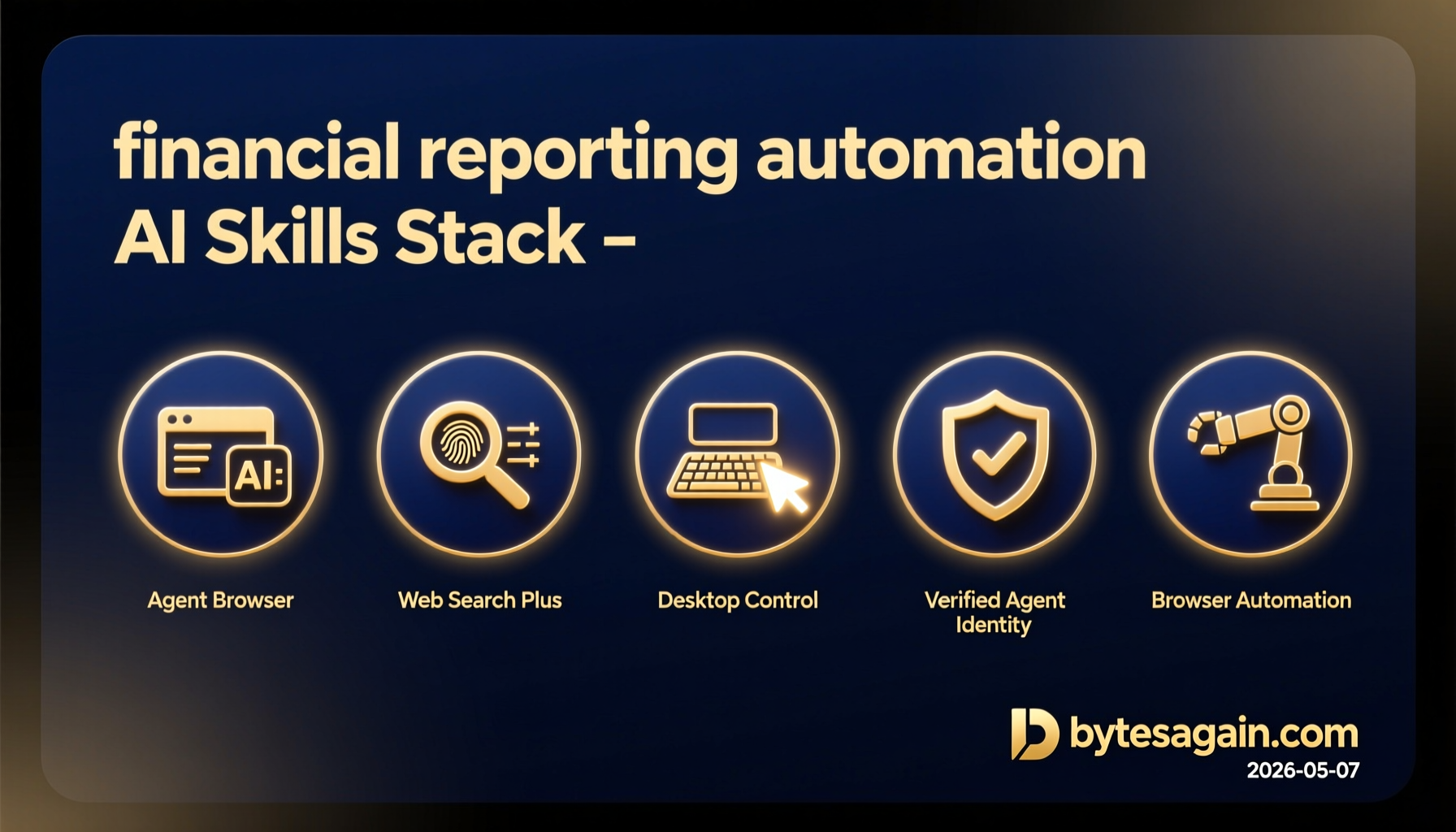
In this new environment, AI agents—equipped with specialized skills—are the key to unlocking efficiency. Below, we explore three powerful AI agent skills from bytesagain.com that can supercharge your financial reporting automation.
Skill 1: Agent Browser — Headless Browser Automation for Financial Data Extraction
Key Features
- Headless browser automation optimized for AI agents
- Accessibility tree snapshots for precise element identification
- Ref-based element selection to interact with complex web UIs (forms, tables, dashboards)
- CLI-based operation, ideal for server-side automation
Setup
- Install via pip:
pip install clawdbot - Configure headless browser (Chrome/Firefox) in your environment.
- Use the CLI to navigate to financial portals, ERP web interfaces, or bank statement pages.
- Leverage ref-based selectors to extract table data, download reports, or fill in forms.
Results
Imagine your AI agent automatically logging into your ERP system every morning, navigating to the sales ledger, and downloading the previous day's transactions—all without a GUI. With Agent Browser, you can automate the ingestion of data from legacy web-based financial systems that lack APIs, reducing manual data entry errors by up to 90%.
Skill 2: Web Search Plus — Unified Search & Data Enrichment for Financial Intelligence
Key Features
- Unified multi-provider search across Serper, Brave, Tavily, Querit, Linkup, Exa, Firecrawl, and Perplexity
- Intelligent auto-routing to the best search engine for your query
- URL extraction for deep scraping of financial news, regulatory updates, and competitor reports
- Supports both real-time and batch queries
Setup
- Install via pip:
pip install web-search-plus - Obtain API keys for your preferred search providers (e.g., Serper, Brave).
- Configure the skill to auto-route queries based on context (e.g., news, financial data, regulatory filings).
- Integrate with your AI agent's workflow—e.g., trigger a search for “latest VAT policy changes” before report generation.
Results
For a financial analyst preparing a quarterly report, Web Search Plus can automatically gather:
- Latest tax regulation updates from government portals
- Industry benchmarks from financial news sites
- Competitor earnings summaries from public filings
This enrichment turns a static report into a dynamic, insight-packed document. In practice, one manufacturing group's CFO used a similar AI-powered search to cut the time for sales margin forecasting from days to just 30 minutes.
Skill 3: Desktop Control — Automating Legacy Desktop Financial Applications
Key Features
- Advanced desktop automation with mouse, keyboard, and screen control
- Screen recognition to identify UI elements even in non-web applications
- Cross-platform (Windows, macOS, Linux) support
- Ideal for legacy ERP clients, tax filing software, or bank reconciliation tools
Setup
- Install via pip:
pip install desktop-control - Launch your desktop financial application (e.g., SAP GUI, QuickBooks Desktop, or local tax software).
- Record or script mouse clicks, keyboard inputs, and screen region captures.
- Integrate with your AI agent to trigger actions—e.g., “open monthly P&L report, export as PDF, and save to network drive.”
Results
Consider a finance team still reliant on a legacy ERP client for inventory valuation. With Desktop Control, an AI agent can:
- Log into the ERP system
- Navigate to the inventory module
- Run the month-end valuation report
- Export the data to a shared folder
This eliminates the need for human intervention in repetitive desktop tasks, reducing overtime by 60% as seen in a real-world case from an internet company's accounting department.
Comparison Table
| Skill | Downloads | Stars | Type | Best For |
|---|---|---|---|---|
| Agent Browser | 84,292 | 0 | Web Automation | Extracting data from web-based financial portals, ERP UIs, and bank sites |
| Web Search Plus | 20,778 | 98 | Search & Data Enrichment | Gathering real-time financial intelligence, regulatory updates, and benchmarks |
| Desktop Control | 46,777 | 0 | Desktop Automation | Automating legacy desktop financial apps (SAP, QuickBooks, tax software) |
Getting Started with Financial Reporting Automation
Ready to transform your financial reporting workflow? Here's a step-by-step approach:
- Assess your current stack: Identify which financial data sources are web-based, which are desktop applications, and where you need external intelligence.
- Choose the right skill(s):
- Use Agent Browser for any web-based ERP, CRM, or banking portal.
- Use Web Search Plus to enrich reports with external data (regulations, market trends).
- Use Desktop Control for legacy desktop applications that lack APIs.
- Set up your AI agent: Integrate the chosen skills into your agent's workflow using Python scripts or CLI commands.
- Automate a pilot process: Start with a single repetitive task—e.g., daily sales data extraction from your ERP.
- Scale and iterate: Expand to month-end close, variance analysis, and finally, predictive reporting.
For example, a typical automated month-end process could look like:
- Agent Browser logs into the ERP and downloads the trial balance.
- Desktop Control opens the tax filing software and imports the data.
- Web Search Plus fetches the latest tax rate changes.
- The AI agent compiles everything into a formatted report with alerts for anomalies.
The Future Is Automated
By 2026, financial reporting is no longer about static spreadsheets—it's about real-time, intelligent, and integrated insights. AI agent skills like those from bytesagain.com are the building blocks that make this vision a reality. Whether you're extracting data from a legacy desktop app, searching for regulatory updates, or automating a web-based ERP, these skills give you the power to cut costs, reduce errors, and free your finance team for higher-value strategic work.
The question isn't if you should automate—it's how fast you can start.