

The Right AI Skill for Healthcare Automation: Browser, Desktop, or Social?
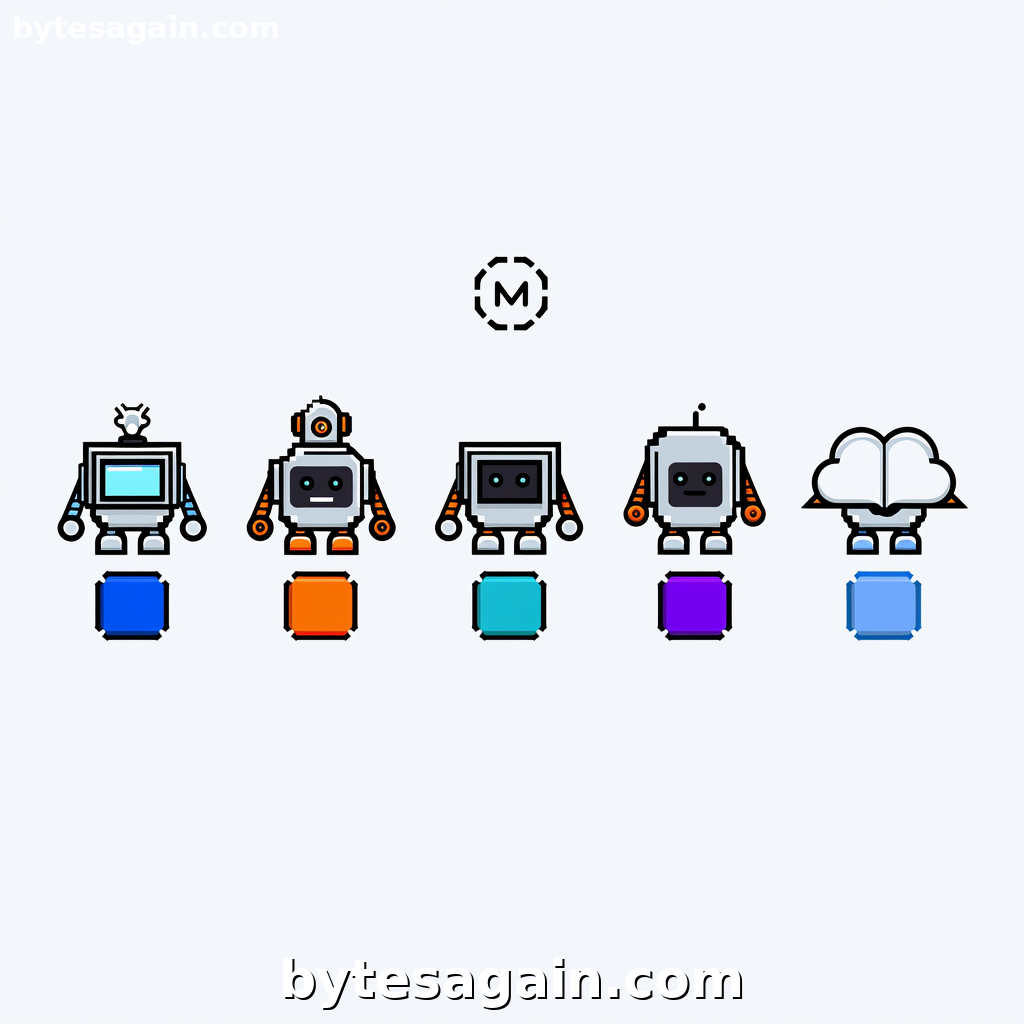
Healthcare administration is drowning in repetitive tasks. Patient data retrieval, form filling across legacy hospital portals, and patient education outreach consume hours that could go toward care. The AI agent skills stack at BytesAgain offers a targeted solution: five distinct skill packages designed to automate these workflows. But which agent skill should you choose for which part of the process?
This article breaks down the five skills powering the Healthcare Auto use case, comparing their strengths, weaknesses, and ideal applications so you can build the right automation stack.
The Five Skills at a Glance
Agent Browser (agent-browser-clawdbot) — A headless browser automation CLI built specifically for AI agents. Its standout feature is accessibility tree snapshots, which allow the AI to understand page structure without relying on visual rendering. It uses ref-based element selection, making it highly reliable for targeting specific form fields or buttons across healthcare portals that may not follow modern web standards.
Browser Automation (browser-automation) — A natural language-driven browser automation tool. You describe what you want in plain English, and the CLI executes it. This is the most user-friendly option for healthcare staff who need to automate browsing tasks without writing complex scripts.
Desktop Control (desktop-control) — Advanced desktop automation that controls mouse, keyboard, and screen. This skill is critical for healthcare environments running legacy software—think patient management systems from the early 2000s that have no web interface or API. If it runs on a screen, Desktop Control can interact with it.
Playwright (Automation + MCP + Scraper) (playwright) — A comprehensive browser automation skill using the Playwright framework with MCP (Model Context Protocol) support. It can navigate websites, click elements, fill forms, take screenshots, and extract data. It also supports debugging real browser workflows, which is essential when dealing with complex multi-step healthcare forms.
Xiaohongshu (小红书) Automation (xiaohongshu-mcp) — An automation skill for Xiaohongshu (RedNote), the Chinese social media platform popular for lifestyle and health content. It can publish image, text, and video content, search for notes and trends, and manage content operations. For healthcare organizations targeting Chinese-speaking patient communities, this is the dedicated outreach tool.
Side-by-Side Comparison
Core Automation Target
Agent Browser and Playwright both target web browsers, but they approach it differently. Agent Browser is optimized for AI agents that need to understand page structure via accessibility trees—ideal when you need precise, reliable element selection across inconsistent healthcare portals. Playwright is more full-featured, supporting complex interactions, screenshots, and debugging, making it better for multi-step workflows like submitting insurance claims across several pages.
Browser Automation sits in the middle: it's the easiest to use with natural language commands, but may lack the precision of Agent Browser or the depth of Playwright for complex scenarios.
Desktop Control is the outlier—it handles non-web software entirely. This is indispensable for legacy EHR systems, old billing software, or any application that runs locally.
Xiaohongshu Automation is purpose-built for one social platform. It doesn't compete with the browser tools; it complements them for patient outreach.
Reliability and Precision
For form filling in healthcare portals, reliability is non-negotiable. A wrong click could submit incorrect patient data. Agent Browser excels here because its accessibility tree snapshots let the AI "see" the page structure semantically, not just visually. This reduces errors when elements are hidden, dynamically loaded, or poorly labeled.
Playwright is also highly reliable, especially with its debugging capabilities that let you inspect what the browser sees at each step. However, it requires more setup and understanding of Playwright's selectors.
Browser Automation offers natural language convenience, but natural language can be ambiguous. For critical healthcare data entry, you'll want to pair it with validation steps.
Desktop Control depends on screen coordinates and pixel matching. It works, but it's inherently less deterministic than browser-based automation. Use it only when there's no other option.
Learning Curve
Browser Automation wins for ease of use. Healthcare administrators with minimal technical background can describe a task like "go to the patient portal, log in with these credentials, and extract the last three lab results" and get results.
Agent Browser requires understanding of its ref-based selection system, but the documentation is straightforward for developers.
Playwright has the steepest learning curve among browser tools, but offers the most power and flexibility.
Desktop Control is moderate—mouse and keyboard control is intuitive, but handling screen coordinate changes and application state requires careful scripting.
Xiaohongshu Automation is simple if you're familiar with the platform, but requires understanding the MCP server setup.
Real-World Scenario: A Day in Healthcare Automation
Imagine a mid-sized clinic that needs to:
- Retrieve patient lab results from three different hospital portals each morning
- Fill out a legacy desktop-based insurance verification system
- Post a weekly health education article to Xiaohongshu for their Chinese-speaking patient community
Skill Recommendation:
For task 1, use Playwright. The three portals likely have different structures and authentication flows. Playwright's ability to handle complex navigation, take screenshots for verification, and debug when something breaks makes it the most reliable choice. If the portals are particularly inconsistent in their HTML structure, switch to Agent Browser for its accessibility tree approach.
For task 2, Desktop Control is the only option. The legacy insurance system has no web interface. Desktop Control can click through the legacy UI, type patient IDs, and capture confirmation screenshots for audit trails.
For task 3, Xiaohongshu Automation handles content publishing directly. You can schedule weekly posts, search for trending health topics, and engage with comments—all automated.
Actionable advice: Start with one workflow per skill. Don't try to automate everything at once. Master the patient data retrieval with Playwright or Agent Browser first, then add Desktop Control for legacy systems, and finally layer on social automation. Each skill works independently, so you can build your stack incrementally.
Which Skill for Which User Type?
Healthcare IT administrators building comprehensive automation: Start with Playwright for web-based workflows and Desktop Control for legacy systems. These two cover 90% of hospital automation needs. Add Agent Browser if you encounter portals with poor accessibility or unusual rendering.
Clinic operations managers who want quick wins: Use Browser Automation for simple data extraction and form filling. Its natural language interface means you can automate tasks without developer support. Pair it with Xiaohongshu Automation if patient outreach is part of your role.
AI agent developers building custom healthcare assistants: Agent Browser is your primary tool. Its headless, accessibility-focused design integrates cleanly with AI agent frameworks. Use Playwright for debugging and complex scenarios, and Desktop Control as a fallback for non-browser applications.
Patient outreach coordinators focused on social media: Xiaohongshu Automation is your dedicated tool. For other social platforms, consider the broader browser automation skills, but for RedNote content, this is the most efficient choice.
Final Recommendation
For the Healthcare Auto use case, there is no single "best" skill. The stack is designed to work together:
- Playwright for complex web automation and debugging
- Agent Browser for reliable, structure-aware web interactions
- Desktop Control for legacy desktop software
- Browser Automation for quick, natural language tasks
- Xiaohongshu Automation for patient education on RedNote
Build your automation in layers. Start with the web browser skills (Playwright or Agent Browser), add Desktop Control for legacy gaps, and expand into social outreach once the core workflows are stable.
Explore the Healthcare Auto use case to see how these skills work together in practice.
Find more AI agent skills at BytesAgain.
Published by BytesAgain · May 2026