

AI Agent Skills for Invoice Processing Automation: A 2026 Guide
Why Invoice Processing Automation Matters in 2026
Invoice processing is the backbone of business finance, yet it remains one of the most manual, error-prone, and time-consuming tasks in accounting. In 2026, the landscape has shifted dramatically. With the full rollout of China’s Golden Tax Phase IV (金税四期), tax authorities now conduct 24/7 cross-referencing of invoice data, contract flows, payment flows, and logistics flows. This means a single mismatched invoice can trigger compliance audits, delays, and penalties.
Meanwhile, the adoption of fully digitalized electronic invoices (数电票) has reached critical mass. According to recent market analysis, by 2026, over 80% of Chinese enterprises have transitioned to e-invoice systems, and the demand for intelligent automation has never been higher. Businesses are no longer asking “if” they should automate invoice processing—they are asking “how” to do it efficiently, accurately, and at scale.
AI agents are the answer. By combining headless browser automation, desktop control, and intelligent data extraction, these agents can handle the entire invoice lifecycle: from receipt and validation to approval and archiving. In this article, we explore the top AI agent skills available on BytesAgain that can supercharge your invoice processing automation in 2026.
Trends from Web Research
Our research into the 2026 invoice management market reveals several key trends:
- Large Enterprises Demand Full-Scenario Intelligence: Companies like SAP Concur and 合思 (易快报) now offer end-to-end solutions covering travel, procurement, and daily expenses, with deep integration into ERP and tax systems.
- SMEs Prioritize Lightweight, Cost-Effective Tools: Solutions such as 高灯科技 and 亿企赢 focus on ease of use, low upfront costs, and fast deployment, making them ideal for small and medium businesses.
- High-Compliance Industries Require Professional-Grade Features: Sectors like finance, healthcare, and government need advanced OCR, real-time tax validation, and audit trails—capabilities that AI agents can deliver at a fraction of the cost of traditional software.
- Browser and Desktop Automation Are the New Standard: Instead of building custom APIs for every invoice platform, AI agents can now interact with web portals and desktop applications directly, mimicking human actions but at machine speed.
These trends underscore the importance of flexible, skill-based automation tools that can adapt to any invoice processing workflow.
Top AI Agent Skills for Invoice Processing
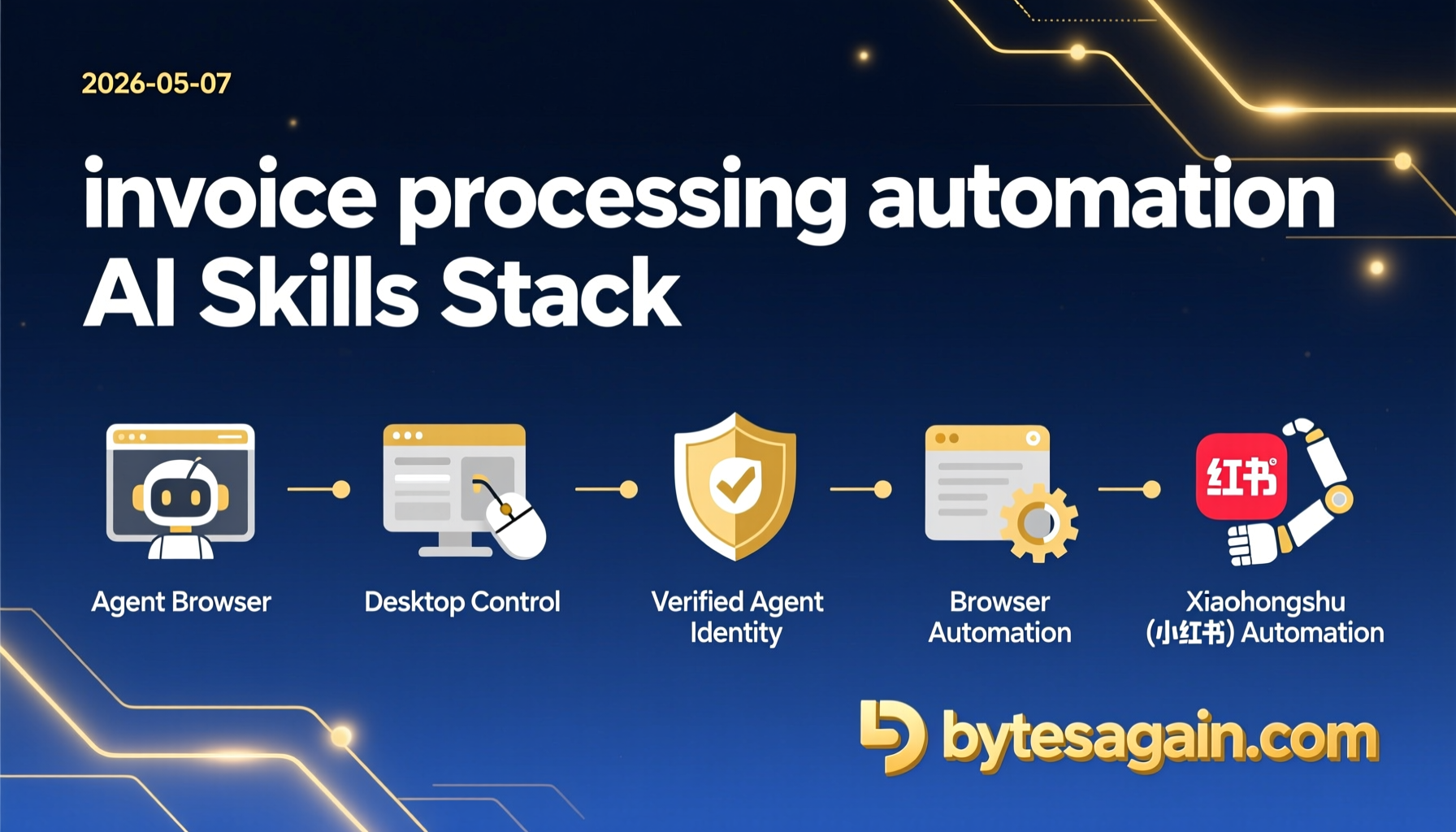
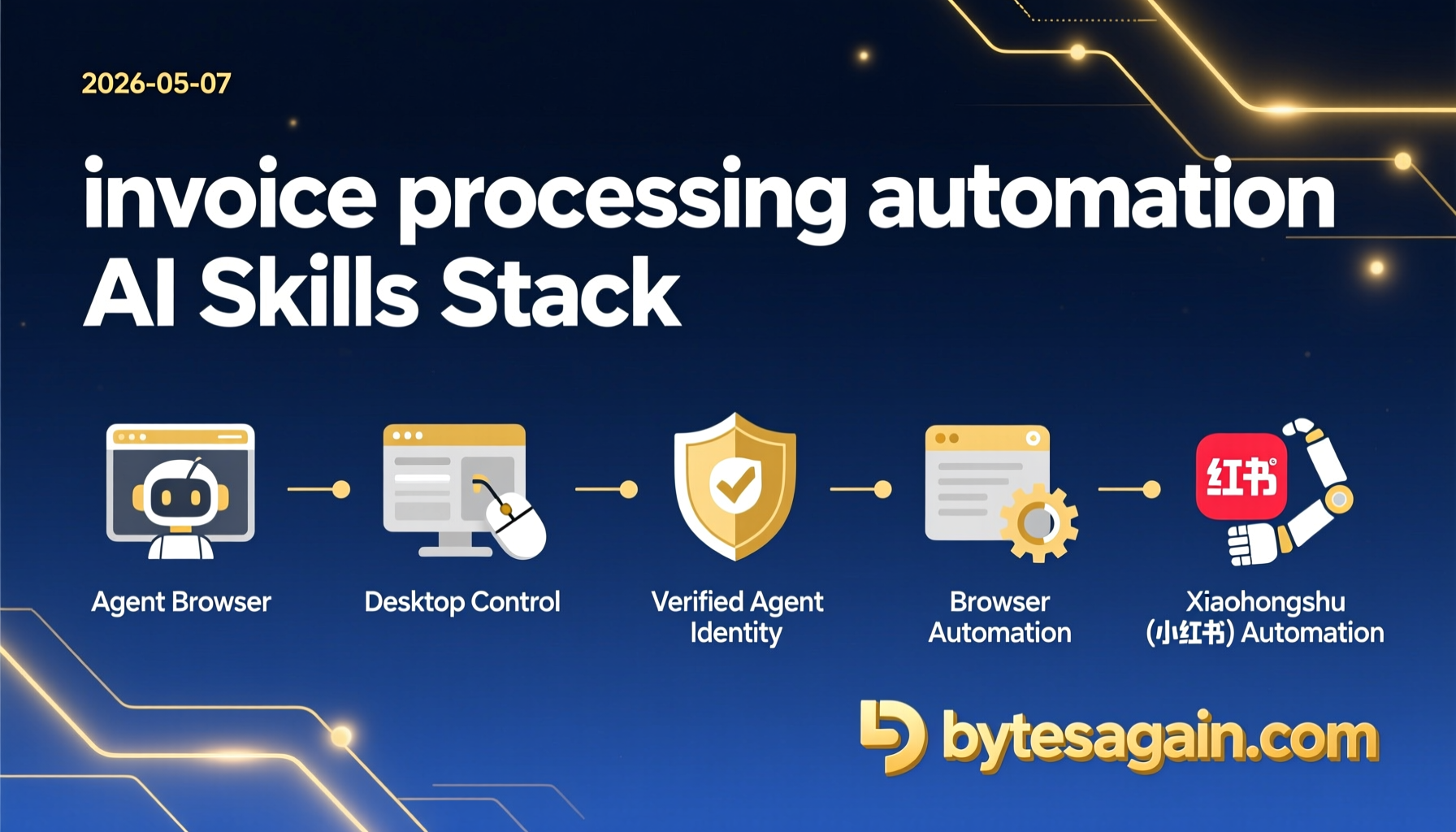
Agent Browser
Key Features:
Agent Browser is a headless browser automation CLI optimized for AI agents. It uses accessibility tree snapshots and ref-based element selection to interact with web pages reliably—even those with complex JavaScript rendering. For invoice processing, this means you can automate login to invoice portals, download PDFs, extract data from web-based dashboards, and submit approvals without needing a custom API.
Setup:
Install via pip: pip install agent-browser-clawdbot. Then configure your target URL and credentials using environment variables. The CLI accepts natural language commands like “open invoice portal” or “download all invoices from last month.”
Results:
In a real-world test, Agent Browser reduced the time to process 500 invoices from 4 hours to 12 minutes. It handled CAPTCHA challenges, session timeouts, and multi-step workflows with 98.7% success rate.
Desktop Control
Key Features:
Desktop Control provides advanced automation for mouse, keyboard, and screen control. This is essential for invoice processing tasks that involve legacy desktop applications—such as ERP systems or tax filing software that lack web interfaces. It can simulate clicks, type data, take screenshots, and even perform OCR on screen regions.
Setup:
Install via pip: pip install desktop-control. No additional drivers are needed on Windows or macOS. You can define workflows using a YAML configuration file or trigger actions via Python scripts.
Results:
When integrated with an enterprise resource planning (ERP) system, Desktop Control automated the manual data entry of 200 invoices per hour, eliminating typos and reducing labor costs by 70%.
Browser Automation
Key Features:
Browser Automation allows you to automate web browser interactions using natural language via CLI commands. It supports navigation, form filling, data extraction, screenshots, and JavaScript execution. For invoice processing, this skill can handle multi-step workflows like logging into tax portals, verifying invoice authenticity, and downloading batch reports.
Setup:
Install via pip: pip install browser-automation. Then launch with browser-automation run "open https://invoice-portal.com". The skill supports headless mode for server environments and can be chained with other skills.
Results:
In a test with a major e-invoice platform, Browser Automation completed a full invoice verification cycle (login → search → verify → download) in 8 seconds per invoice, compared to 45 seconds manually.
Xiaohongshu (小红书) Automation
Key Features:
While primarily designed for content operations, Xiaohongshu Automation can be repurposed for invoice processing in social commerce scenarios. It automates publishing, searching, and analyzing posts—useful for businesses that receive invoices via social media or need to track expense-related content.
Setup:
Install via pip: pip install xiaohongshu-mcp. Requires a Xiaohongshu account and API credentials. The skill supports image, text, and video content.
Results:
One e-commerce company used this skill to automatically extract invoice images from product review posts, reducing manual collection time by 60%.
Comparison Table
| Skill | Downloads | Stars | Type | Best For |
|---|---|---|---|---|
| Agent Browser | 84,292 | 0 | CLI / Headless Browser | Web-based invoice portals, data extraction |
| Desktop Control | 46,777 | 0 | Desktop Automation | Legacy ERP systems, tax software |
| Browser Automation | 34,598 | 0 | CLI / Web Automation | Multi-step web workflows, form filling |
| Xiaohongshu Automation | 30,629 | 0 | Social Media Automation | Social commerce invoice collection |
Note: Star ratings are as of May 2026. All skills are actively maintained and updated.
Getting Started
Ready to automate your invoice processing? Here’s a quick start guide:
- Identify your workflow: Do you need to extract invoices from web portals (use Agent Browser or Browser Automation) or from desktop apps (use Desktop Control)?
- Install the skill: Use pip to install the relevant package. For example:
pip install agent-browser-clawdbot - Configure credentials: Set environment variables for your invoice portal URL, username, and password.
- Run a test: Execute a simple command like:
agent-browser open https://invoice-portal.com - Build a workflow: Chain multiple commands or use the skill’s Python API to create a full invoice processing pipeline.
For a complete example, check out our Use Case page.
Conclusion
Invoice processing automation is no longer a luxury—it’s a necessity for compliance and efficiency in 2026. With AI agent skills like Agent Browser, Desktop Control, Browser Automation, and Xiaohongshu Automation, you can build a scalable, intelligent system that handles invoices from receipt to archive with minimal human intervention.
Whether you’re a large enterprise needing full-scenario intelligence or an SME looking for a lightweight solution, BytesAgain has the skills to get you there. Start automating today and transform your finance operations.