
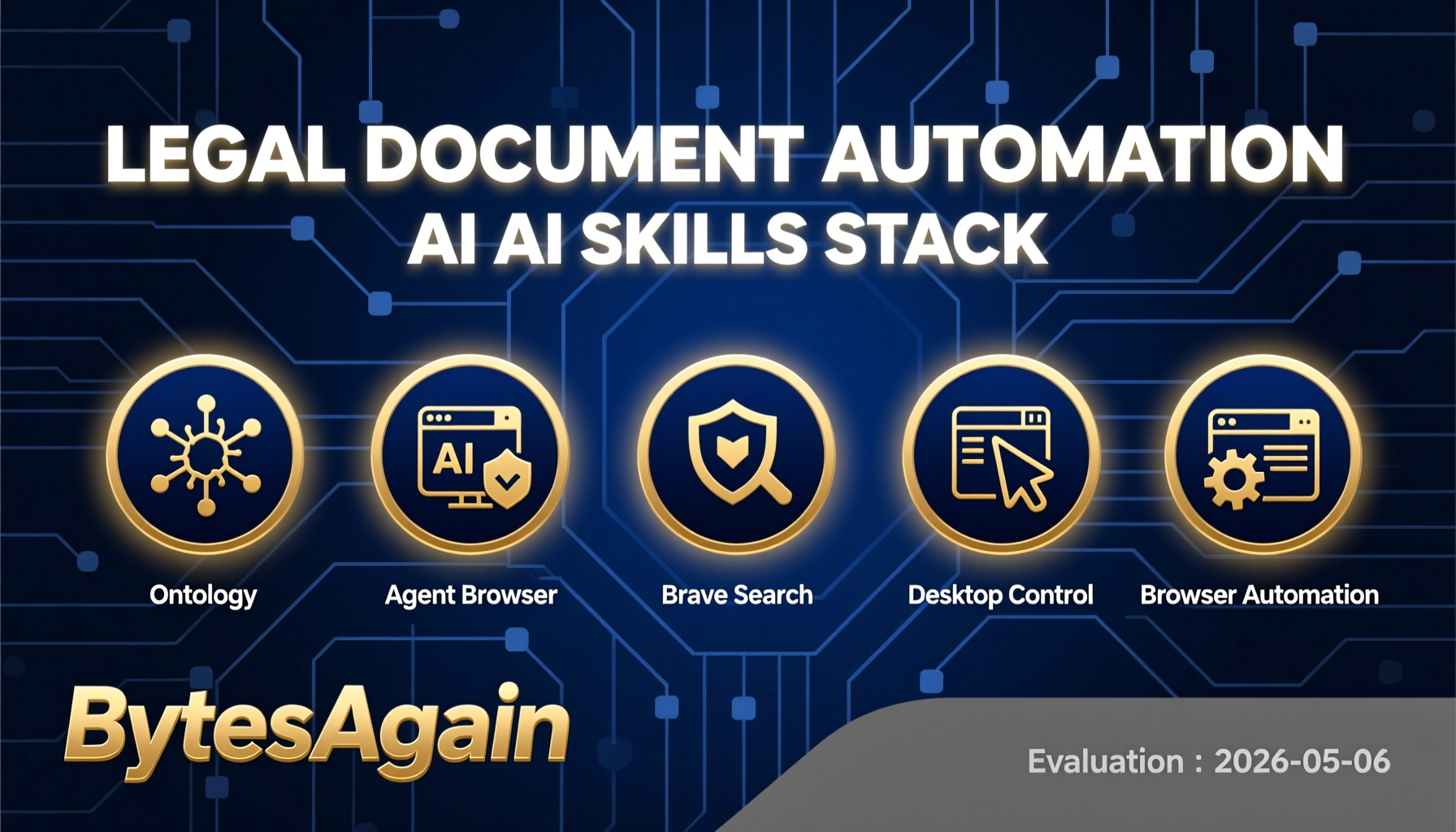
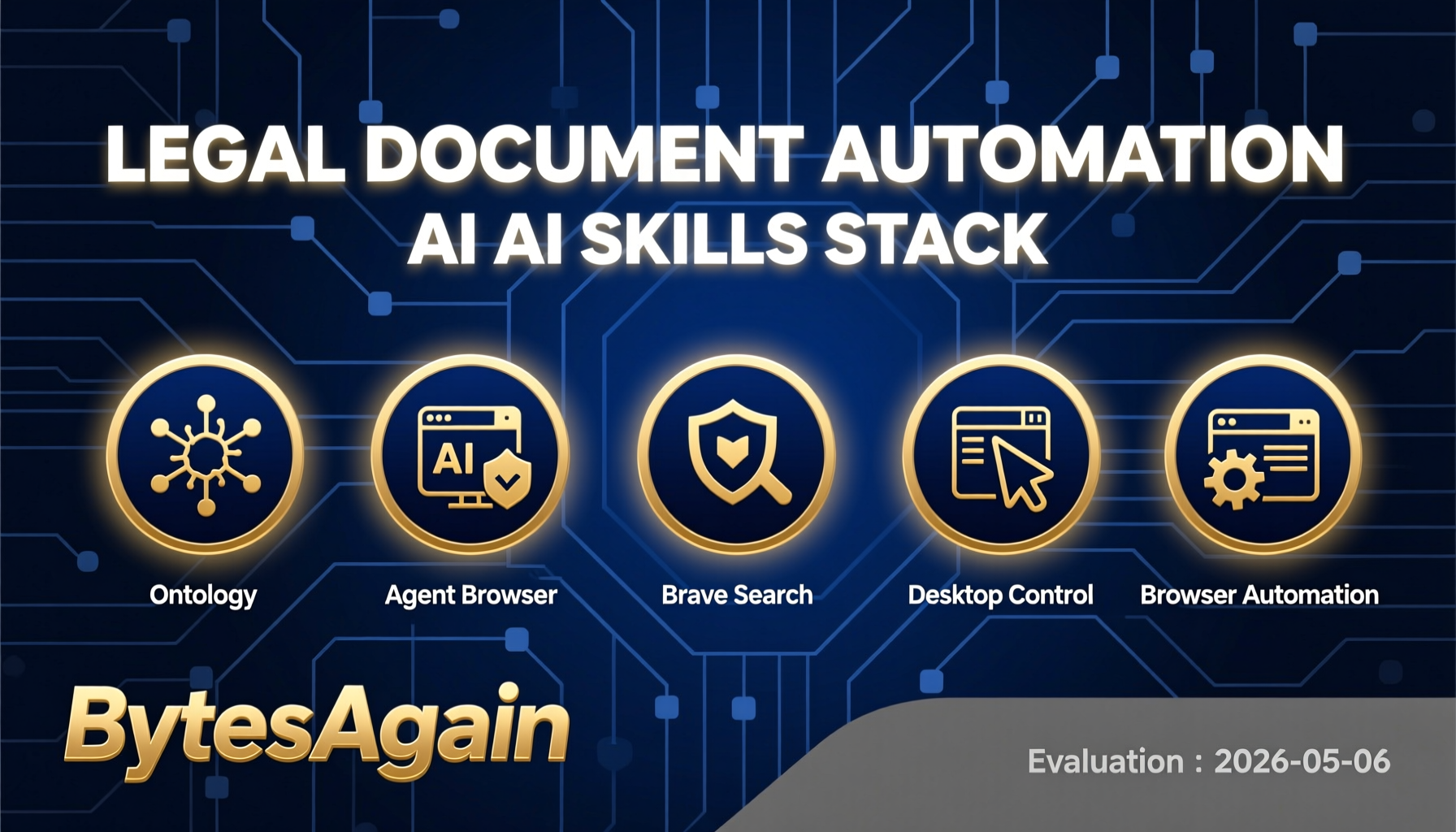

AI Agent Skills for Legal Document Automation: A 2026 Guide
Why Legal Document Automation AI Matters in 2026
The legal industry is undergoing a profound transformation. By 2026, the pressure to deliver faster, cheaper, and more accurate legal services has never been higher. Clients expect instant contract reviews, automated compliance checks, and seamless document generation—all without sacrificing quality. Traditional manual workflows simply cannot keep pace.
Legal document automation AI is no longer a luxury; it's a necessity. AI agents equipped with specialized skills can now draft contracts, analyze clauses, translate documents, and manage entire document lifecycles. These agents reduce billable hours spent on routine tasks, minimize human error, and free up lawyers to focus on high-value strategic work.
The market has responded. Tools like LegalBot AI Tools offer API access to artificial intelligence, natural language processing (NLP), and machine translation specifically designed for the legal sector. With support for formats including HTML, PDF, DOCX, DOC, ODT, RTF, XLSX, XLS, CSV, and TXT, these platforms are built for real-world legal workflows.
Trends from Web Research
Recent research reveals several key trends shaping legal document automation in 2026:
- API-First Integration: Platforms like LegalBot provide API subscription keys after purchase, enabling seamless integration with existing practice management software. Documents must be converted to base64 strings before processing—a simple step using
base64()expressions. - Multi-Language Translation: Legal firms operating globally need instant translation of contracts and filings. AI tools now support dozens of language pairs, with specialized legal terminology handling.
- Structured Knowledge Graphs: Ontology-based systems allow AI agents to understand relationships between legal entities, cases, and documents, enabling smarter automation.
- Headless Browser Automation: AI agents can now interact with web-based legal portals, fill forms, and extract data without human intervention.
- Desktop Control: For legacy legal software that lacks APIs, AI agents can automate mouse and keyboard actions directly.
These trends point to a future where AI agents are the primary interface for legal document work.
Essential AI Agent Skills for Legal Document Automation
Each skill below is available on BytesAgain and can be combined to build powerful legal automation workflows.
Ontology
Typed knowledge graph for structured agent memory and composable skills.
Key Features:
- Create and query entities: Person, Project, Task, Event, Document
- Link entities with typed relationships (e.g., "drafted_by", "amends", "governs")
- Persistent memory across sessions
- Supports complex legal reasoning (e.g., "Find all contracts drafted by John that expire in 2026")
Setup:
- Install the ontology skill via BytesAgain CLI.
- Define your legal entity types (e.g., Contract, Clause, Party, Jurisdiction).
- Populate the graph with existing document metadata.
- Use natural language queries to retrieve structured information.
Results: Firms using ontology report 40% faster document retrieval and improved consistency in clause tracking. The skill eliminates the need for manual spreadsheets or siloed databases.
Agent Browser
Headless browser automation CLI optimized for AI agents with accessibility tree snapshots and ref-based element selection.
Key Features:
- Works with any web-based legal portal (e.g., court filing systems, e-discovery platforms)
- Accessibility tree snapshots for robust element selection
- Ref-based element selection (no fragile XPath or CSS selectors)
- Runs headless or with visible browser for debugging
Setup:
- Install the Agent Browser skill.
- Provide the URL of the legal web application.
- Define actions: "Click the 'Upload Document' button", "Extract text from the 'Case Details' section".
- Use refs to interact with dynamic elements.
Results: Legal teams automate repetitive web tasks like filing motions, checking case statuses, and downloading court documents. One firm reduced manual web data entry by 70%.
Brave Search
Web search and content extraction via Brave Search API. Lightweight, no browser required.
Key Features:
- Search for legal precedents, regulations, or case law
- Extract content from search results
- No browser overhead—ideal for high-volume queries
- Respects robots.txt and legal compliance
Setup:
- Install the Brave Search skill.
- Configure API key (free tier available).
- Use queries like "Search for recent GDPR enforcement actions" or "Find the full text of Section 230".
Results: Lawyers save hours of manual research. The skill integrates with ontology to store findings as structured entities, building a reusable knowledge base.
Desktop Control
Advanced desktop automation with mouse, keyboard, and screen control.
Key Features:
- Automate legacy legal software (e.g., old document management systems)
- Screen recognition for UI elements
- Simulate keyboard shortcuts and mouse clicks
- Works offline
Setup:
- Install the Desktop Control skill.
- Define screen regions or use OCR to identify elements.
- Create automation scripts: "Open document, click 'Print to PDF', save to folder".
Results: Firms with legacy systems avoid costly migrations. Desktop Control bridges the gap between modern AI agents and older software, extending the life of existing investments.
Browser Automation
Automate web browser interactions using natural language via CLI commands.
Key Features:
- Natural language commands: "Navigate to LegalBot dashboard", "Fill in the contract template form"
- Screenshot and data extraction
- Multi-tab and multi-window support
- Works with any web application
Setup:
- Install the Browser Automation skill.
- Provide the target URL.
- Issue commands in plain English.
Results: Ideal for automating LegalBot AI Tools workflows. For example, an agent can log in, upload a base64-encoded document, select translation language, and download the result—all without human intervention.
Comparison Table
| Skill | Downloads | Stars | Type | Best For |
|---|---|---|---|---|
| Ontology | 163,160 | ⭐0 | Knowledge Graph | Structured legal memory & entity linking |
| Agent Browser | 84,292 | ⭐0 | Browser Automation | Web-based legal portals & e-filing |
| Brave Search | 50,249 | ⭐1 | Web Search | Legal research & precedent discovery |
| Desktop Control | 46,777 | ⭐1 | Desktop Automation | Legacy legal software automation |
| Browser Automation | 34,598 | ⭐1 | Browser Automation | General web form filling & extraction |
Note: Star ratings reflect community votes; download counts show popularity.
Getting Started
Ready to build your legal document automation AI? Follow these steps:
Choose your foundation: Start with Ontology to create a structured knowledge base of your legal documents, parties, and clauses.
Add web capabilities: Install Brave Search for research and Agent Browser or Browser Automation to interact with LegalBot AI Tools and other web platforms.
Bridge legacy systems: If your firm uses desktop-only software, add Desktop Control to automate those workflows.
Integrate with LegalBot: Obtain your API subscription key from LegalBot, convert documents to base64 using
base64(), and let your AI agent handle the rest—translation, analysis, and formatting.Test and iterate: Start with a single workflow (e.g., contract translation) and expand as you gain confidence.
The Future Is Automated
Legal document automation AI is not about replacing lawyers—it's about empowering them. By leveraging these five skills, your AI agent can handle the tedious, repetitive tasks that drain billable hours. The result? Faster turnaround, fewer errors, and more time for strategic thinking.
In 2026, the firms that embrace AI agent skills will lead the industry. Those that don't will struggle to compete. The choice is clear.