

Published by BytesAgain · May 2026
Legal Document Automation: Comparing the 5 AI Skills That Power It
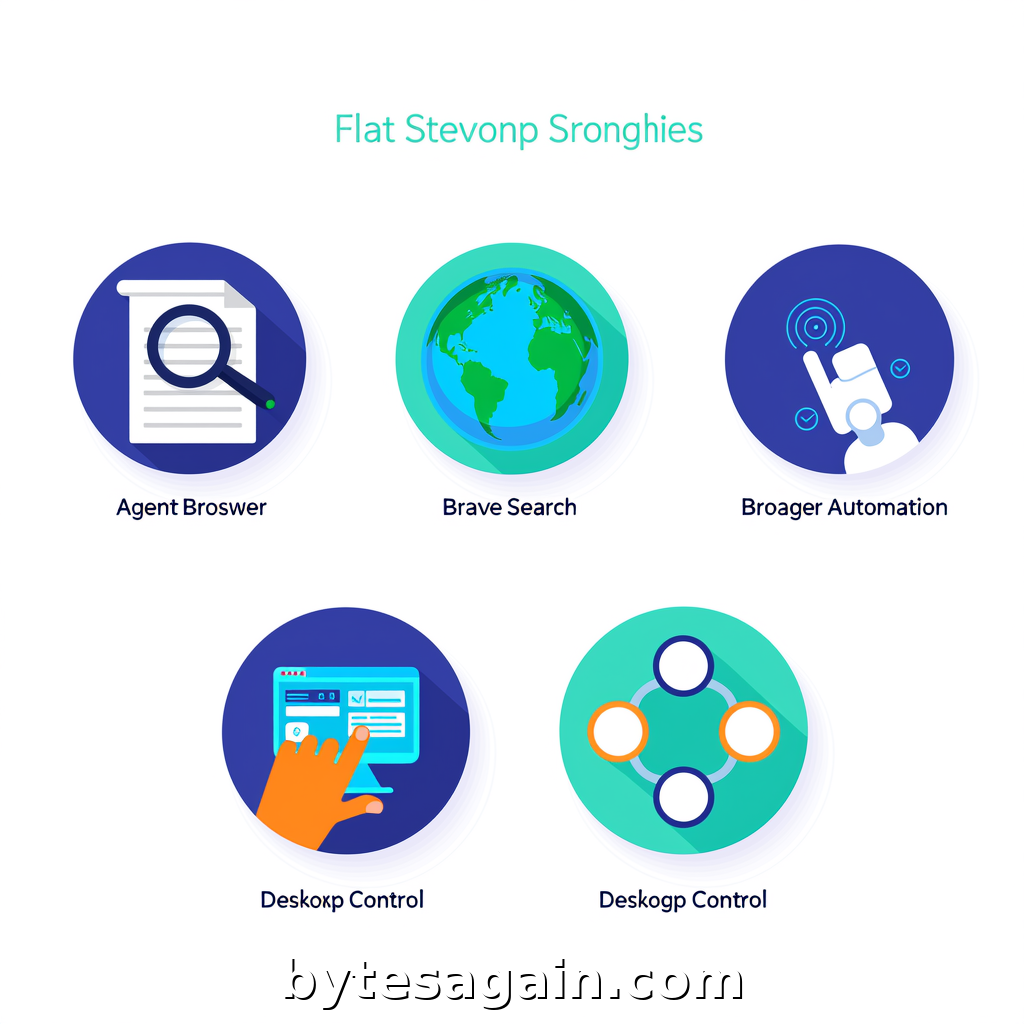
A legal professional needs to draft a contract that references current case law, incorporates regulatory updates, and follows a structured legal framework. Without AI, this means hours of manual research, cross-referencing statutes, and toggling between word processors and legal databases. The Legal Document Automation AI use case shows how a single AI agent can automate this entire workflow—but only if you choose the right skills.
This article compares five skills that work together in legal automation: Agent Browser, Brave Search, Browser Automation, Desktop Control, and ontology. Each skill brings a distinct capability. Understanding their differences helps you build an agent that drafts contracts, not just searches for them.
The Five Skills at a Glance
Agent Browser (agent-browser-clawdbot) is a headless browser automation CLI built specifically for AI agents. It excels at taking accessibility tree snapshots and using ref-based element selection. This means an agent can "see" a webpage the way a screen reader does—without rendering visual elements.
Brave Search (brave-search) provides web search and content extraction through the Brave Search API. It is lightweight, requires no browser, and is ideal for fetching documentation, facts, or any web content quickly.
Browser Automation (browser-automation) automates web browser interactions using natural language via CLI commands. It handles browsing, navigation, data extraction, screenshots, form filling, and clicking—all described in plain English.
Desktop Control (desktop-control) offers advanced desktop automation with mouse, keyboard, and screen control. This skill manages native applications like word processors, PDF viewers, and desktop legal databases.
ontology (ontology) builds a typed knowledge graph for structured agent memory and composable skills. It creates and queries entities like Person, Project, Task, Event, or Document, linking them in a semantic network.
Side-by-Side Comparison
What They Access
Agent Browser and Browser Automation both work with web content, but they differ in approach. Agent Browser treats the web as an accessibility tree—structured, predictable, and machine-readable. Browser Automation treats the web as a visual interface—clicking buttons, filling forms, and taking screenshots as a human would.
Brave Search accesses the web's search layer. It does not render pages or interact with elements. It returns search results and extracted text content. This is faster than either browser skill but offers no interaction.
Desktop Control accesses the operating system's native interface. It moves the mouse, types text, and reads screen content from any application.
ontology accesses structured data in memory. It does not browse anything. It stores and retrieves relationships between concepts.
When to Use Each
Use Agent Browser when your agent needs to parse complex web applications that rely on JavaScript rendering and dynamic content. Legal research databases, court docket systems, and regulatory portals often use single-page app architectures. Agent Browser's accessibility tree snapshots capture every interactive element, even those hidden behind modals or lazy-loaded sections.
Use Brave Search when your agent needs quick factual lookups. Searching for a specific statute number, retrieving the latest SEC filing, or finding a court decision's citation are tasks that benefit from speed over interaction. Brave Search returns results in seconds without spinning up a browser.
Use Browser Automation when your agent must interact with web interfaces that require visual confirmation. Filling out online legal forms, submitting documents to e-filing systems, or taking screenshots of web pages for evidence are tasks where natural language commands shine.
Use Desktop Control when your agent must work with desktop applications. Word processors, PDF editors, proprietary legal software, and local file systems are inaccessible to browser-based skills. Desktop Control bridges that gap.
Use ontology when your agent needs to remember and reason about structured information. Defining a contract's ontology—mapping clauses to legal terms, parties to obligations, and dates to deadlines—is exactly what this skill does.
Real Scenario: Drafting a Non-Disclosure Agreement
Imagine a legal professional asks an AI agent to draft an NDA that complies with California's updated data privacy regulations.
The agent starts with ontology. It defines the document's structure: parties, effective date, confidential information definition, exclusions, term, and governing law. Each entity links to legal concepts stored in the knowledge graph.
Next, the agent uses Brave Search to find the most recent California Consumer Privacy Act (CCPA) amendments. It extracts the relevant sections on data classification and cross-jurisdiction transfers.
With those regulations in hand, the agent opens the word processor using Desktop Control. It types the NDA's boilerplate, inserts the parties' names, and populates the confidentiality clause with language that matches the CCPA requirements.
To verify the clause language, the agent uses Agent Browser to open a legal reference database. It navigates to the "standard clauses" section, captures the accessibility tree, and selects the model NDA language recommended by the state bar association.
Finally, the agent uses Browser Automation to submit the draft to an online compliance checker. It fills the upload form, clicks "Analyze," and waits for the results. The agent then returns to the word processor via Desktop Control to make final adjustments.
Which Skill for Which User Type
For solo practitioners and small firms who handle varied legal work, start with Brave Search and ontology. These two skills cover research and document structure without requiring complex browser setups. Add Desktop Control if you frequently work with desktop word processors.
For legal tech developers building automated contract generators, prioritize Agent Browser and ontology. Agent Browser's accessibility tree approach makes it more reliable for parsing legal databases that change layouts frequently. Ontology provides the semantic backbone for clause libraries and precedent tracking.
For compliance teams who must verify regulatory changes daily, combine Brave Search with Browser Automation. Brave Search handles the initial fact-finding, while Browser Automation submits forms to regulatory websites and captures confirmation screenshots for audit trails.
For legal operations managers overseeing document assembly workflows, invest in Desktop Control and ontology. Desktop Control integrates with existing desktop tools, and ontology ensures every document follows the same structural template.
Actionable advice: Do not try to use all five skills at once. Start with ontology to define your document structure, then add Brave Search for research. Only introduce browser or desktop skills when your agent needs to interact with external systems. A lean agent is a reliable agent.
Making the Right Choice
The Legal Auto use case demonstrates that legal document automation is not about replacing lawyers—it is about reducing friction. Each skill handles a specific friction point:
- ontology eliminates structural confusion.
- Brave Search eliminates slow manual research.
- Agent Browser eliminates unreliable web scraping.
- Browser Automation eliminates repetitive form filling.
- Desktop Control eliminates app-switching delays.
The best skill for your workflow depends on where your time goes. If you spend hours searching for case law, Brave Search is your priority. If you spend hours formatting documents, Desktop Control is essential. If you spend hours navigating legal databases, Agent Browser or Browser Automation will save the most time.
Your Next Step
Browse the full catalog of AI agent skills at BytesAgain to build your own legal automation stack. Each skill page includes documentation, example workflows, and community feedback to help you decide.
Find more AI agent skills at BytesAgain.