

Published by BytesAgain · May 2026
The Right Search Skill for Legal Document Automation: Deep Research Pro vs. Tavily vs. Web Search vs. Exa
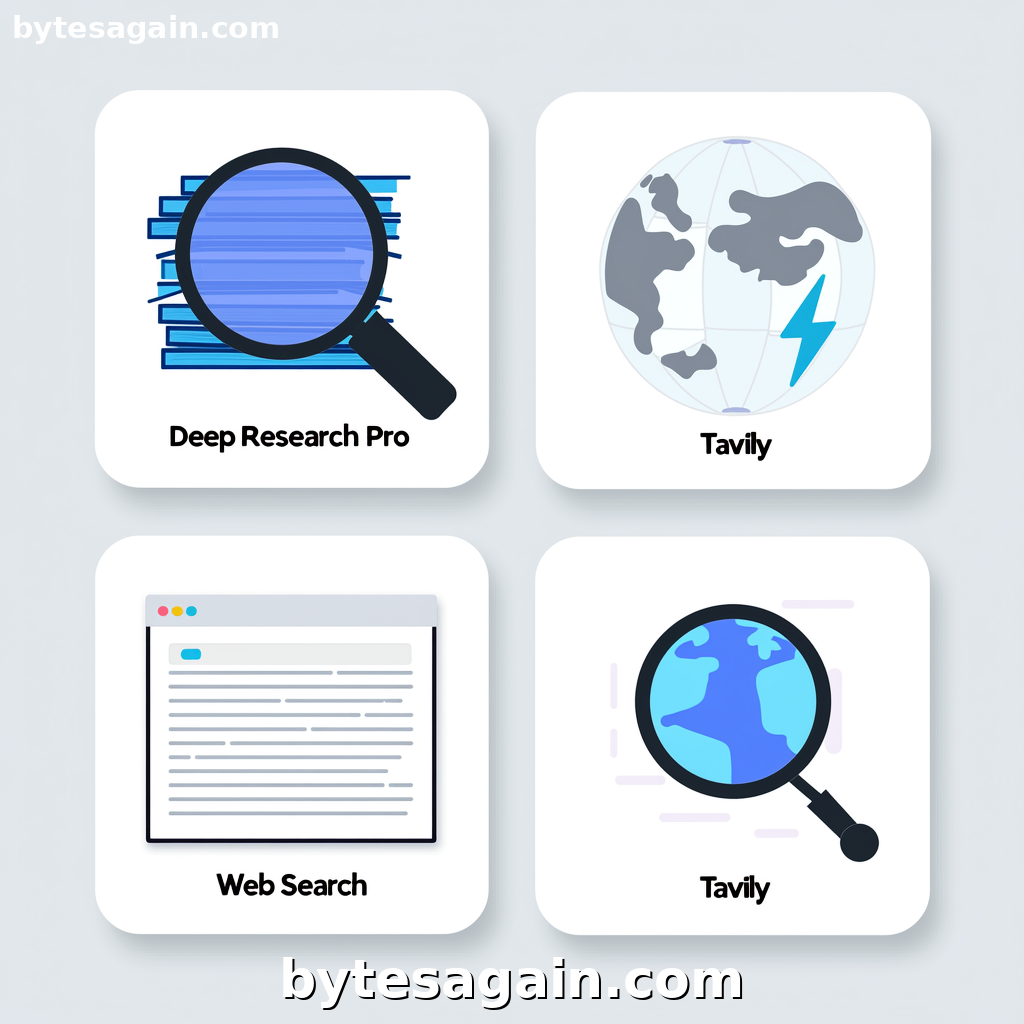
Drafting a contract or legal document isn't just about typing words. It requires verifying current statutes, checking precedent clauses, and ensuring compliance with the latest regulations. An AI agent can automate much of this grunt work, but only if it has the right skill to find accurate, timely information. The AI agent you build on BytesAgain needs a search tool that matches the specific demands of legal work.
This article compares four search skills available for the legal document automation use case: Deep Research Pro, Tavily AI Search, Web Search, and Web Search by Exa. Each handles research differently, and choosing the wrong one means your agent might cite outdated laws or miss critical context.
The Four Skills at a Glance
Deep Research Pro
Deep Research Pro acts like a research assistant that doesn't stop at the first result. It searches multiple sources, cross-references findings, and produces a synthesized report with citations. You give it a topic like "force majeure clauses in SaaS contracts," and it returns a structured analysis rather than a list of links. Its strength is depth over speed.
Tavily AI Search
Tavily is built for agents that need current, comprehensive web data. It uses its own API optimized for AI consumption, meaning it returns clean, relevant snippets rather than raw HTML. Tavily excels at real-time queries—like checking if a specific regulation was updated this week—and can generate answer summaries directly.
Web Search
This is the straightforward option. It uses DuckDuckGo's search API to find web pages, news, images, and videos. No frills, no AI synthesis. You ask for "non-compete clause examples," and you get links. It is reliable for broad searches where you just need to point the agent toward potential sources.
Web Search by Exa
Exa takes a neural approach. It understands the meaning behind your query, not just keywords. It is particularly strong at finding specific content types: company pages, people profiles, code repositories, and deep research papers. For legal work, this means Exa can locate a specific jurisdiction's court ruling or a company's standard terms of service with high precision.
Side-by-Side Strengths for Legal Document Drafting
Research Depth vs. Search Speed
When automating contract creation, you often need both broad exploration and pinpoint verification.
Deep Research Pro is the best choice when building a contract from scratch. If your agent needs to understand the current legal landscape around data privacy clauses in the EU versus the US, Deep Research Pro will gather sources, compare them, and deliver a cited briefing. The agent can then use that briefing to populate a template.
Tavily is faster but still thorough. Use it when your agent needs to check a specific fact during drafting. For example, "Has the SEC released new guidance on cryptocurrency disclosures this month?" Tavily returns a concise answer with sources, allowing the agent to insert a compliant clause without stalling.
Web Search is the fallback. It is useful for finding raw materials—like a PDF of a standard lease agreement—but the agent must do all the filtering and synthesis itself. It works, but it adds latency and risk if the agent misinterprets a result.
Web Search by Exa shines for entity-specific queries. Need to find a competitor's publicly filed contract terms? Exa's neural search can retrieve the exact page. Need to verify the name of a legal counsel at a specific firm? Exa is built for that.
Accuracy and Citation Quality
Legal documents demand verifiable sources. A clause that cites an overturned precedent is worse than useless.
Deep Research Pro outputs cited reports by default. Every claim links back to its source. This makes it ideal for the research phase of document creation—you get a bibliography ready for review.
Tavily also returns source URLs with its answers, but the synthesis is less comprehensive. It is better for quick verification than for building a foundation.
Web Search returns links. The agent must extract and verify the information itself, which increases the chance of error.
Web Search by Exa provides content extraction alongside search results. It can pull the full text of a webpage or document, which helps an agent verify details before inserting them into a contract.
Real Example: Drafting a Software Licensing Agreement
Imagine you are building an AI agent to draft a software licensing agreement for a client.
Phase 1: Research the legal landscape. The agent needs to understand current standards for limitation of liability, indemnification, and warranty disclaimers in software contracts. Here, Deep Research Pro is the right skill. It searches legal databases, tech publications, and precedent clauses, then delivers a synthesized report. The agent uses this report to select appropriate language for the template.
Phase 2: Verify specific regulations. The client operates in California, so the agent must check if any recent state laws affect software licensing (e.g., updates to the California Consumer Privacy Act). Tavily handles this quickly, returning a summary with links to official sources. The agent inserts a compliance clause based on this data.
Phase 3: Find a competitor's public terms. The client wants to see how a rival company structures its usage limits. Web Search by Exa can locate the exact page on the competitor's website containing their terms of service. The agent extracts the relevant section for comparison.
Phase 4: General fallback. If the agent needs to find a simple definition, like "what constitutes a 'material breach' in common law," Web Search provides quick links to legal dictionaries and educational sites.
Which Skill for Which User?
Actionable advice: Use Deep Research Pro for the research-heavy first draft of any legal document. Use Tavily for real-time compliance checks. Use Exa when you need to find a specific company's or person's legal documents. Use Web Search only as a low-cost fallback for simple lookups.
For solo practitioners or small firms automating their own workflow: Start with Deep Research Pro and Tavily. The combination gives you depth for drafting and speed for verification. Add Exa if you frequently research competitors or specific organizations.
For legal tech developers building an agent for clients: Integrate Deep Research Pro as the primary research engine, with Tavily as the fallback for real-time queries. Offer Web Search by Exa as an optional upgrade for users who need deep company research.
For in-house legal teams at large companies: Use Deep Research Pro for policy research and Exa for internal document discovery and competitor analysis. Tavily is useful for tracking regulatory changes.
Final Recommendation
No single skill covers every legal document automation need. The best setup is a layered approach:
- Deep Research Pro for initial research and template creation.
- Tavily for current events and regulatory updates.
- Web Search by Exa for targeted entity and content extraction.
- Web Search for simple, low-cost lookups.
By combining these skills, your AI agent can move from research to drafting to verification without switching tools. The result is faster, more accurate legal document creation that frees you to focus on strategy and client work.
Find more AI agent skills at BytesAgain.