

Which AI Skill Actually Helps You Plan Lessons? OKR, Task Management, or Data Analysis?
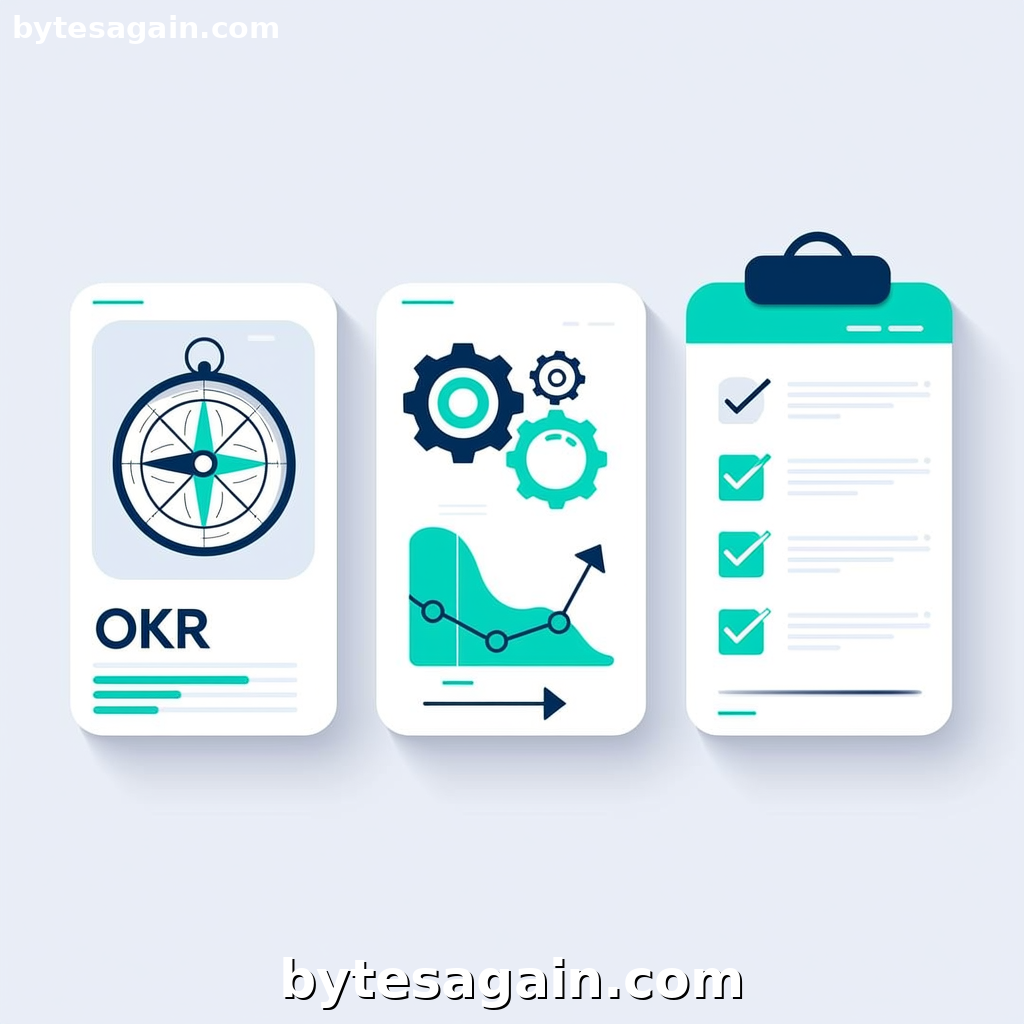
Every teacher knows the feeling: you have a curriculum outline, a handful of learning objectives, and a class of students with different needs. The gap between "I have a topic" and "I have a complete, engaging lesson plan" is where most of the work happens. That is precisely the problem the AI Lesson Planner use case on BytesAgain solves. It is designed to help teachers create effective, structured, and engaging lesson plans without starting from scratch every time.
But here is the catch: no single AI agent skill fits every lesson-planning scenario. The platform offers three distinct skills for this use case, each built for a different part of the planning puzzle. Understanding which skill to attach to your agent can mean the difference between a plan that flows and one that feels like extra homework.
Let's break down the three skills, compare their strengths, and help you choose the right AI tool to automate the right part of your workflow.
The Three Skills at a Glance
1. Okr Planner
The Okr Planner skill is built around Objectives and Key Results (OKR) methodology. It helps you set high-level goals, break them into measurable quarterly outcomes, and track alignment across a team or curriculum. For teachers, this means defining long-term learning objectives, mapping weekly milestones, and ensuring every lesson connects to a bigger picture. Its strengths are in strategic planning, alignment, and feedback loops.
2. System Data Intelligence
The System Data Intelligence skill is a specialized tool for reading, writing, and manipulating files on your operating system. It handles Excel, Word, TXT, Markdown, PDFs, and more. When you need to extract data from a gradebook, reformat a syllabus, or pull trends from student assessment spreadsheets, this skill does the heavy lifting. It is not a planner itself, but it is the bridge between your raw data and your planning tool.
3. Task Planner
The Task Planner skill is a local, private task manager. It helps you manage to-do lists, set priorities, track deadlines, and maintain bilingual documentation. For lesson planning, this skill shines when you need to break down a unit into daily tasks, set reminders for submission dates, or keep track of materials to prepare. It is lightweight, private, and focused on execution.
Side-by-Side Comparison
Primary Function
- Okr Planner: Strategic goal setting and alignment
- System Data Intelligence: File manipulation and data analysis
- Task Planner: Daily task management and deadline tracking
Best For
- Okr Planner: Long-term curriculum design, unit planning, department alignment
- System Data Intelligence: Extracting data from spreadsheets, generating reports, formatting lesson materials
- Task Planner: Daily lesson prep, to-do lists, assignment deadlines
Output Type
- Okr Planner: OKR documents, quarterly reviews, cascaded goals
- System Data Intelligence: Edited files, extracted data, analysis summaries
- Task Planner: Task lists, priority scores, deadline reminders
Collaboration Level
- Okr Planner: Team-oriented (department, grade level)
- System Data Intelligence: Individual or data-driven
- Task Planner: Individual, with optional sharing via exports
Learning Curve
- Okr Planner: Moderate (requires understanding OKR framework)
- System Data Intelligence: Low to moderate (depends on file complexity)
- Task Planner: Low (familiar to-do list format)
Real-World Scenario: Planning a Science Unit
Imagine you are a high school science teacher planning a six-week unit on climate change. Here is how each skill would help in different phases of the process.
Phase 1: Setting the Unit Objectives You need to define what students should know by the end of the unit. The Okr Planner skill is ideal here. You set an objective like "Students will understand the causes and effects of climate change" and define key results: complete a research project, pass a quiz with 80% accuracy, and create a public awareness poster. The skill helps you align these with school-wide science standards and review progress weekly.
Phase 2: Gathering and Organizing Data Your department has shared a spreadsheet with past quiz results, a Word document with lab instructions, and a PDF of the textbook chapter. You need to extract the quiz data to see which concepts students struggled with last year. The System Data Intelligence skill reads the Excel file, identifies trends, and outputs a summary of weak areas. It also reformats the lab instructions into a cleaner Markdown file for your lesson plan.
Phase 3: Breaking Down the Daily Work Now you have objectives and data. The Task Planner skill helps you turn the unit into actionable steps: "Prepare slides for Week 1," "Find video on greenhouse gases," "Create lab worksheet," "Set quiz date." You assign priorities and deadlines, and the skill keeps you on track without needing cloud sync or external services.
Which skill wins? None—they complement each other. The Okr Planner gives you direction, the System Data Intelligence skill handles the data, and the Task Planner keeps execution on schedule.
Recommendations by User Type
For the Curriculum Lead or Department Head Choose the Okr Planner skill. Your job is to set the vision, ensure alignment across teachers, and review progress. This skill gives you the structure to define objectives, cascade them to weekly plans, and conduct quarterly reviews with your team.
For the Data-Driven Teacher Choose the System Data Intelligence skill. If you regularly work with spreadsheets, gradebooks, or curriculum documents, this skill automates the tedious parts. It reads, writes, and analyzes files so you can spend more time on instruction and less on formatting.
For the Busy Classroom Teacher Choose the Task Planner skill. You need a simple, private way to manage daily tasks, track deadlines, and keep your lesson prep organized. This skill is lightweight and works offline, making it reliable in any classroom environment.
For the Best Results Combine the Okr Planner with the Task Planner. Use the OKR skill for unit-level planning and the Task Planner for daily execution. Add the System Data Intelligence skill if your workflow involves heavy data handling.
Actionable advice: Start with the skill that matches your biggest pain point. If you struggle with long-term direction, begin with Okr Planner. If you are buried in spreadsheets, start with System Data Intelligence. If you just need to get things done, Task Planner is your entry point.
Final Verdict
The AI Lesson Planner use case on BytesAgain is not about replacing teacher creativity. It is about removing the friction between having an idea and delivering a polished lesson. Each of the three skills serves a specific role in that pipeline.
- Use Okr Planner when you need to think strategically about what students should learn and how to measure that learning over time.
- Use System Data Intelligence when your planning depends on extracting insights from existing data or reformatting materials.
- Use Task Planner when you need to execute your plan day by day, task by task.
No single skill is the "best" for every situation. The smartest approach is to match the skill to the part of your planning process that costs you the most time or mental energy.
Explore the AI Lesson Planner use case on BytesAgain and see which skill fits your teaching style. Then build an agent that works the way you do.
Find more AI agent skills at BytesAgain.
Published by BytesAgain · May 2026