

Which AI Skill Wins for Smart Meeting Notes? Meeting Agenda vs. Podcast Notes vs. Smart Lights
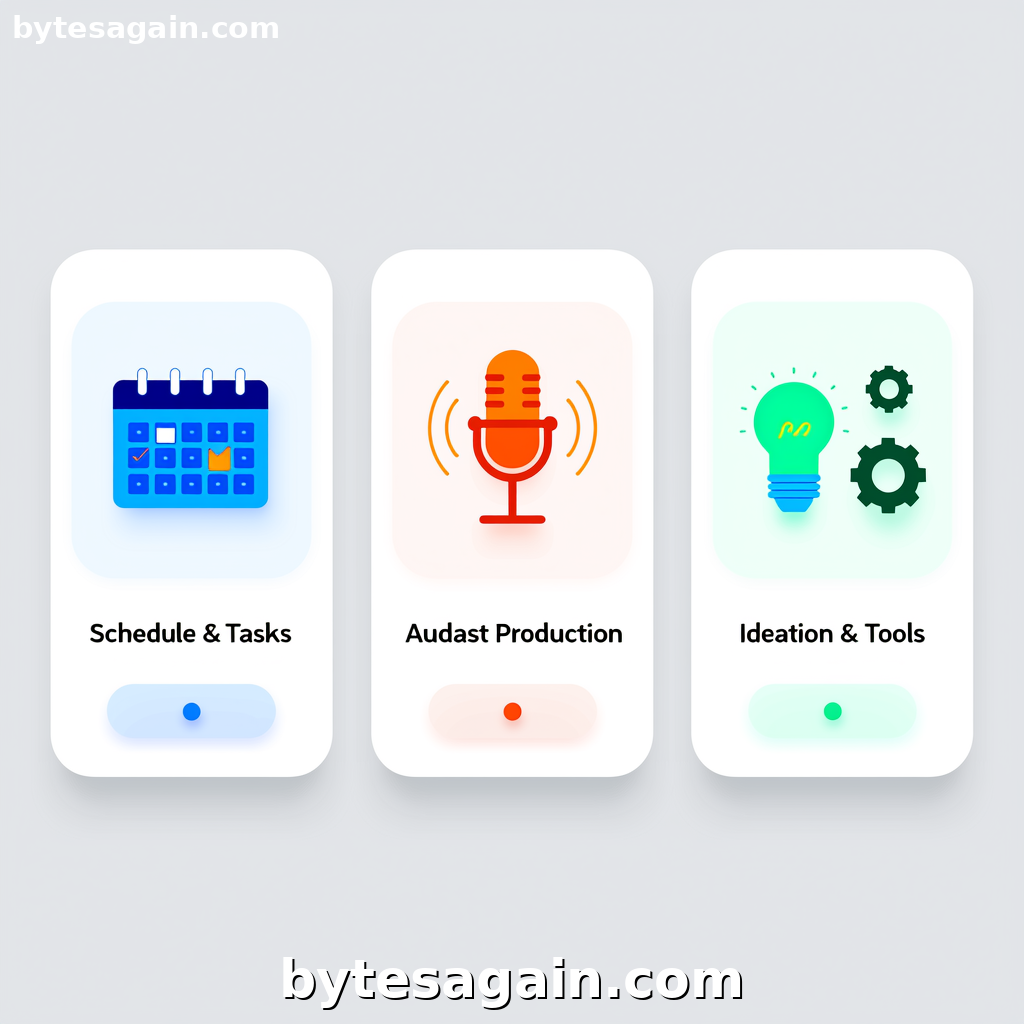
Turning chaotic conversations into organized, actionable notes is one of the most practical uses for an AI agent. Whether you're running a team standup, recording a podcast episode, or debugging a codebase, the ability to automate note-taking saves hours every week. On BytesAgain, the Smart Meeting Notes use case brings together three distinct skills, each designed to skill up your agent for a specific type of meeting. But which one should you install? This comparison breaks down the strengths of each AI skill so you can choose the right tool for your workflow.
The Three Skills at a Glance
Meeting Agenda
The Meeting Agenda skill is your all-in-one meeting management companion. It handles agenda creation, standup templates, retrospectives, one-on-ones, decision meetings, and meeting minutes. If your day is filled with recurring team syncs or structured decision-making sessions, this skill provides the scaffolding to keep everyone on track. Its strength lies in structure: it knows the difference between a daily standup and a quarterly retrospective, and it formats notes accordingly.
Podcast Notes
The Podcast Notes skill is built for content creators and interviewers. It generates podcast outlines, show notes, intro scripts, guest questions, monetization strategies, and distribution channel recommendations. This is not a general meeting tool—it's a specialized assistant for anyone who records conversations for an audience. Its strength is narrative flow: it helps you turn a raw conversation into a polished episode with clear segments and actionable takeaways.
Smart Lights
The Smart Lights skill takes a different approach. It's a reference tool for devtools, covering introductions, quickstarts, patterns, and best practices. Think of it as a quick-lookup guide that lives inside your agent. Its strength is technical precision: when your meeting involves code reviews, architecture discussions, or troubleshooting, Smart Lights provides instant context on implementation patterns without breaking your flow.
Side-by-Side Comparison
Primary Use Case
- Meeting Agenda is best for recurring team meetings, standups, and structured decision-making sessions.
- Podcast Notes is ideal for content production, interview prep, and post-recording show notes.
- Smart Lights is designed for technical meetings where quick access to devtool documentation improves discussion quality.
Key Features
- Meeting Agenda offers templates for standups, retrospectives, one-on-ones, and decision meetings. It generates minutes automatically and can create follow-up action items.
- Podcast Notes provides outline generation, intro script writing, guest question banks, and monetization advice. It helps structure an episode from cold open to call to action.
- Smart Lights delivers concise references for devtools: quickstarts, common patterns, and best practices. It does not generate meeting notes directly but enriches technical discussions.
Best Fit User
- Meeting Agenda suits project managers, team leads, and scrum masters who run multiple recurring meetings each week.
- Podcast Notes fits podcasters, content marketers, and interviewers who need to produce consistent, high-quality episodes.
- Smart Lights works for developers, DevOps engineers, and technical leads who participate in code reviews, architecture meetings, or pair programming sessions.
Real-World Scenario: The Product Launch Meeting
Imagine a product team preparing for a major launch. The day includes three distinct meetings:
- Morning standup with engineering to check sprint progress.
- Midday podcast recording with the product manager and a guest influencer.
- Afternoon architecture review to finalize the deployment pipeline.
For the morning standup, the Meeting Agenda skill is essential. It generates a structured agenda with yesterday's updates, today's goals, and blockers. The agent captures minutes and creates action items automatically. Without this skill, the standup might drift into unstructured discussion, wasting time.
For the podcast recording, the Podcast Notes skill prepares the host with a guest introduction, key questions, and a segment outline. After recording, it generates show notes and distribution tips. The general meeting agenda skill cannot match this specialized output—it would produce generic minutes instead of a publish-ready episode summary.
For the architecture review, the Smart Lights skill proves invaluable. When the team debates between two deployment patterns, the agent quickly retrieves a concise comparison of both approaches, including common pitfalls and best practices. This keeps the discussion focused on decisions rather than documentation lookup.
Actionable advice: Install all three skills on your agent, then use a simple prefix to invoke the right one. For example, "standup: [topic]" triggers Meeting Agenda, "podcast: [topic]" triggers Podcast Notes, and "dev: [topic]" triggers Smart Lights. This keeps your agent versatile without overcomplicating your workflow.
Which Skill for Which User Type?
The Project Manager
If you live in Jira, Asana, or Trello and your week is a series of standups, retros, and one-on-ones, Meeting Agenda is your primary skill. It reduces note-taking overhead and ensures every meeting produces actionable outputs. Pair it with Smart Lights if your team discusses technical implementations—but Meeting Agenda will be your daily driver.
The Content Creator
If you produce a podcast, video series, or interview-based content, Podcast Notes is non-negotiable. It saves hours of prep and post-production work. You might rarely use Meeting Agenda unless you also manage a content team. Smart Lights is irrelevant unless your podcast covers technical topics.
The Developer or Tech Lead
If your meetings are code reviews, architecture discussions, or sprint planning with heavy technical context, Smart Lights is your best friend. It keeps documentation accessible without switching tabs. Add Meeting Agenda for structured standups and retros. Podcast Notes is only useful if you also record technical content.
The Hybrid User
Many professionals wear multiple hats. If you manage a team, record a podcast, and contribute to architecture decisions, install all three. The agent becomes a Swiss Army knife for every conversation. Just remember to invoke the correct skill for each context.
Final Recommendation
For the Smart Meeting Notes use case, there is no single "best" skill. The right choice depends on your meeting type:
- Use Meeting Agenda for structured team meetings and recurring syncs.
- Use Podcast Notes for content production and interview preparation.
- Use Smart Lights for technical discussions that require instant documentation reference.
Consider starting with the skill that matches your most frequent meeting type, then expand as your workflow evolves. The beauty of BytesAgain's agent marketplace is that you can combine skills without friction. Your agent adapts to you, not the other way around.
Find more AI agent skills at BytesAgain.
Published by BytesAgain · May 2026