

Published by BytesAgain · May 2026
Press Release Automation: Which AI Agent Skill Actually Delivers?
When you need to automate the creation and distribution of professional press releases, the right AI agent skill can save hours of manual work. But not all skills are built the same. The Press Release Assistant use case promises to handle everything from drafting announcements to managing distribution files—yet the skills available range from a pure writing generator to a full system-level data manipulator. Choosing the wrong one could leave your agent stuck with half-baked copy or missing critical data.
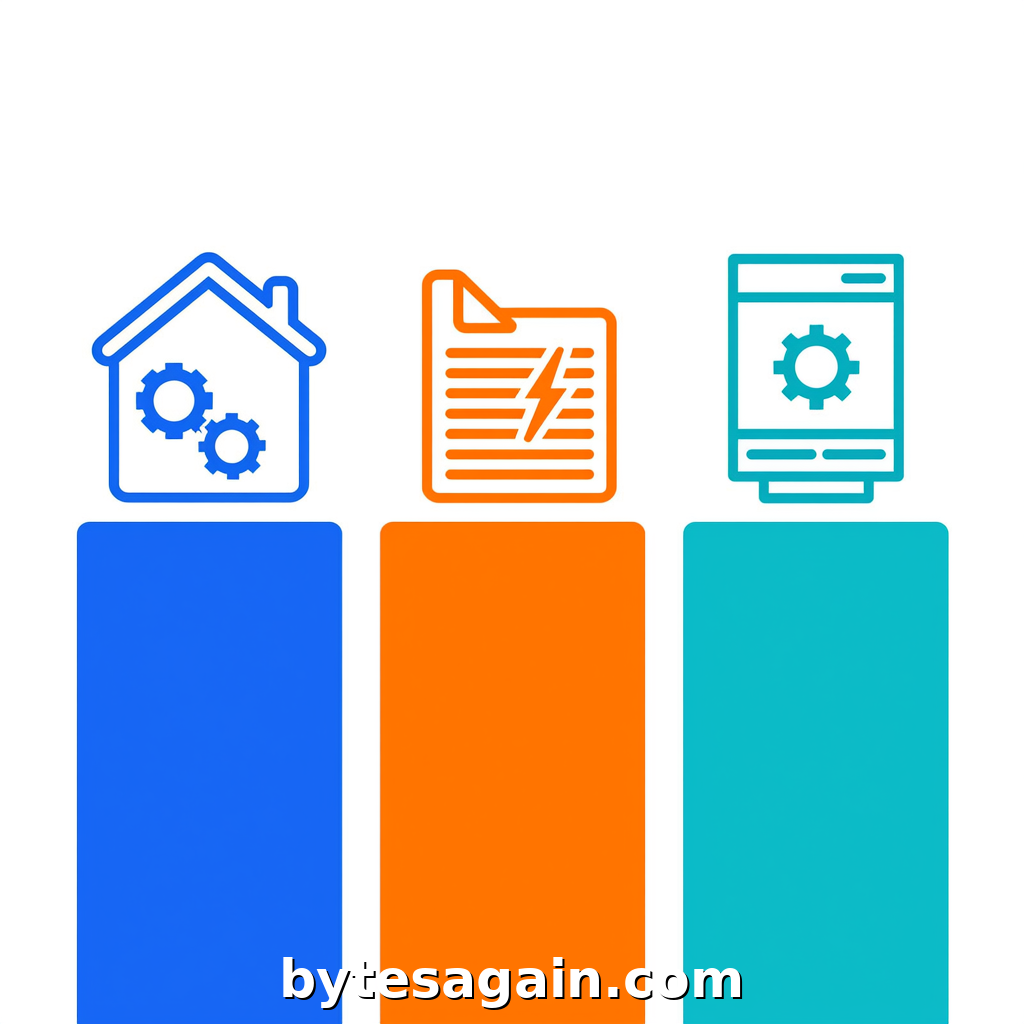
This comparison breaks down three distinct skills: the Homeassistant Toolkit, the dedicated Press Release generator, and the system-data-intelligence-skill designed for deep file operations. By the end, you'll know exactly which skill fits your workflow—and when to combine them for maximum impact.
The Three Skills at a Glance
1. Homeassistant Toolkit (homeassistant-toolkit)
This skill functions as a reference companion for the Homeassistant ecosystem. It covers introductory concepts, quickstart guides, patterns, and best practices. Its strength lies in contextual guidance—helping an agent understand how to structure automations, configure integrations, or troubleshoot common issues. For press release work, it adds value when your agent needs to pull data from smart home devices or automate distribution triggers (e.g., "send press release when sensor detects product launch").
2. Press Release (press-release)
A dedicated generator for corporate communications. It handles enterprise news, product launches, funding announcements, and event coverage. This skill is narrowly focused: it writes, formats, and structures press releases according to industry standards. It understands journalistic conventions—headlines, datelines, boilerplates, quotes, and media contact sections. If your primary goal is producing clean, professional copy, this is the obvious choice.
3. System-Data-Intelligence-Skill (system-data-intelligence-skill)
Designed for direct operating system application and deep data analysis. It triggers automatically when users mention reading, writing, or manipulating files like Excel, Word, TXT, Markdown, or RTZ. It can extract data from any application, perform trend analysis, anomaly detection, and predictive modeling. For press releases, this skill excels when you need to: pull sales figures from a spreadsheet into a draft, analyze historical announcement performance, or batch-generate multiple releases from a data template.
Side-by-Side Comparison
Primary Function
- Homeassistant Toolkit: Reference and guidance for smart home automation
- Press Release: Professional press release writing and formatting
- System-Data-Intelligence-Skill: File manipulation and deep data analysis
Best For
- Homeassistant Toolkit: Agents that need to integrate press release triggers with smart home events
- Press Release: Straightforward, single-release writing tasks
- System-Data-Intelligence-Skill: Data-heavy workflows involving multiple files or complex analysis
When to Use
- Homeassistant Toolkit: When your press release process depends on IoT data or scheduled automations
- Press Release: When you need a one-off announcement with proper journalistic structure
- System-Data-Intelligence-Skill: When you have existing data in spreadsheets or documents that must be transformed into press releases
Limitations
- Homeassistant Toolkit: Not a writer—it provides guidance, not content
- Press Release: Cannot read or manipulate external files; purely a text generator
- System-Data-Intelligence-Skill: Overkill for simple writing tasks; requires structured data input
Real-World Scenario: Launching a New Product
Imagine you're a product manager at a hardware startup. You've just finished testing a new smart thermostat, and you need to announce it to the press. Here's how each skill would handle the task:
Scenario A: Quick Announcement
You have the product specs and a few key quotes. You just need a clean press release. The Press Release skill is your best bet. It will generate a headline, lead paragraph, product description, quote from the CEO, and media contact information—all in standard AP style. No file handling required.
Scenario B: Data-Driven Release
Your sales team has a spreadsheet with pre-launch order numbers, regional distribution data, and customer testimonials in a Word document. The System-Data-Intelligence-Skill can extract the order data from Excel, pull quotes from the Word file, and feed everything into a press release template. It can also analyze historical launch data to suggest the best timing for distribution.
Scenario C: Automated Distribution
You want the press release to go out automatically when your smart thermostat passes quality assurance tests in your home lab. The Homeassistant Toolkit helps your agent understand how to trigger a release based on a sensor event, then hand off the writing to the Press Release skill, and finally use the System-Data-Intelligence-Skill to log the distribution in a tracking spreadsheet.
Actionable Advice: For most press release workflows, combine the Press Release skill for writing with the System-Data-Intelligence-Skill for data extraction. Use the Homeassistant Toolkit only if your release depends on real-time smart home triggers.
Which Skill Should You Choose?
For the Solo Entrepreneur or Freelancer
You likely write one or two press releases per month. The Press Release skill is sufficient. It handles formatting and structure without requiring data imports. You can manually paste in your quotes and facts.
For the Marketing Team with Data
If your team maintains sales data in spreadsheets or customer feedback in Word docs, the System-Data-Intelligence-Skill is essential. It removes the manual copy-paste step and can even batch-generate releases for multiple product variants.
For the Smart Home or IoT Company
If your product launch is tied to real-world events (e.g., a sensor detects a completed assembly), the Homeassistant Toolkit adds automation logic. But don't rely on it for writing—pair it with the Press Release skill.
For the Power User
Combine all three. Use the Homeassistant Toolkit to set up triggers, the System-Data-Intelligence-Skill to pull data from files, and the Press Release skill to produce the final copy. This creates an end-to-end pipeline from data ingestion to distribution.
Final Verdict
No single skill dominates the press release use case. The Press Release skill is the best writer. The System-Data-Intelligence-Skill is the best data handler. The Homeassistant Toolkit is the best integrator for smart home contexts. Your choice depends entirely on whether your bottleneck is writing quality, data preparation, or automation logic.
Start with the Press Release skill if you need clean copy fast. Add the System-Data-Intelligence-Skill when you have files to process. Consider the Homeassistant Toolkit only for trigger-based workflows. And remember: you can always explore the Press Release Assistant use case to see how these skills work together in a real agent.
Find more AI agent skills at BytesAgain.