

Property Management AI: Which Skill Automates Your Workflow Best?
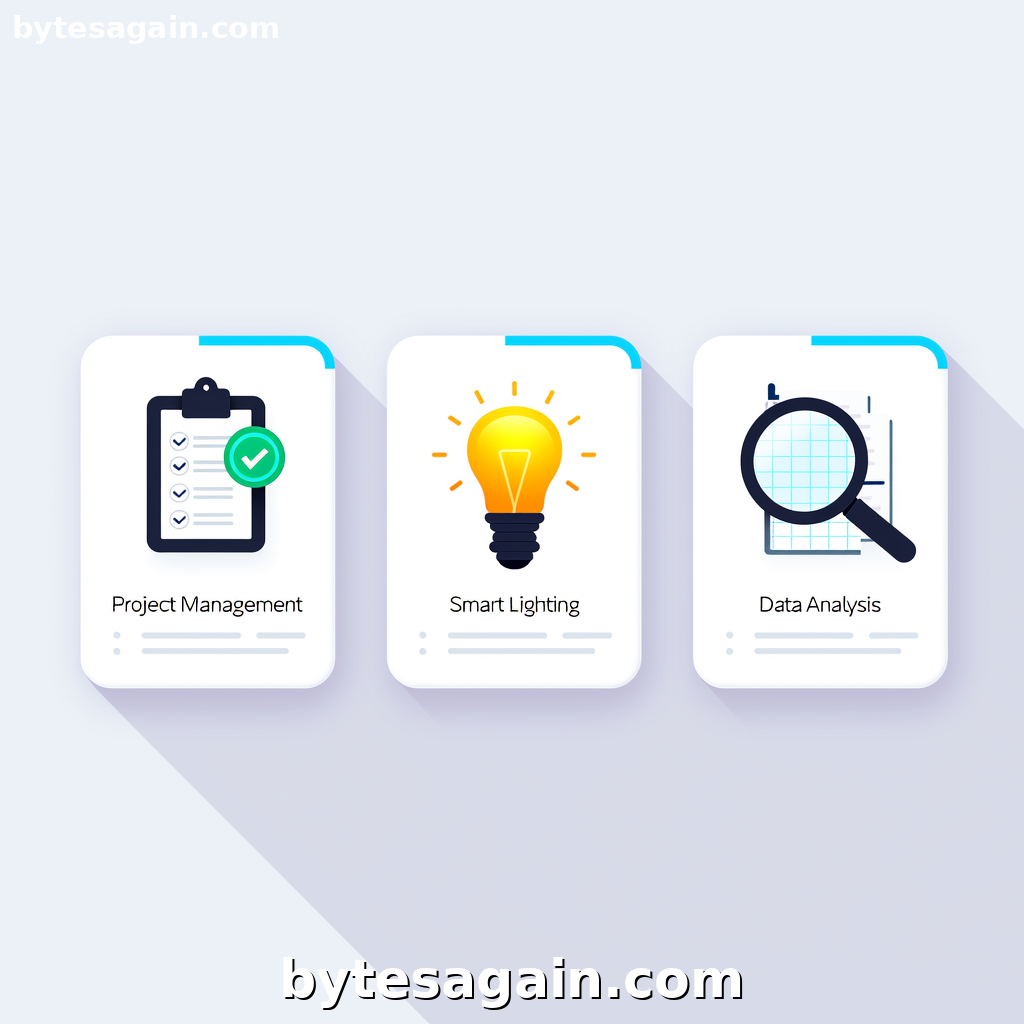
Managing rental properties means juggling maintenance requests, tenant communications, financial records, and operational tasks—often across multiple platforms. An AI agent built for this use case can save hours each week by automating repetitive work. The Explore the Smart Property Management Assistant use case brings together three distinct skills that each tackle a different part of the property management puzzle. But which skill should you pair with your agent? The answer depends on your biggest pain point.
This article compares three skills available for that use case: Freedcamp Project Management, Smart Lights, and the system data intelligence skill (listed as system-data-intelligence-skill). Each serves a different purpose, and understanding their strengths will help you build an agent that actually reduces your workload.
The Three Skills at a Glance
Freedcamp Project Management focuses on task and project coordination. It connects to the Freedcamp platform using HMAC-SHA1 API credentials, letting your agent manage tasks, projects, groups, comments, notifications, and task lists. If you organize repairs, inspections, or tenant onboarding through Freedcamp, this skill turns your agent into a project manager.
Smart Lights is a reference tool for developers working with smart lighting systems. It covers introductory concepts, quickstart guides, patterns, and best practices. This skill is less about direct property management and more about supporting technical implementation—ideal if you're building or configuring smart lighting for a property.
System Data Intelligence Skill is designed for deep data analysis and direct operating system application manipulation. It triggers when users mention reading, writing, or manipulating files like Excel, WPS, Word, TXT, Markdown, or RTZ. It also handles data extraction from any application, plus advanced analysis tasks like trend research, anomaly detection, and prediction. This skill is a powerhouse for anyone dealing with spreadsheets, financial reports, or tenant data.
Side-by-Side Comparison
What They Do Best
Freedcamp Project Management excels at workflow coordination. It keeps tasks assigned, deadlines visible, and communication centralized. Best for agents that need to update project boards, assign maintenance tickets, or notify team members about status changes.
Smart Lights serves as a developer reference. It does not control lights directly—it provides documentation and implementation patterns. Best for agents assisting developers or tech teams setting up smart lighting infrastructure.
System Data Intelligence Skill handles raw data. It reads and writes files, extracts information from applications, and performs statistical analysis. Best for agents that need to process rent rolls, expense reports, lease agreements, or utility data.
When to Use Each
Use Freedcamp Project Management when your property management workflow relies on structured task tracking. For example, when a tenant submits a maintenance request, your agent can automatically create a task in Freedcamp, assign it to the appropriate vendor, and set a deadline. This skill keeps everything organized without manual entry.
Use Smart Lights when you are developing or configuring smart lighting for a property. If your agent needs to answer questions like "How do I set up motion-activated lights in common areas?" or "What's the best pattern for hallway lighting schedules?" this skill provides the reference material. It is not for controlling lights but for guiding implementation.
Use System Data Intelligence Skill when your agent needs to work with files and data. For instance, when a property manager uploads a monthly expense spreadsheet, the agent can extract line items, identify anomalies (like a sudden spike in water bills), and generate a summary report. This skill also handles pulling data from other applications, making it useful for migrating tenant records or consolidating financial data from multiple sources.
Real Example: A Day in Property Management
Imagine you manage a 20-unit apartment building. Your week includes:
- A tenant reports a broken dishwasher.
- You need to update the maintenance log in Freedcamp.
- You want to review last month's utility costs from an Excel file.
- You are considering smart lighting for the parking lot.
Here is how each skill helps:
Your AI agent uses Freedcamp Project Management to create a new task for the dishwasher repair, assign it to your handyman, and set a 48-hour deadline. It then posts a comment with the tenant's contact info and photos.
Next, the agent uses System Data Intelligence Skill to open your utility expense spreadsheet, extract the water and electricity costs, compare them to the previous month, and flag a 15% increase in electricity. It writes a summary to a new text file for your review.
Finally, when you ask about smart lighting options, the agent uses Smart Lights to pull up a quickstart guide on motion-sensor patterns suitable for parking lots. It does not control the lights but provides the documentation you need to discuss with an electrician.
In this scenario, all three skills work together. But if you only needed one, the System Data Intelligence Skill would be the most versatile—it handles the data analysis that most property managers struggle with.
Which Skill for Which User Type
Property managers who live in spreadsheets should prioritize the System Data Intelligence Skill. If your day involves rent rolls, expense reports, lease renewals, and utility data, this skill automates the tedious parts. It reads, writes, and analyzes files without you opening Excel manually.
Team leaders using project management tools will get the most from Freedcamp Project Management. If you coordinate multiple vendors, track inspection schedules, or manage tenant communications through Freedcamp, this skill keeps your agent aligned with your existing workflow.
Developers or tech-savvy property owners exploring smart building features will benefit from Smart Lights. It is a reference resource, not a control tool, but it saves time when researching implementation patterns.
For most property managers, the best starting point is the System Data Intelligence Skill. It handles the data-heavy tasks that are hardest to automate. Add Freedcamp Project Management if you use task boards. Add Smart Lights only if you are actively working on smart lighting projects.
Actionable advice: Start by identifying your most time-consuming manual task. If it involves files or data, choose the System Data Intelligence Skill. If it involves task coordination, choose Freedcamp Project Management. Pick Smart Lights only when you have a specific smart lighting project in progress.
Final Recommendation
No single skill covers every property management need. The right combination depends on your workflow:
- For data analysis and file handling: System Data Intelligence Skill is essential.
- For task and project coordination: Freedcamp Project Management keeps everything on track.
- For smart lighting reference: Smart Lights supports technical implementation.
The Explore the Smart Property Management Assistant use case page lets you explore how these skills integrate. Build your agent around the skill that solves your biggest pain point first, then expand as needed.
Find more AI agent skills at BytesAgain.