

Published by BytesAgain · May 2026
Smart Home AI Skills Compared: Home Organizer, Homeassistant Toolkit, and Smart Lights
Your home should work for you, not the other way around. Whether you want to declutter your living space, control every light with your voice, or build complex automation routines, an AI agent can handle the heavy lifting. The question is: which skill do you need?
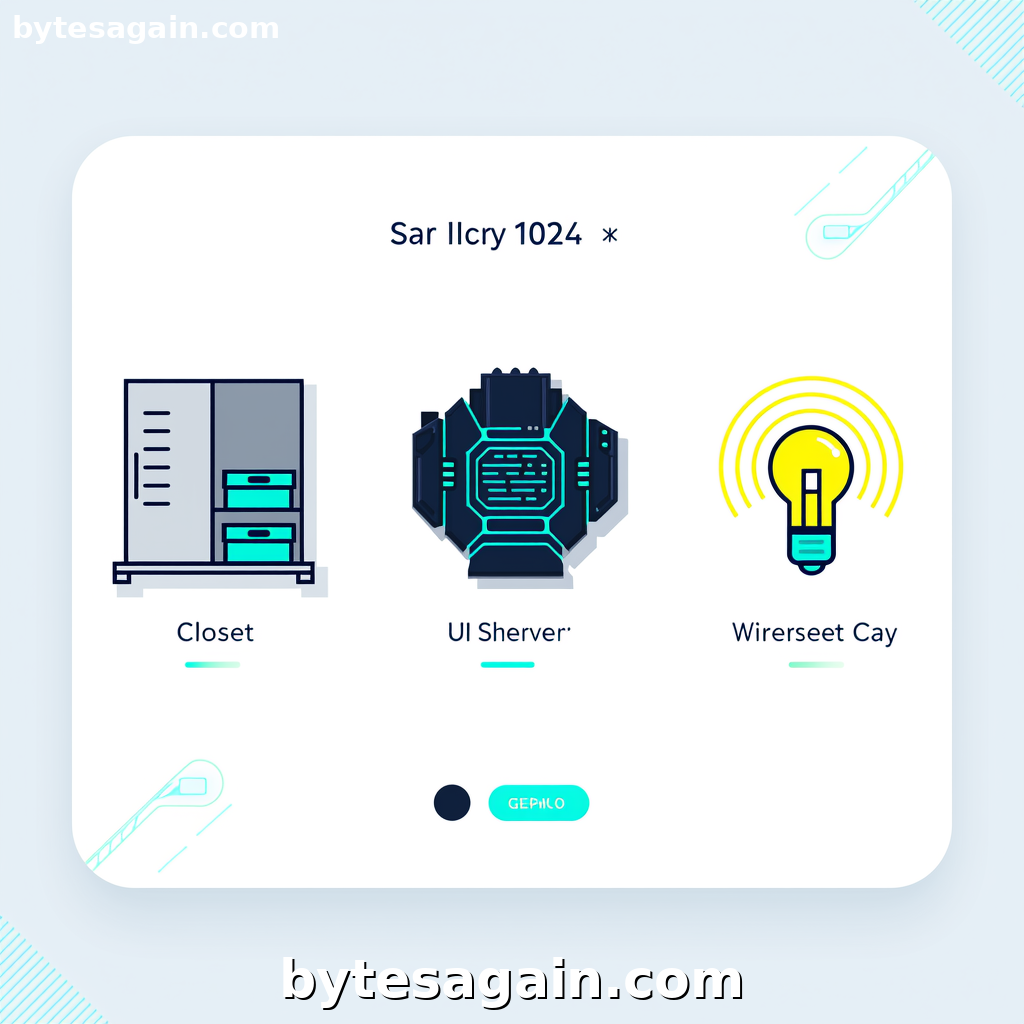
The Smart Home use case on BytesAgain brings together three distinct agent skills designed to help you automate and simplify your home life. But they serve very different purposes. One focuses on physical organization and minimalism. Another acts as a technical reference for Home Assistant. The third specializes in lighting control.
This article breaks down each skill, compares their strengths and weaknesses, and helps you choose the right one—or combination—for your home.
The Three Skills at a Glance
Home Organizer
This skill is all about the physical side of home management. It covers decluttering (the Japanese concept of 断舍离), storage solutions, space planning, seasonal organization, moving checklists, and minimalist living. If your home feels chaotic or overstuffed, this agent provides actionable plans to reclaim your space.
Strengths: Practical, human-scale advice. Works offline (in the real world). Great for renters and homeowners alike who want less stuff and more order.
Homeassistant Toolkit
This is a reference tool for the Home Assistant ecosystem. It covers introductions, quickstart guides, automation patterns, best practices, and implementation pathways. If you run Home Assistant—or want to start—this skill acts as your on-demand documentation.
Strengths: Technical depth. Saves hours of searching forums. Designed for DIY smart home enthusiasts who use Home Assistant as their central hub.
Smart Lights
As the name suggests, this skill focuses on lighting control. It provides reference material for smart lighting concepts, quickstart guides, patterns, and best practices. Whether you use Philips Hue, LIFX, or Zigbee bulbs, this skill helps you set up scenes, schedules, and automations.
Strengths: Focused and specific. Ideal for users who want to master lighting without getting distracted by other home automation topics.
Side-by-Side Comparison
What They Do
- Home Organizer: Helps you sort, store, and simplify your physical belongings. Generates checklists for moving, seasonal swaps, and room-by-room decluttering.
- Homeassistant Toolkit: Teaches you how to configure and use Home Assistant software. Covers YAML, integrations, automations, dashboards, and troubleshooting.
- Smart Lights: Explains how to set up and control smart bulbs, switches, and light strips. Covers groups, scenes, motion sensors, and energy-saving schedules.
Best Use Cases
- Home Organizer is best when you need to prepare for a move, tackle a cluttered garage, or adopt a minimalist lifestyle. It's about the stuff in your home.
- Homeassistant Toolkit is best when you're building a centralized smart home system. You need to connect devices from different brands, create complex automations, and monitor energy usage.
- Smart Lights is best when lighting is your priority. You want to set the mood, save electricity, or automate lights based on time of day or occupancy.
Who Should Use Each
- Home Organizer: Non-technical users, families, people moving homes, anyone feeling overwhelmed by clutter.
- Homeassistant Toolkit: Tech-savvy DIYers, Home Assistant beginners and intermediates, users who want local control and privacy.
- Smart Lights: Smart home beginners, lighting enthusiasts, apartment dwellers who want to start small and scale up.
Overlap and Synergy
These skills are not mutually exclusive. In fact, they complement each other. For example:
- Use Home Organizer to clear out a room, then use Smart Lights to install accent lighting that highlights your newly organized shelves.
- Use Homeassistant Toolkit to set up a motion sensor that triggers Smart Lights in your hallway—while Home Organizer helps you keep that hallway clutter-free.
Real-World Scenario: Sarah's Home Transformation
Sarah lives in a two-bedroom apartment. She works from home and feels her space is both cluttered and poorly lit. She wants to create a calm, functional environment.
Step 1: Declutter with Home Organizer
Sarah starts with the Home Organizer skill. She asks for a room-by-room decluttering plan. The agent generates a checklist for her bedroom: sort clothes by season, donate unused items, and use vertical storage. In two weekends, she clears out three bags of donations.
Step 2: Automate with Homeassistant Toolkit
Now Sarah wants to automate her home. She already has a Raspberry Pi, so she uses the Homeassistant Toolkit to install and configure Home Assistant. The skill guides her through adding a Zigbee dongle, setting up the dashboard, and creating a "Good Morning" automation that turns on her coffee maker and adjusts the thermostat.
Step 3: Perfect Lighting with Smart Lights
Finally, Sarah buys three smart bulbs for her living room. She uses the Smart Lights skill to set up a "Work Mode" scene with cool white light and a "Relax" scene with warm dim light. She connects them to Home Assistant, so her morning routine also turns on the living room lights gradually.
Result: Sarah's apartment is organized, automated, and well-lit—all thanks to three complementary skills.
Which Skill Should You Choose?
If you can only start with one skill, begin with Home Organizer. A clutter-free home makes every automation more effective. Smart lights won't fix a messy room.
Here's a quick decision guide:
- Choose Home Organizer if: You want to reduce physical clutter, prepare for a move, or adopt a minimalist lifestyle. This skill works in the real world, not just on screens.
- Choose Homeassistant Toolkit if: You want to build a powerful, custom smart home system. You're comfortable with some technical setup and want to connect devices from different brands.
- Choose Smart Lights if: You want to start small with lighting automation. This is the easiest entry point into smart home tech, and it works with most popular bulb brands.
For power users, combine all three. Use Home Organizer to create a clean canvas, Homeassistant Toolkit as your brain, and Smart Lights as your hands.
Final Recommendation
The best smart home is one that fits your life, not one that adds complexity. Start with the skill that solves your biggest current problem. If clutter is your enemy, pick Home Organizer. If you want total automation control, go with Homeassistant Toolkit. If lighting is your gateway, choose Smart Lights.
Each skill on BytesAgain is designed to work independently or together. Explore the Smart Home use case to see how these skills can transform your living space—one agent at a time.
Find more AI agent skills at BytesAgain.