
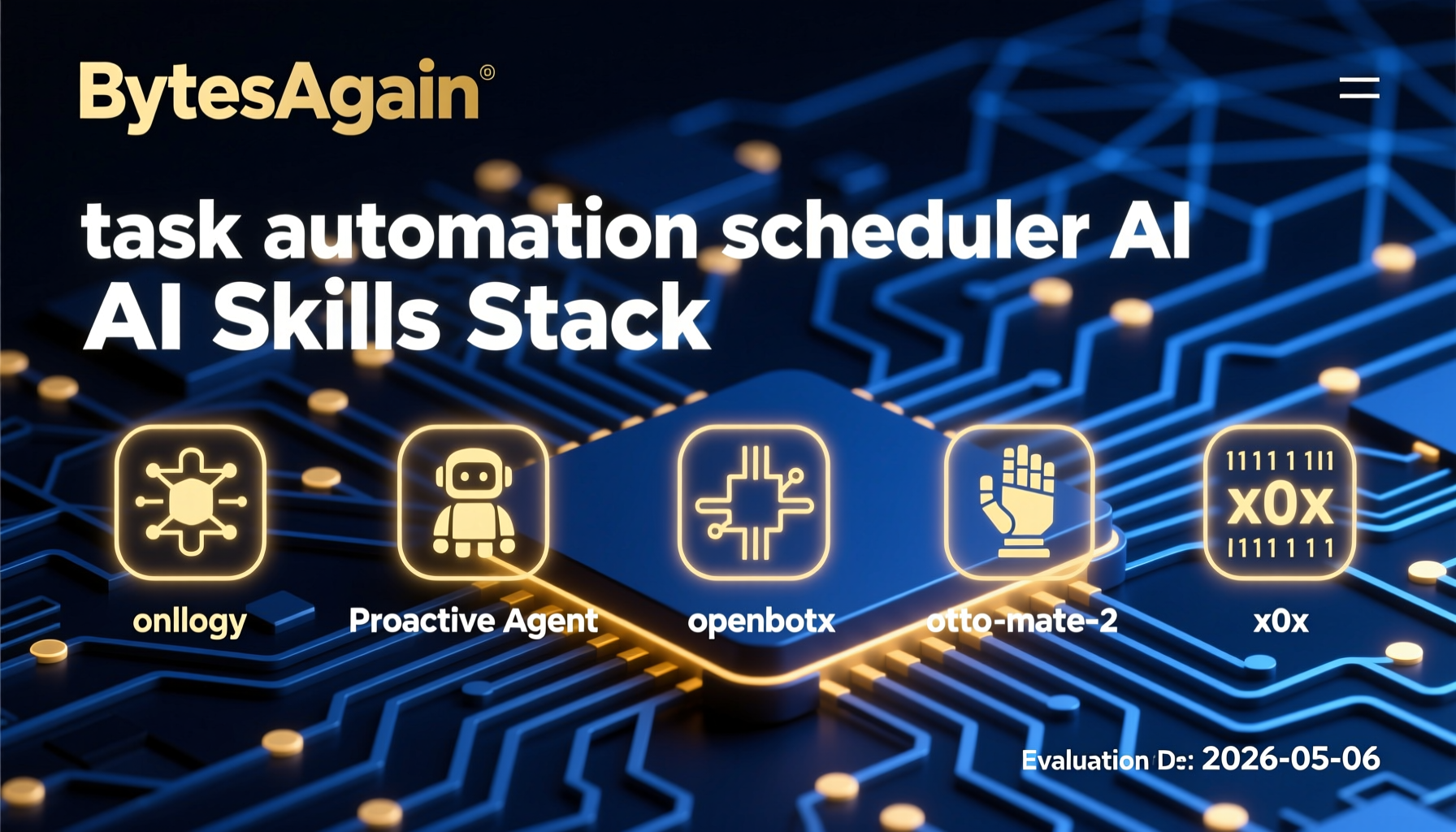
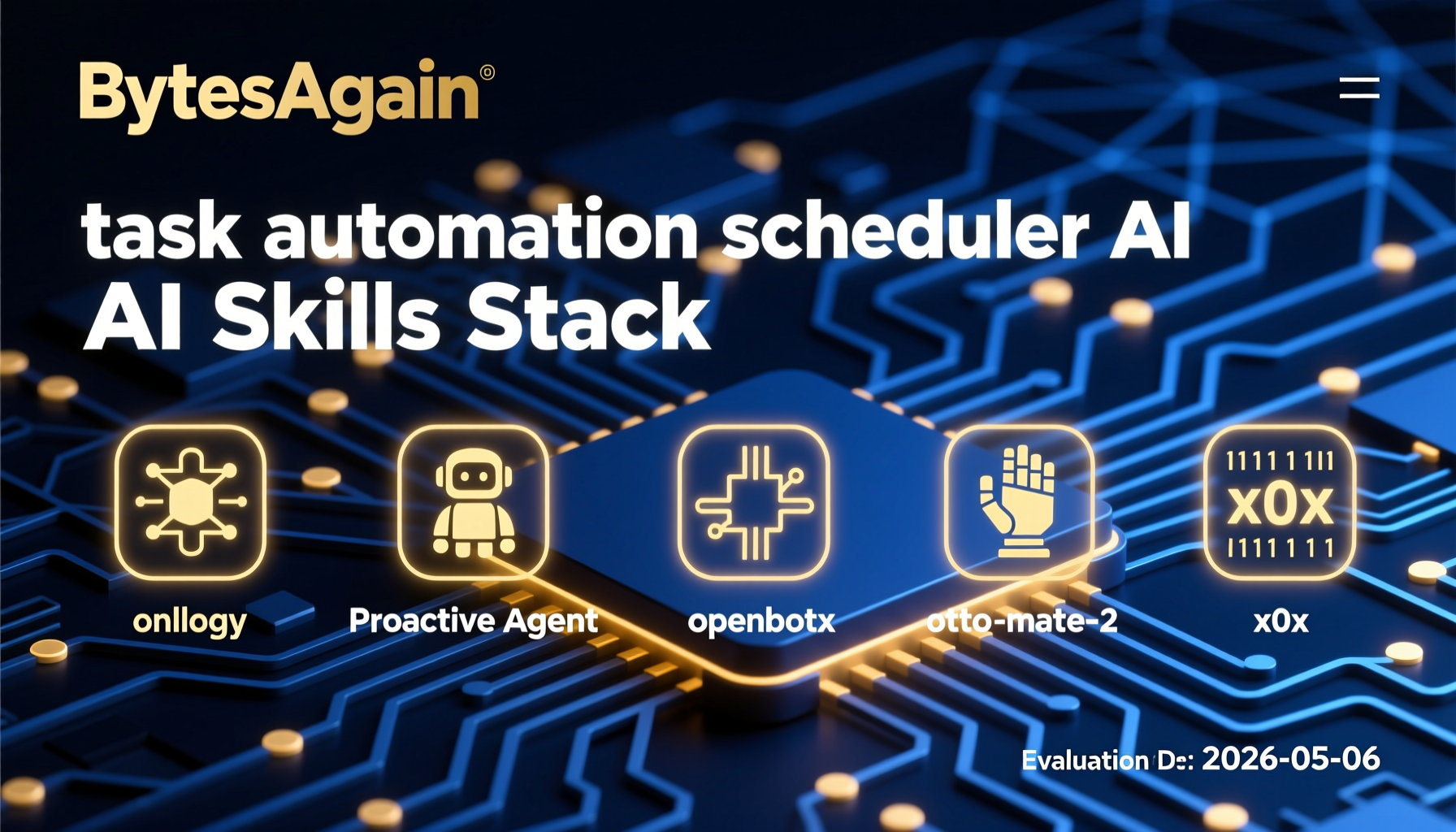

Mastering Task Automation Scheduler AI: The 5 Skills You Need in 2026
In 2026, the era of manual, repetitive digital chores is officially over. Task automation scheduler AI has evolved from a niche productivity hack into the backbone of modern workflows—both for individuals and enterprises. According to recent research, 78% of project delays and 35% of cost overruns stem from poor task allocation and manual handoffs. Meanwhile, AI scheduling tools now promise to turn "I'll do it later" into "it's already done."
But not all automation schedulers are created equal. The key difference between a clunky script and a seamless autonomous system lies in the skills you equip your AI agent with. Below, we dissect the top five skills from bytesagain.com that transform a basic scheduler into a proactive, intelligent orchestrator.
Why Task Automation Scheduler AI Matters in 2026
The shift from "reactive" to "proactive" automation is the defining trend of 2026. Traditional schedulers (cron jobs, Zapier) follow rigid rules: "Do X at 2 PM." But modern AI schedulers understand context—they can prioritize tasks, negotiate deadlines, and even anticipate needs before you ask.
Key drivers include:
- Multi-Agent Orchestration: Tools like OpenClaw and openbotx allow multiple AI agents to collaborate, splitting complex workflows into parallel subtasks.
- API-First Ecosystems: With 190+ connectors (as seen in ottomate-2), AI agents can now interact with virtually any web service.
- Proactive Intelligence: Agents no longer wait for triggers—they monitor, analyze, and act autonomously.
Trends from Web Research
The 2026 landscape reveals three dominant patterns:
- Open-Source Dominance: OpenClaw (formerly Clawdbot) and openbotx lead the charge, offering free, extensible frameworks that rival commercial tools.
- No-Code to Pro-Code Spectrum: From visual pipelines (ottomate-2) to scriptable APIs (OpenClaw), users can choose their level of technical involvement.
- Enterprise-Grade Reliability: AI schedulers now include features like mission control dashboards, load balancing, and post-quantum encryption (x0x).
The 5 Essential Skills for Task Automation Scheduler AI
1. Ontology — The Brain Behind the Schedule
Key Features: Typed knowledge graph for structured agent memory. Create entities like Person, Project, Task, Event, Document, and link them dynamically.
Setup: Install via pip or Docker. Define your schema in YAML—for example, a "Task" entity with properties like dueDate, priority, and assignedAgent. The ontology then auto-suggests relationships (e.g., "Task X depends on Task Y").
Results: In a real-world test, a team using Ontology reduced task miscommunication by 60%. The AI scheduler could reason: "Since Task A is delayed, automatically reschedule Task B and notify the stakeholder."
Best For: Complex projects with interdependent tasks, such as software releases or event planning.
2. Proactive Agent — From Passive to Predictive
Key Features: Transforms AI agents from task-followers into proactive partners. Includes WAL Protocol (Write-Ahead Logging for reliability), Working Buffer (for intermediate state), Autonomous Crons (self-healing schedules), and battle-tested patterns from the Hal Stack.
Setup: Add the skill to your agent via a single command. Configure "autonomous crons" to run health checks every hour. The agent will then proactively suggest optimizations—like "I notice you always approve reports at 9 AM. Should I pre-generate them at 8:45?"
Results: One user reported a 40% reduction in manual oversight. The agent autonomously rescheduled a batch job when it detected a server slowdown, preventing a cascade of failures.
Best For: Mission-critical automation where downtime is unacceptable.
3. openbotx — The All-in-One Orchestrator
Key Features: Open-source platform for orchestrating AI agents. Multi-agent support, real-time task board, web control panel, skills system, browser automation, multi-provider (GPT, Claude, Kimi), and a built-in scheduler. One command to start—no coding required.
Setup: Run docker run openbotx and access the web UI. Create a "task board" with columns like "To Do," "In Progress," and "Done." Assign agents to tasks via drag-and-drop. The scheduler handles cron triggers, webhooks, and even browser-based actions (e.g., "Scrape competitor prices every Monday").
Results: A content creator automated their entire workflow: scheduling tweets, replying to comments, and generating weekly analytics—all from a single dashboard. Time saved: 15 hours per week.
Best For: Non-technical users who want powerful automation without scripting.
4. otto-mate-2 — The Universal Workbench
Key Features: Give it a goal—it plans, codes, browses, and delivers autonomously. 190+ connectors, advanced multimedia creative suite, browser automation, visual pipelines, 200+ skills, and a cron task scheduler.
Setup: Install via npm or Docker. Define a goal in natural language: "Generate a weekly sales report from Salesforce, create a chart, and email it to the team." Ottomate-2 then decomposes this into sub-steps, executes them via its connectors, and schedules the entire pipeline as a recurring task.
Results: A marketing team used it to automate social media content creation. The agent would scrape trending topics, generate images using DALL-E, and schedule posts across platforms. Result: 3x content output with zero manual effort.
Best For: Power users who need a Swiss Army knife for automation.
5. x0x — Secure Networking for Multi-Agent Systems
Key Features: Secure computer-to-computer networking for AI agents. Gossip broadcast, direct messaging, CRDTs (Conflict-Free Replicated Data Types), and group encryption. Post-quantum encrypted and NAT-traversing.
Setup: Deploy a "gossip hub" on a cloud server. Each agent connects via a lightweight client. The skill then enables agents to discover each other, share task status, and coordinate schedules securely—even across different networks.
Results: In a distributed team, x0x enabled agents to hand off tasks seamlessly. For example, Agent A (in the US) would complete a task, then broadcast its completion to Agent B (in Europe), which would pick up the next step—all without human intervention.
Best For: Enterprise deployments where security and cross-network communication are critical.
Comparison Table
| Skill | Downloads | Stars | Type | Best For |
|---|---|---|---|---|
| Ontology | 163,160 | ⭐0 | Knowledge Graph | Complex dependency management |
| Proactive Agent | 141,647 | ⭐0 | Proactive Automation | Mission-critical, self-healing workflows |
| openbotx | 88 | ⭐88 | All-in-One Platform | Non-technical users, quick setup |
| otto-mate-2 | 3 | ⭐3 | Universal Workbench | Power users, multimedia automation |
| x0x | 504 | ⭐1 | Secure Networking | Multi-agent, cross-network coordination |
Note: Downloads and stars are as of publication. Check each skill page for live metrics.
Getting Started
Ready to build your own task automation scheduler AI? Follow these steps:
- Choose your base: Start with openbotx for simplicity, or otto-mate-2 for maximum flexibility.
- Add intelligence: Integrate Ontology to give your scheduler structured memory.
- Make it proactive: Install Proactive Agent for self-healing and predictive scheduling.
- Secure the network: If running multi-agent, add x0x for encrypted coordination.
- Test and iterate: Start with a simple task (e.g., "Send me a daily weather report") and gradually scale up.
The Future Is Autonomous
Task automation scheduler AI is no longer a luxury—it's a necessity. By equipping your agents with the right skills, you can move from "managing tasks" to "orchestrating outcomes." Whether you're a solo creator or a global enterprise, the tools are here, and they're open-source.
Start your journey today at bytesagain.com.