
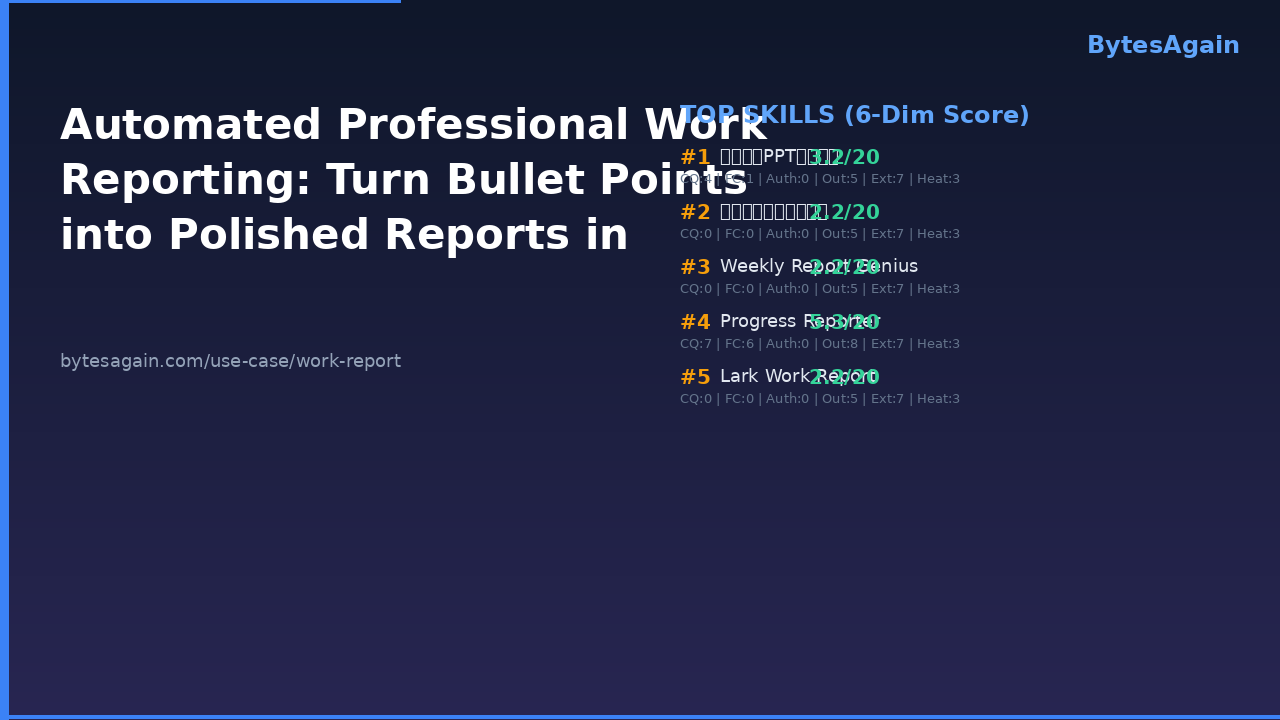
Work report is a time-sensitive internal deliverable—such as a weekly summary, monthly performance review, or project milestone update—that requires consistent structure, corporate tone, and visual clarity. It is not just documentation; it’s a communication artifact that signals accountability, progress, and strategic alignment. For teams using AI agents to automate routine knowledge work, the work report use-case delivers measurable efficiency: reduce drafting time by 70%, eliminate formatting inconsistencies, and raise the emotional intelligence (EQ) of status language—all without changing how users capture raw notes.
Why Manual Work Reporting Breaks Down
Most professionals draft reports the same way: open a blank doc or slide deck, copy-paste task fragments from chat logs or notes apps, adjust fonts and spacing, rephrase blunt updates (“bug still there”) into diplomatic language (“investigation ongoing; root cause analysis scheduled for Thursday”), and finally export or paste into Lark/Feishu. This workflow fails at scale because:
- Formatting drifts across weeks and authors
- Low-EQ phrasing triggers misalignment (e.g., “team missed deadline” vs. “timeline adjusted following scope refinement”)
- Visual presentation lags behind content quality—especially in PPT-based reviews
- Progress tracking stays siloed in personal notebooks or scattered messages
AI agents address this not by replacing judgment, but by standardizing execution. A skill like Progress Reporter runs quietly in the background, logging status every 10 minutes—not as a distraction, but as structured input for later synthesis.
From Raw Notes to Executive-Ready Output
A work report isn’t defined by volume—it’s defined by intent. Weekly summaries inform rhythm; monthly reviews feed planning; project updates align cross-functional stakeholders. Each demands distinct framing, tone, and data emphasis. That’s where purpose-built AI skills diverge from generic LLM prompts:
- Weekly Report Genius applies corporate voice rules (e.g., passive-to-active conversion, achievement-first syntax) and auto-generates narrative flow
- 中文周报日报自动生成 handles Chinese-language conventions—including honorific phrasing, hierarchical clause ordering, and compliance-aware terminology
- 工作报告PPT生成技能 builds presentation-ready decks with strict typography (Songti 48pt title, 36pt section headers, 18pt body), fixed page count (<10 slides), and a standardized closing slide (“谢谢观看”)
All three accept minimal inputs—just bullet points—and return production-grade outputs, ready for review or distribution.
Real User Workflow: How Li Wei, Project Lead at a Shanghai SaaS Firm, Saves 3.5 Hours Weekly
Li Wei manages two concurrent client implementations. Every Friday at 4 p.m., he opens BytesAgain, selects Weekly Report Genius, and pastes this raw input:
- Completed API integration testing for Client A (passed all 22 test cases)
- Delayed Client B UI handoff by 2 days due to last-minute accessibility audit
- Drafted Q3 roadmap draft — shared with PMO for feedback
- Reviewed 3 junior dev PRs
The AI agent returns a polished, 320-word English summary in under 12 seconds:
This week marked full validation of Client A’s integration layer, with all 22 test cases passing on first run. For Client B, the UI handoff was rescheduled to accommodate an unscheduled accessibility review—a proactive step ensuring WCAG 2.1 AA compliance ahead of UAT. The Q3 product roadmap draft has been circulated to the Product Management Office for alignment; initial feedback indicates strong support for prioritized epics. Additionally, three pull requests from junior developers were reviewed and merged, reinforcing our team’s cross-level code ownership practice.
He exports it directly to Lark via Lark Work Report, which performs a preflight check: confirms the target channel exists, verifies his permissions, and posts with a clean timestamped header.
💡 Practical tip: Always keep your raw bullet points verb-led and outcome-anchored (“Completed X”, “Delayed Y”, “Drafted Z”). Avoid interpretive language—the AI skill adds context and tone; you supply factual anchors.
What Makes These Skills Different From Generic AI Tools?
Generic chatbots require prompt engineering, iterative editing, and manual layout work. These AI skills are trained and constrained for one job: professional reporting. They embed:
- Corporate voice guardrails (no slang, no overconfidence, no blame language)
- Structural templates (problem → action → result → next step)
- Platform-aware publishing logic (e.g., Lark Work Report respects Feishu’s message threading and @mention syntax)
They also integrate tightly with existing tools—not as standalone apps, but as embedded agents in workflows you already use.
Frequently Asked Questions
How do I choose between weekly, monthly, and project-based report skills?
- Use Weekly Report Genius or 中文周报日报自动生成 for recurring cadence-driven updates
- Use 工作报告PPT生成技能 when visuals matter more than prose—e.g., steering committee briefings
- Use Progress Reporter when real-time visibility is needed during active sprints or high-stakes deliveries
Can these skills pull data from Jira, Notion, or DingTalk?
Not natively—but they accept copy-pasted structured text. Many users pre-process task lists from those tools using simple filters, then feed the output into the skill.
Do I need to write prompts or fine-tune models?
No. Each skill is pre-configured with domain-specific rules. You provide bullets. It delivers reports.
Find more AI agent skills at BytesAgain.