

Published by BytesAgain · May 2026
Which AI Agent Skill Should You Use for UX Design? A Practical Comparison
Designing a great user experience is no longer a purely manual craft. With the rise of AI agents, you can automate research, generate interface variants, and run usability checks in minutes rather than days. But to get the most out of an AI agent for UX design, you need the right skill. The wrong choice leads to wasted prompts, fragmented workflows, or outputs that don't integrate with your development pipeline.
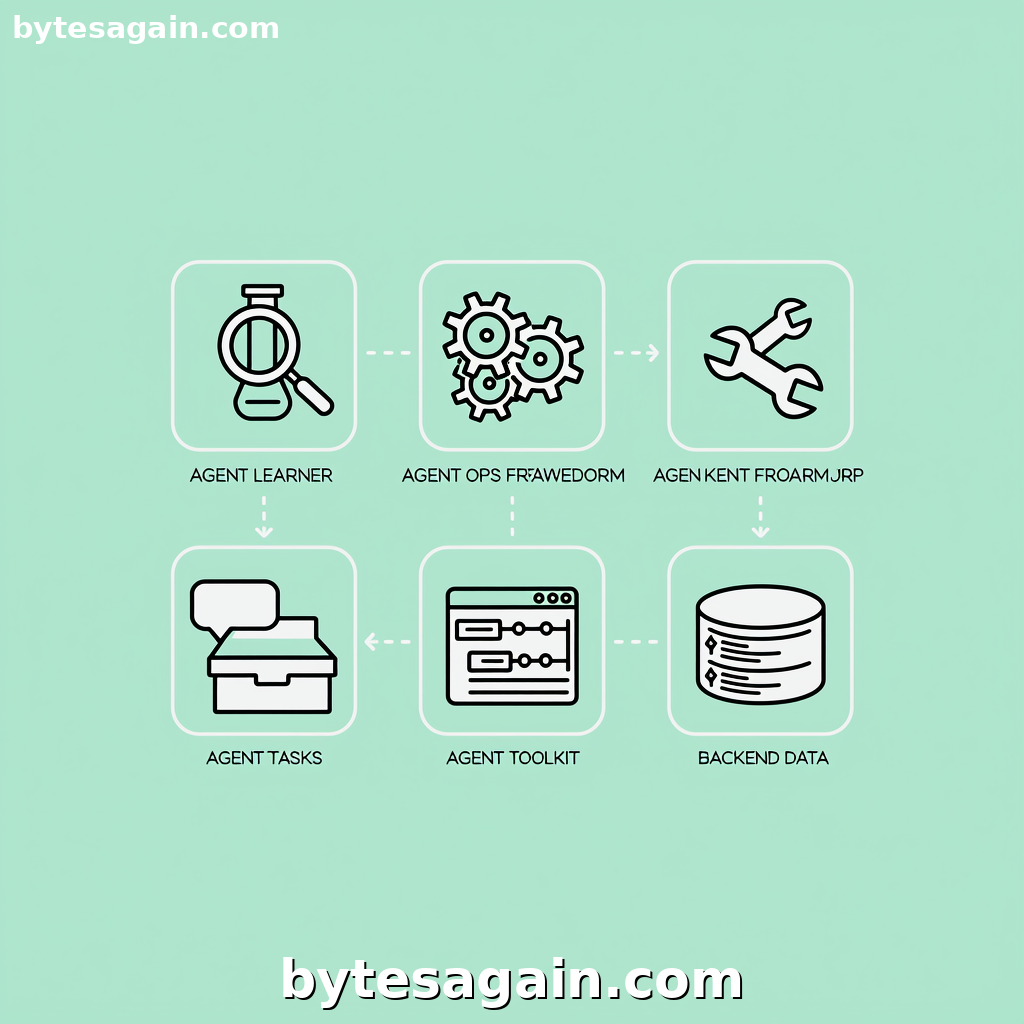
At BytesAgain, the AI Agent for UX Design use case brings together five distinct skills. Each one serves a different part of the design-to-deployment cycle. This article compares them head-to-head, so you can pick the skill that matches your actual task.
What Each Skill Does
Let's start with a quick overview of the five skills available.
Agent Learner is built for testing and optimization. It benchmarks agent prompts and compares evaluation results. If you are tuning how your AI agent responds to design briefs or A/B testing different prompt strategies for user research, this skill gives you the data to decide which approach works best.
Agent Ops Framework is a reference toolkit for running multi-agent systems. It covers architectures like ReAct and chain-of-thought, tool-use conventions, and prompt injection defense. For a UX design agent that needs to coordinate multiple sub-agents—say, one for wireframing and another for copywriting—this skill provides the structural blueprint.
Agent Toolkit focuses on configuring and benchmarking the tools your agent uses. When you need to set up agent workflows, compare different integration patterns, or evaluate which external APIs your design agent should call, this is the skill to reach for.
Database Design is a specialized assistant for database schema work. It handles table design, normalization, indexing strategies, migration scripts, test data generation, and ER diagram descriptions. If your UX design agent needs to model user data, store design decisions, or generate backend schemas that match your frontend prototypes, this skill is essential.
Developer Agent orchestrates the full software development cycle. It coordinates with tools like Cursor Agent, manages git workflows, and ensures quality delivery. When your UX design agent produces a prototype that needs to be turned into production code, this skill bridges the gap from design to implementation.
Side-by-Side Comparison
All five skills are useful, but they solve very different problems. Here is how they compare across key dimensions.
Scope of work
- Agent Learner is narrow and deep. It handles only prompt and evaluation benchmarking. You use it when you already have an agent and need to improve its outputs.
- Agent Ops Framework is broad and architectural. It gives you the patterns to build a reliable multi-agent system from scratch.
- Agent Toolkit is practical and integration-focused. It helps you pick and configure the tools your agent will actually use.
- Database Design is domain-specific. It only covers database-related tasks, but it covers them thoroughly.
- Developer Agent is end-to-end. It takes a design or specification and drives it all the way to a deployed feature.
Best use case in UX design
- Agent Learner: You are running usability tests with an AI agent and want to compare which prompt structure yields the most actionable feedback.
- Agent Ops Framework: You are building a design assistant that has one agent for competitor analysis, another for color palette generation, and a third for accessibility checks. You need them to communicate reliably.
- Agent Toolkit: You want your UX agent to pull data from a design system API, run a Figma plugin, and export results to a project management tool. This skill helps you wire those connections.
- Database Design: Your design agent needs to generate a normalized schema for a user profile system, complete with indexes and migration scripts.
- Developer Agent: After your agent produces a high-fidelity mockup, you need it to generate React components, commit the code, and open a pull request.
Skill level required
- Agent Learner suits anyone comfortable with running experiments and comparing metrics.
- Agent Ops Framework is better for architects and senior engineers designing agent systems.
- Agent Toolkit works for developers who need to integrate agents with existing tools.
- Database Design is for developers and data modelers who need precise schema outputs.
- Developer Agent is for full-stack developers who want to automate the delivery pipeline.
Real-World Scenario: Redesigning a Checkout Flow
Imagine you are leading a UX redesign for an e-commerce checkout. You want an AI agent to help with user research, wireframing, database modeling, and implementation. Here is how you would apply the skills.
You start with Agent Learner to benchmark different prompt strategies. You test whether the agent gives better usability insights when you ask "List three friction points" versus "Describe the user's emotional state at each step." The skill tells you which prompt yields more specific, actionable recommendations.
Next, you use Agent Ops Framework to design the agent architecture. You decide on a chain-of-thought pattern where one agent analyzes session recordings, another generates alternative layouts, and a third checks for accessibility compliance. The framework ensures these agents pass context correctly and avoid repeating work.
For the actual tool connections, you turn to Agent Toolkit. Your design agent needs to query a heatmap analytics API, fetch the brand's design tokens from a shared library, and push wireframes to a collaboration board. The toolkit helps you configure each integration and benchmark response times.
When the wireframes are ready, you need a database to support the new checkout flow. Database Design generates the schema for order items, payment methods, and shipping addresses. It creates the migration scripts and test data so your backend team can start immediately.
Finally, Developer Agent takes the approved designs and generates the frontend components. It coordinates with Cursor Agent to write the code, manages git branches, runs tests, and opens a pull request for review.
Actionable advice: Do not try to use all five skills at once. Start with the skill that matches your biggest bottleneck. If your agent gives inconsistent responses, begin with Agent Learner. If you cannot connect your agent to your tools, start with Agent Toolkit. Add skills one at a time as your workflow matures.
Which Skill Is Right for You?
The choice depends on your role and your immediate goal.
UX researchers and designers who want to experiment with AI prompts and evaluate outputs should start with Agent Learner. It gives you the data to make confident decisions about how your agent behaves.
System architects and engineering leads building a multi-agent design assistant should begin with Agent Ops Framework. It provides the patterns that keep your system stable and scalable.
Integration-focused developers who need their agent to talk to existing tools and APIs will benefit most from Agent Toolkit. It simplifies the setup and benchmarking of tool connections.
Backend developers and data modelers working on the data layer of a design project should use Database Design. It automates the tedious parts of schema creation and migration.
Full-stack developers who want to go from design to deployed code in one flow should rely on Developer Agent. It closes the loop between design output and production delivery.
Each skill has a specific strength. None is universally better. The smartest approach is to assess where your current workflow breaks down and pick the skill that fixes that gap.
Start Building Your UX Design Agent Today
The AI Agent for UX Design use case gives you a curated set of skills that cover every phase of the design process. Whether you are tuning prompts, architecting multi-agent systems, connecting tools, modeling databases, or shipping code, there is a skill ready to help.
Browse the skills mentioned here and find the ones that match your next project. Each skill page includes detailed documentation and examples to get you started quickly.
Find more AI agent skills at BytesAgain.